23
SIGMA Manual Number 41018
Revision AR
Activating a Drug Library
The pump must be on and in the idle state (not running) for the new drug library to be loaded auto-
matically to the pump.
The pump screen displays the status bar as the library is being installed. A confirmation screen will
be displayed when the download is complete. Press OK.
If the pump is running, the image may appear in the upper right corner next to one of the wireless
icons indicating that a new drug library is now available.
To see the new library that is available from the run screen
1. Press the OPTIONS softkey.
2. Use the arrow buttons to select VIEW INFORMATION and press OK.
3. Use the arrow buttons to select Library Information and press OK.
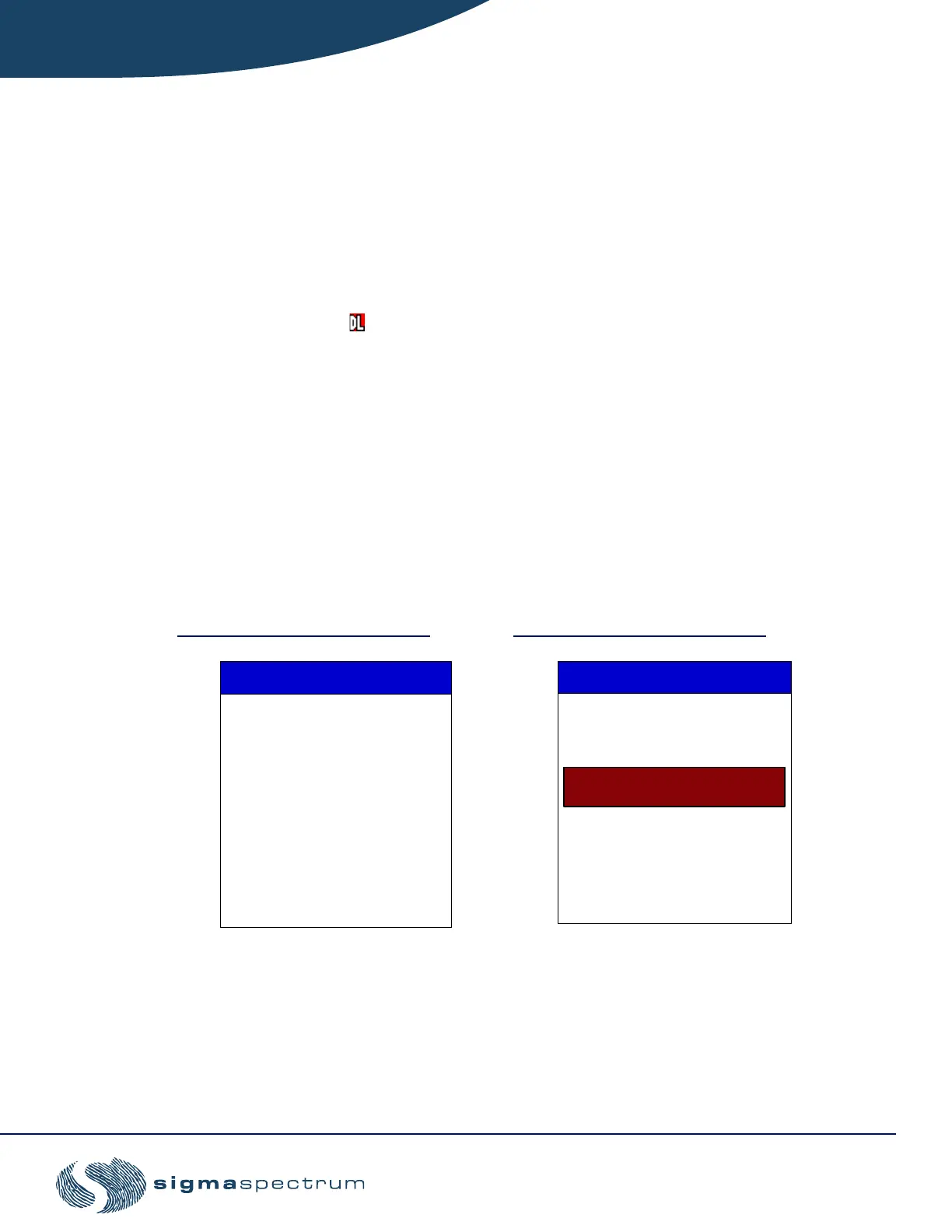
The Library Information screen displays the current active drug library information and the
queued (new) drug library that is ready to be activated.
4. Press the EXIT softkey to return to the run screen.
5. Stop the pump and clear the infusion program to load the new drug library that is avail-
able.
Figure 11. Library Information Figure 12. Library Update
Name:
LIBRARY INFO
Date Modified:
12/12/05
Date Modified:
1/30/06
Version: 0 Format: 4
RefLibraryV4
RefLibraryV4.1
0
Queued Drug Library
Name:
Active Drug Library
Version: 1 Format: 4
Clear infusion(s) to activate
queued drug library
UPDATE DRUG LIB
Date Modified: 1/30/06
New drug library activated
RefLibraryV4.1
Name:
Version: 1
PRESS OK



 To Next Page