EasyManua.ls Logo

SII LP-1010 - User Manual

SII LP-1010
290 pages
Print Icon
To Next Page IconTo Next Page
Loading...
User's Guide
Read this User's Guide to use the plotter safely and
properly. Keep this manual in a place where you
can quickly access it at any time.
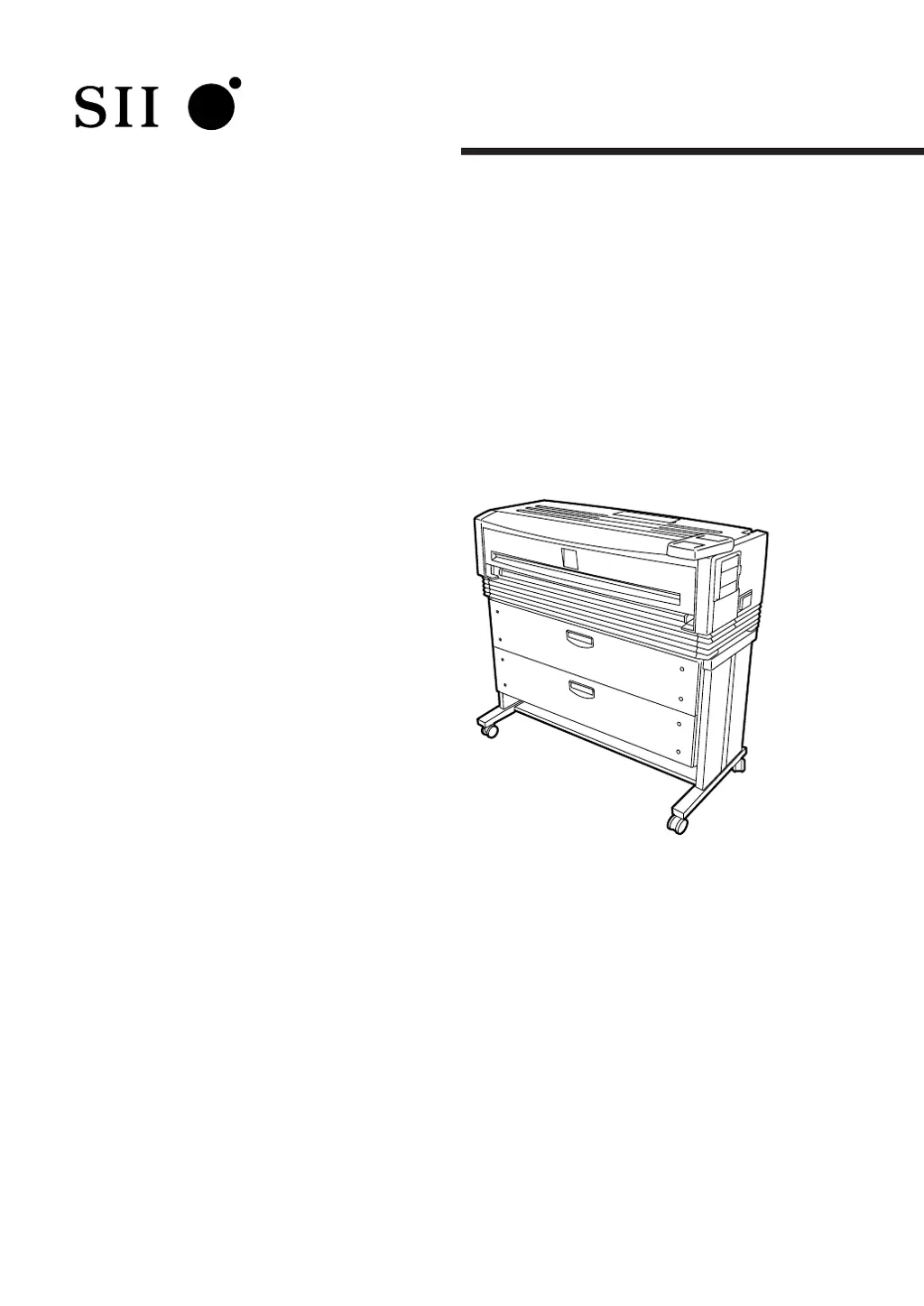
Black-and-White Raster Plotter
LP-1010
LP-1010L
Seiko I Infotech Inc.

Table of Contents

Questions and Answers

Summary

Getting Started

Features

Details the plotter's capabilities and specifications.

Operating Conditions & Installation

Outlines environmental requirements and physical space needs for plotter use.

Supported Paper and Spool Memory

Lists compatible paper types and explains spool memory configuration.

Part Identification

Identifies and describes the function of each plotter component.

Basic Operations

Powering Up and Initial Setup

Details procedures for turning the plotter on and initial configuration.

Paper Handling and Replacement

Step-by-step guide for loading and replacing paper rolls.

Consumable Replacement

Covers procedures for replacing toner, waste toner, and process cartridges.

Printing Job Management

Covers pausing, continuing, canceling, and additional printing of jobs.

Using Paper Series and Web Functions

Details how to configure and use various paper series and web features.

Menu System Overview

Channels, Ports, and Data Formats

Explains device interfaces, ports, and supported data formats.

Job Management and Settings Menu

Details job management and introduces the main settings menus.

Menu Navigation and Parameter Access

Lists configurable items and describes menu screen navigation.

Basic Menu Operations

Menu Navigation and Parameter Input

Details how to navigate menus and input/change parameters.

Setup Menu Parameters

Print Parameter Configuration Details

Lists and explains various print parameters configurable in the Setup menu.

Device Menu Settings

Engine Operating Conditions Configuration

Configures operating parameters for the plotter's engine.

Paper Settings Configuration

Media Type and Series Selection

Allows selection of paper type and series for loaded rolls.

Function Menu Operations

Plotter Function Execution Guide

Details how to execute functions like printing logs and self-plots.

Protocol Menu Configuration

Communication Protocol Settings

Configures protocols for Ethernet and parallel interfaces.

Reset Functions

System and Port Reset Procedures

Guides on resetting system or port communication settings.

System Menu Configuration

Communication Parameter Setup

Configures communication parameters for Ethernet, parallel, and USB interfaces.

Ethernet Communication Setup

Ethernet Parameter Details

Details all configurable parameters for the Ethernet interface.

Terioplot Software

Terioplot Overview and Requirements

Introduction to Terioplot, its capabilities, and hardware needs.

Terioplot Configuration and Restrictions

Information on configuring the plotter for Terioplot and its limitations.

Troubleshooting Guide

Initial Troubleshooting Checks

Provides initial checks for common operational issues.

Error Message and Symptom Resolution

Explains how to address specific error messages and symptoms.

Log Management and Network Issues

Explains error logs and troubleshooting for Ethernet communication problems.

Print Quality and Abnormal Sounds

Addresses common problems affecting print quality and unusual noises.

Appendix

Plotter Specifications and Menu Structure

Provides detailed technical specifications and menu hierarchy diagrams.

Command Lists

Comprehensive list of HP-GL, HP-GL/2, HP RTL, and D-SCAN commands.

SII LP-1010 Specifications

General IconGeneral
ModelLP-1010
CategoryPlotter
Media sizeA4
InterfaceParallel
Power Requirements100-240V, 50/60Hz