1-14
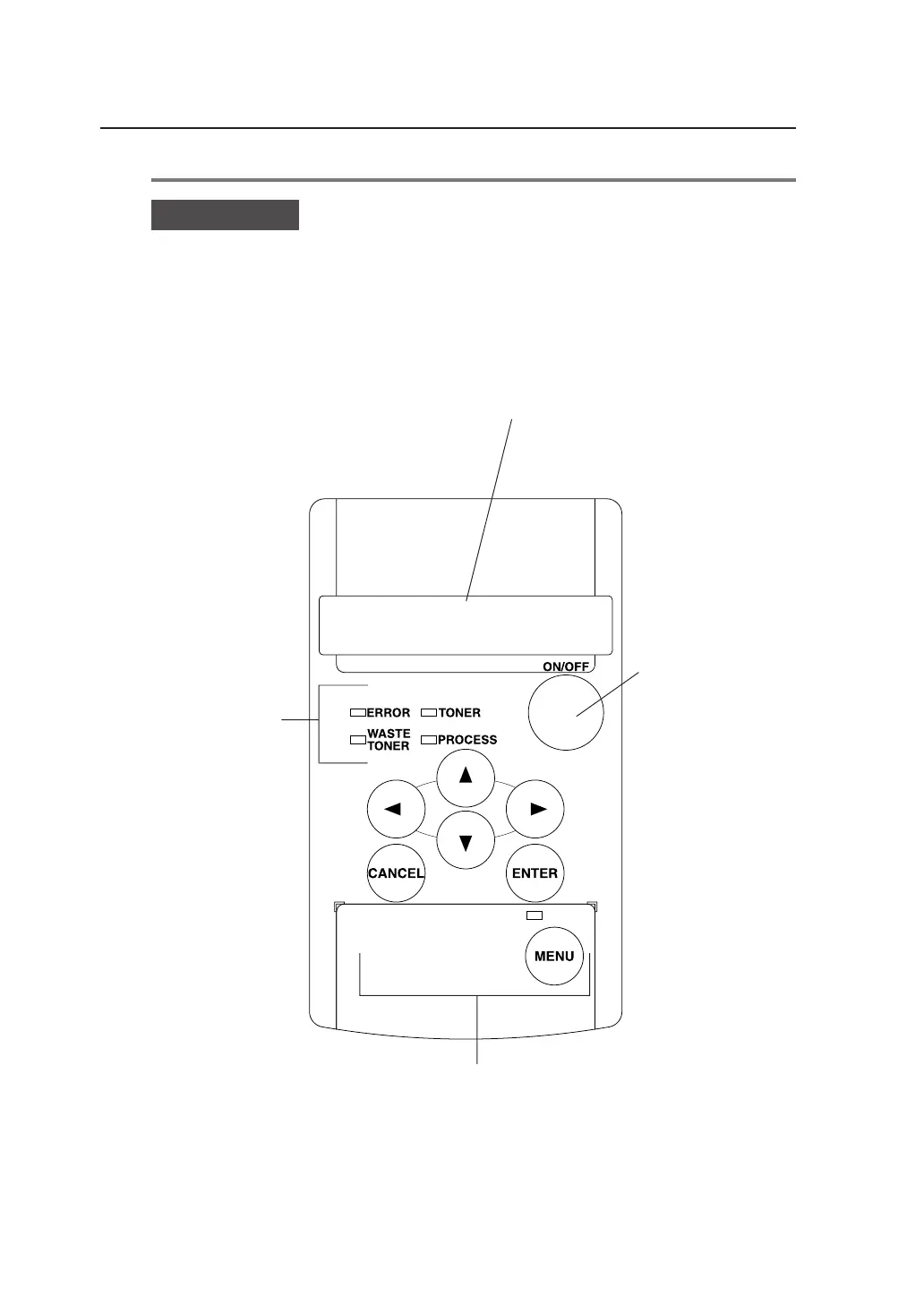
Control panel
The keys, LEDs and LCD are laid out on the control panel as illustrated in
the following diagram.
2 LCD
The status of this device, as well as a
menu to set the device functions appears
on a 20-digit, 2-line display.
1 LEDs
The device status is
indicated by LED’s on,
flashing, and off.
3 Keys
Use these keys to set device functions.
4 Power key
Use this key to turn
ON/OFF this device.



 To Next Page