3-12
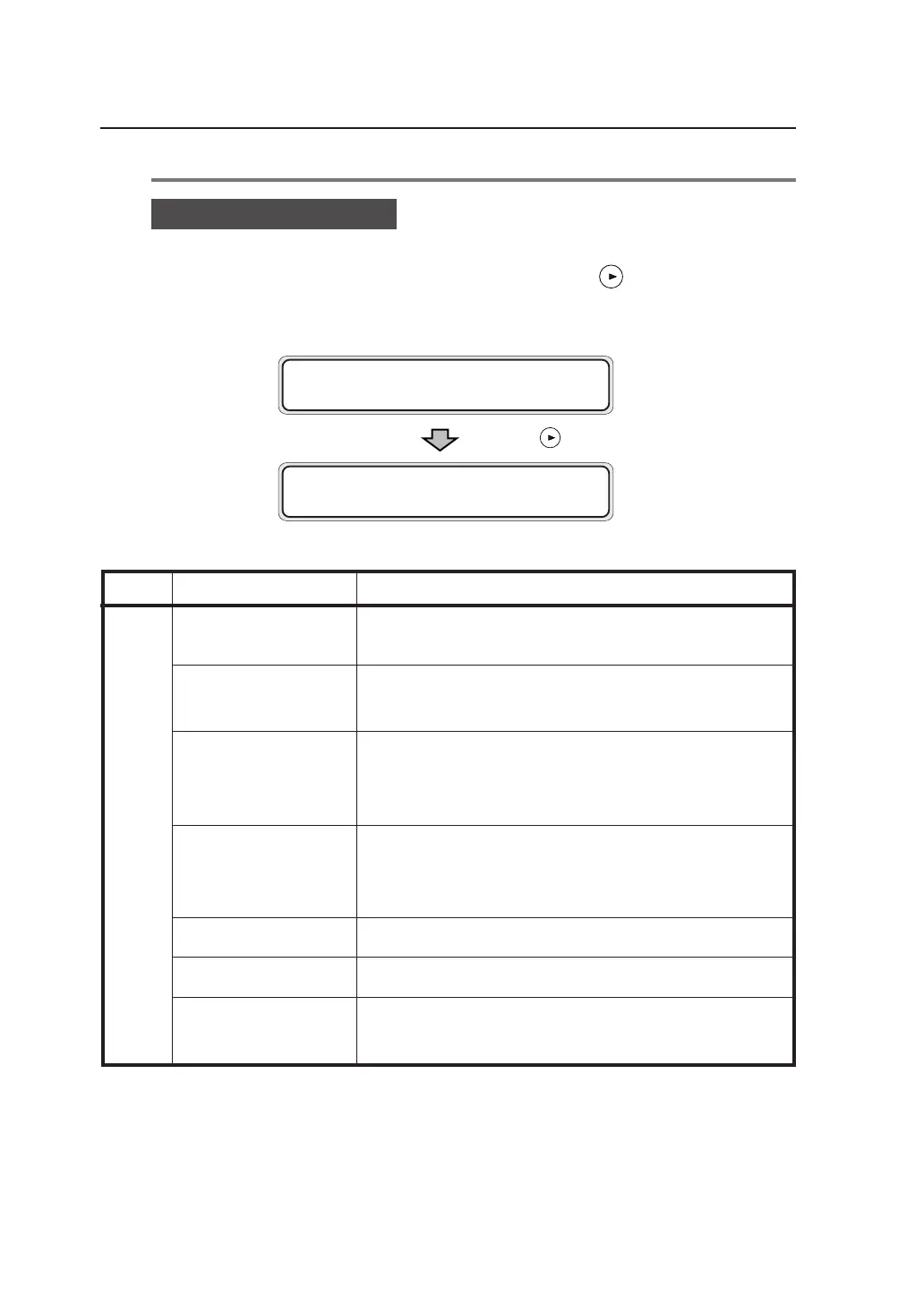
Device menu “DEVICE”
From the display indicated below, press the key to enter the Device
menu.
Menu Item Functions
POWER SAVE EFCT
Sets the power saving mode level designed to reduce power
consumption.
POWER SAVE Sets the time until the device enters the power saving
mode.
EDGE CUT TIMER Sets the data standby time to automatically have the paper
roll end cut before plotting using data received after a
Device Data standby status has continued for a while.
DOOR OPEN CUT To plot the first data after the roll door is opened and
closed, sets whether to start plotting after the end of the
roll paper is automatically cut.
DENSITY Adjusts the printing density.
TRACING PAP. MODE
Sets the tracing paper printing mode.
BOTTLE MAINT. Sets whether the maintenance of waste toner bottle starts
automatically or manually.
Press the key.
MENU
#DEV I CE
#POWER SAVE EFCT
>H IGH



 To Next Page