4-5
Chapter 4 Basic Menu Operation
■Choose input method
1 Press the key to get ready for input.
2 Change the parameters using the (or ) key.
3 Select the input using the key.
Cancel the change using the key.
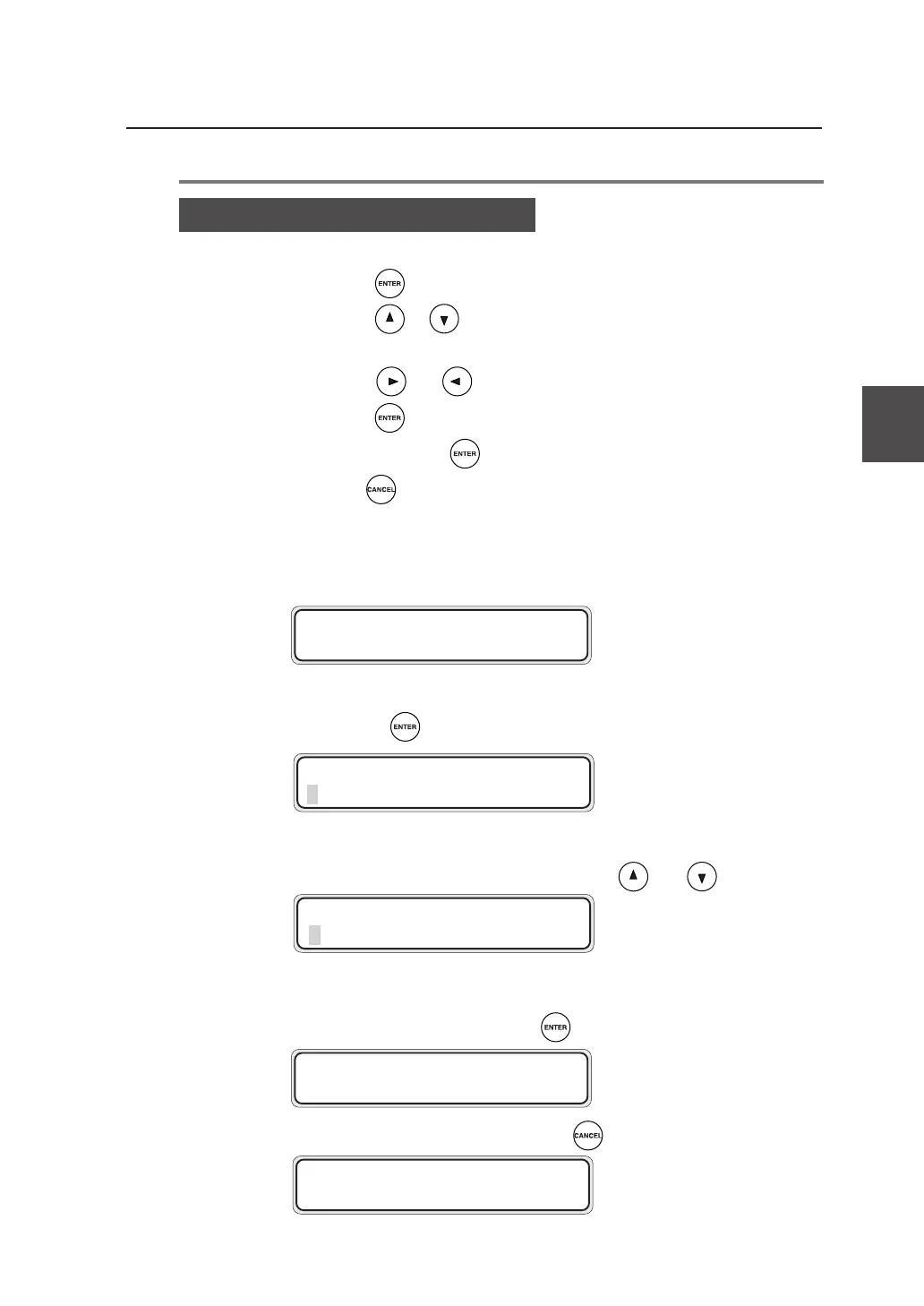
▼Offline menu operation
#AUTO SUPPLY
>CONT MODE
#AUTO SUPPLY
✽ CONT MODE
#AUTO SUPPLY
✽ OPT I MAL MODE
#AUTO SUPPLY
>OPT I MAL MODE
#AUTO SUPPLY
>CONT MODE
Setting or changing the parameters
Press the key to change the parameters.
Press the or key to select a parameter.
Shift the digits of a numerical value or character to enter a desired one
using the and keys.
Press the key to select the parameter.
In some menus, the key is used to execute the respective functions.
Use the key to cancel the parameter entered.
(Cancellation of setting)



 To Next Page