2-21
Chapter 2 Basic operations
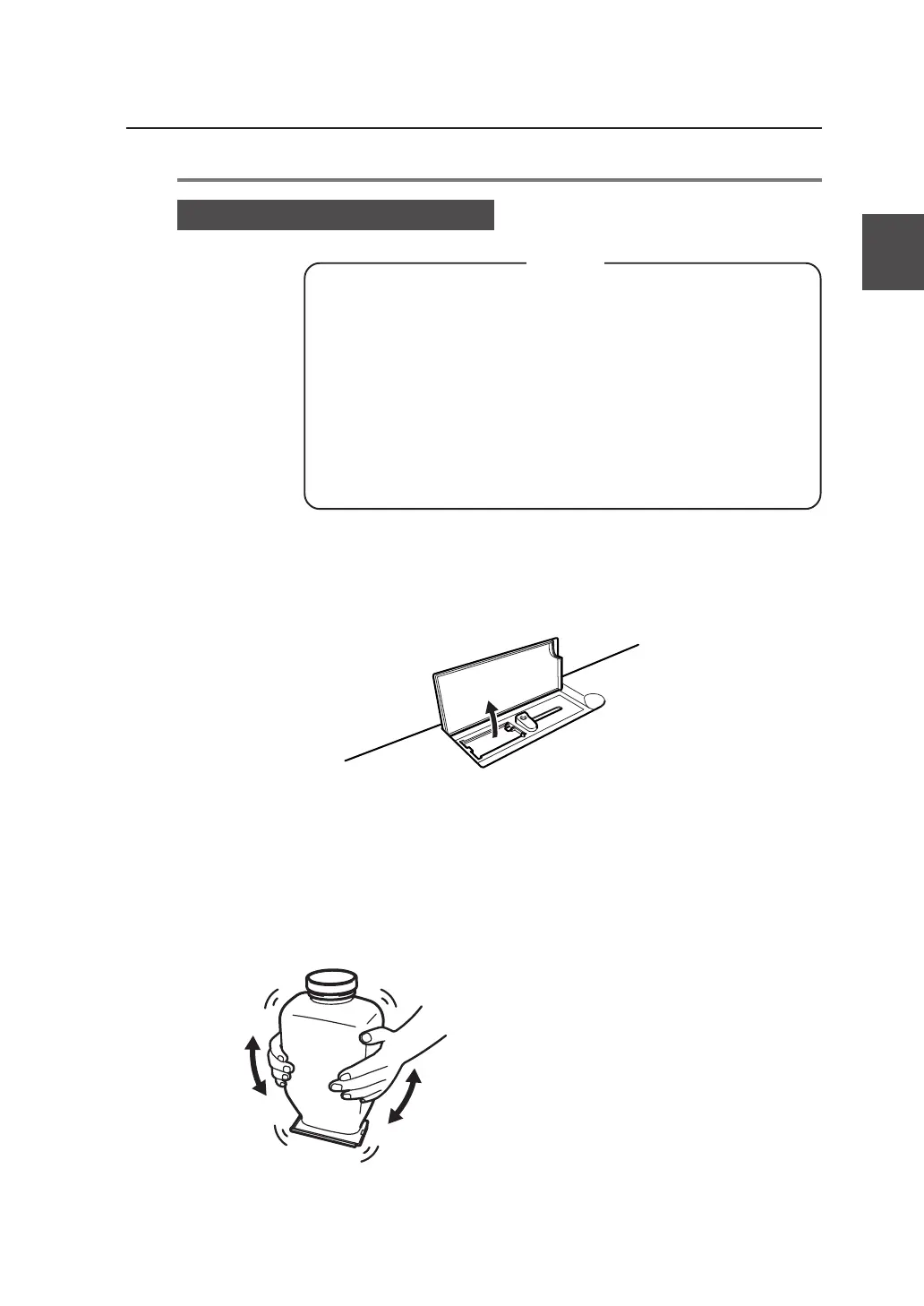
1 Open the toner cover.
2 Take out the new toner cartridge from the package.
3 Mix the toner by shaking the new toner cartridge.
Shake it strongly up, down, left and right, five or
six times.
Toner replacement procedures
▼Replacing the toner
Notes
◆Toner should be replaced only when the device power is On.
If the toner is replaced while the power is Off, the device will
not be able to detect the amount of toner and an error status
will not be cancelled even when toner has been replaced
correctly.
◆Replace toner after plotting finishes. Replacing the toner
during plotting may cause the operation to stop and the
plotting data to be lost.



 To Next Page