11-13
Chapter 11 "SYSTEM" menu
▼Setting items
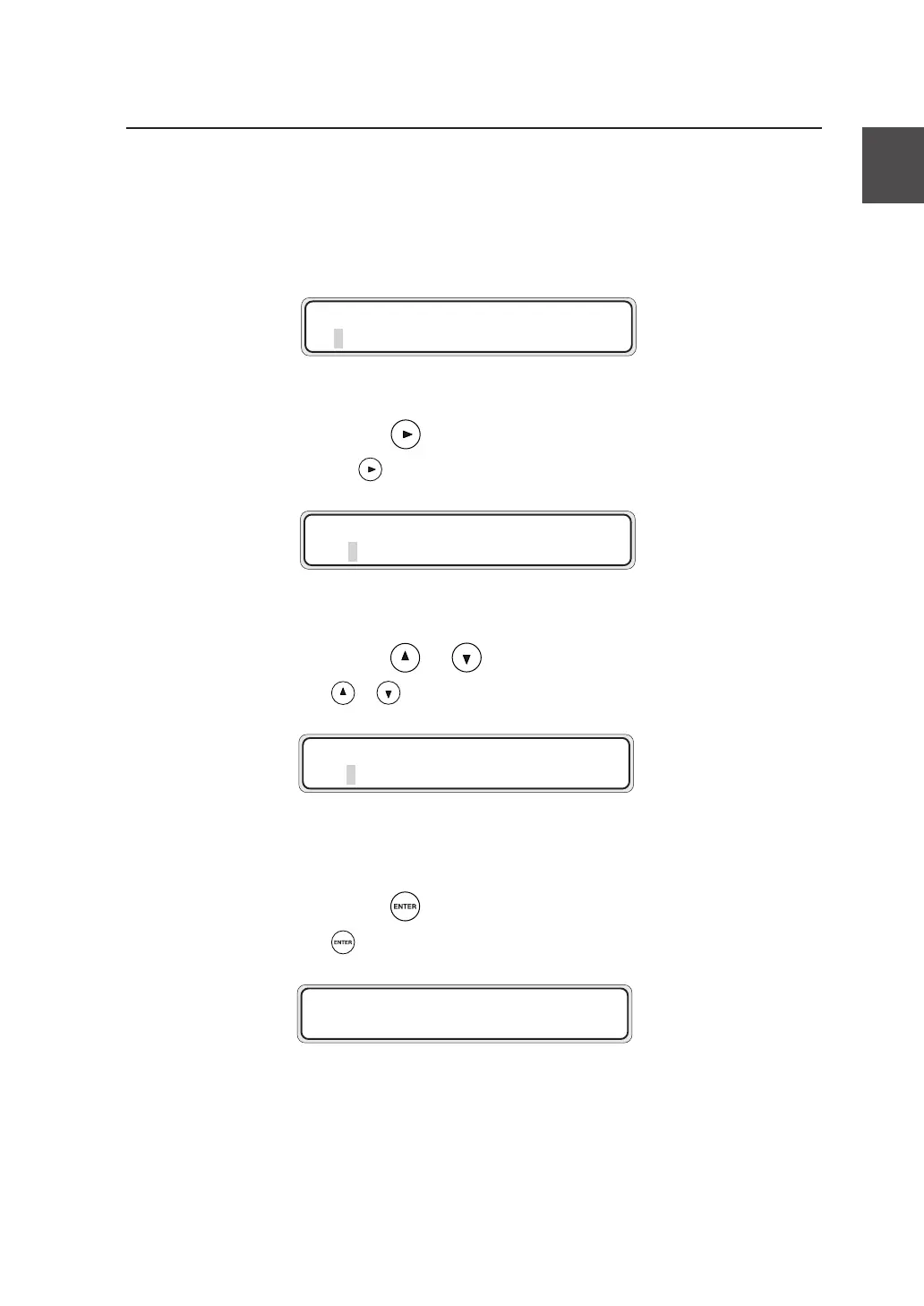
When the administrator password is specified, the following password
verification window appears before proceeding to the menu screen.
Enter the administrator password according to the procedure given
below.
1 Press the key .
Pressthe keyispressed,thedigitofnumeric
valuecanbemoved.
2 Press the or key.
Ifthe or keyispressed,numericvalue
canbechanged.
Repeat the Steps 1 and 2 to enter the eight-digit administrator password.
3 Press the key.
Ifthe keyispressed,thescreenchangesas
shownbelow.
#ADM I N PASSWORD
✽ 00000000
#ADM I N PASSWORD
✽ 0 0000000
#ADM I N PASSWORD
✽ 0 2000000
MENU
#SETUP


 To Next Page
 Loading...