Copyright Silca 2006 9
Operating Manual - English SBB
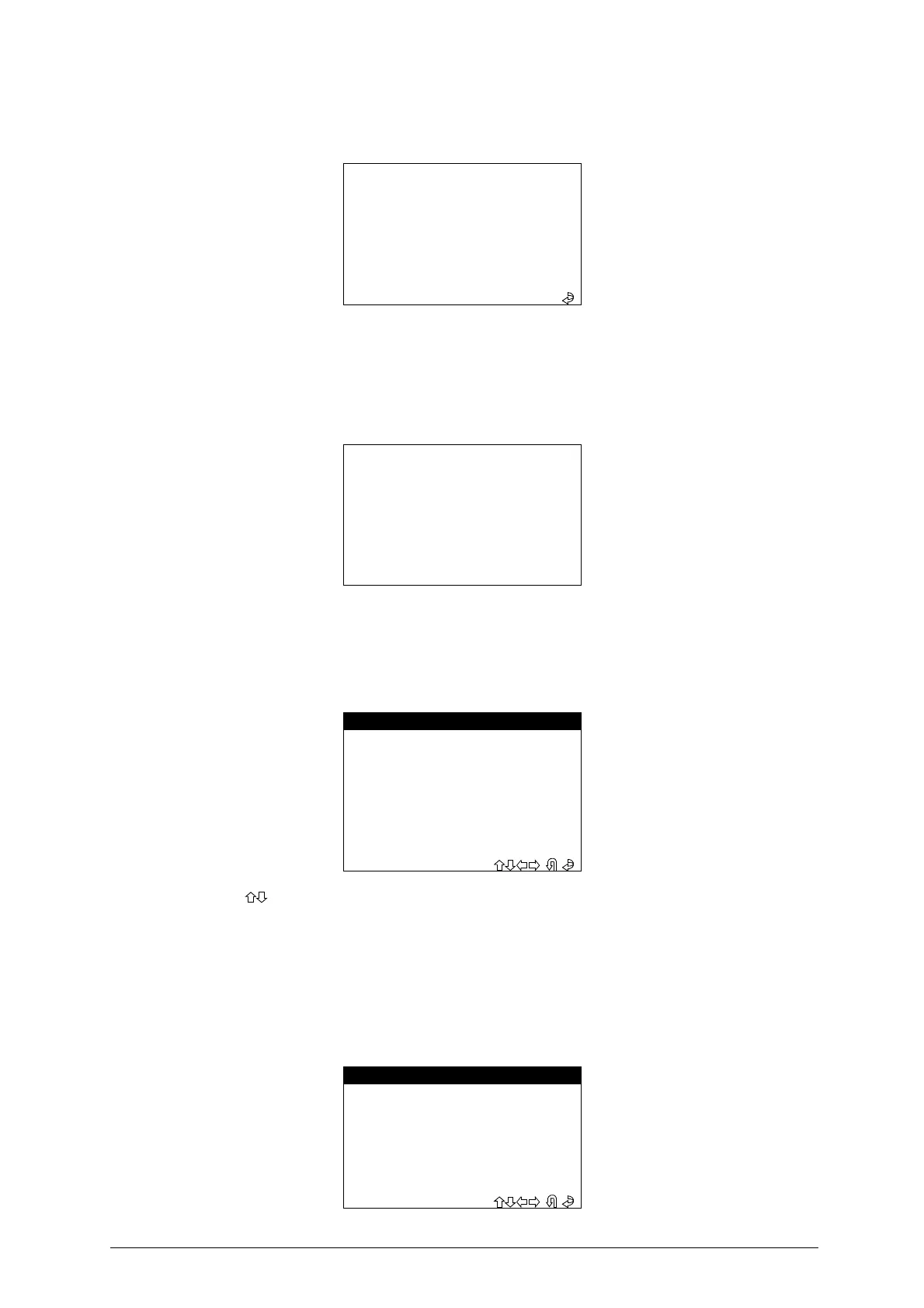
WRONG PASSWORD
If a wrong password has been entered, a beep advises the user and the display shows
:
-
Repeat the operation and press
ENTER
.
6.2.1 PASSWORD (MEMORIZED)
If the password has already been memorized on the machine (chap. 6.6.6 "MEMORIZE PASSWORD", page
19), when
F1
is selected the following message appears:
Wait a few seconds for the display to show the main menu
.
6.3 MAIN MENU
There are two ways to choose the menu
:
-
Use the
, arrow keys for selection then press
ENTER
, or
digit the number
corresponding to the
function.
6.4 IMMOBILIZER MENU / REMOTE CONTROLS
This function contains the database of vehicle
makes / models / years
for which the device is enabled and
can carry out the specific functions involved.
-Select
“IMMOBILIZER/REMOTE CONTROLS”
;
from the MAIN MENU to view a list of car makes on the
display
.
WRONG PASSWORD
INSERT PASSWORD:
XXXXXXXX
PASSWORD SAVED
- MAIN MENU -
1 - IMMOBILIZER
2 - REMOTE CONTROLS
> 3 - PIN CODE SERVICE
4 - SET UP
5 - DATA BASE
6 - TEST
- MENU IMMOBILIZER -
AUDI
SEAT
SKODA
> VOLKSWAGEN
OPEL
FORD


 To Next Page