12 Copyright Silca 2006
SBB Operating Manual - English
6.5.1.3 COMMUNICATION PROCEDURE FOR PIN CODE READING
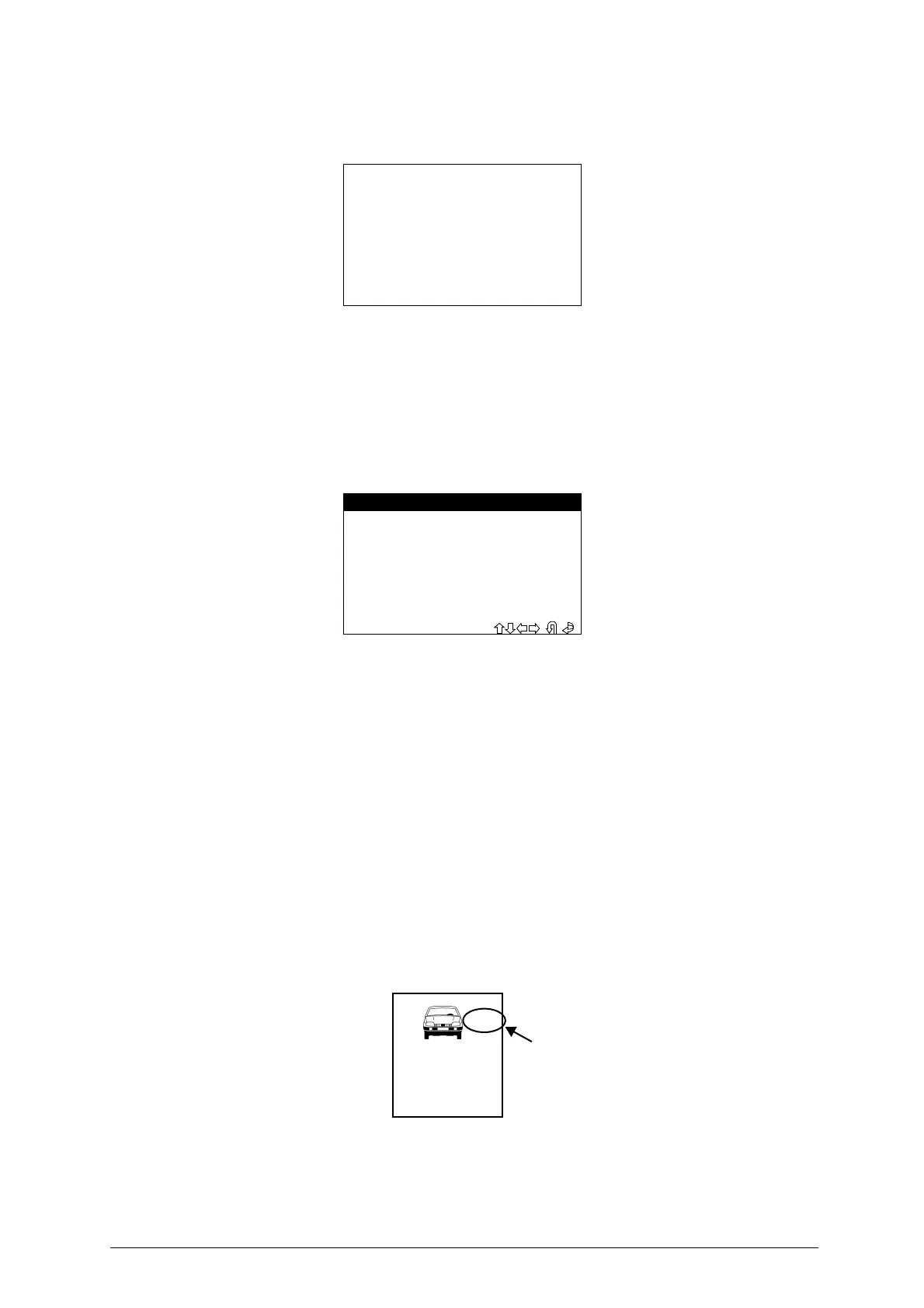
The display shows
:
The communication procedure starts with the vehicle control panel memory. Different screens may
appear, according to the type of control panel on the vehicle
.
6.5.2 VAG - 7-4 PIN CONV.
This function is used to convert a 7-digit pin code (issued by the dealer) to a 4-digit pin code for use on
VOLKSWAGEN
®
, AUDI
®
, SEAT
®
and SKODA
®
vehicles.
- To activate the function select “PIN CODE SERVICE”, then “VAG PIN CODE”.
Press
ENTER
.
-
To activate the function, select
ENTER
.
- Press
ESC
to exit.
6.5.2.1 PIN 7
This is a 7-digit code issued by the dealer
.
How to apply for the code
:
-
Use the function “READ IMMO ID” in SBB to read the series number of the central unit
.
-
Provide the authorized dealer with the following data
:
•
Central unit series number
•
Chassis number
•
Copy of log book
•
ID document for applicant
6.5.2.2 DEALER
This is the ID code for the authorized dealer (different from dealer to dealer) who issues the 7-digit code
.
The code is included in the rubber stamp used by the dealer to validate work on the vehicle
.
The stamp shown above is often found in the vehicle maintenance booklet
.
-
To activate the function, select
“
DEALER
” and press
ENTER
.
Please wait
connecting...
- VAG CONVERTER -
PIN 7
DEALER
IMPORTER
> PIN 4
DATE (XX/XX/XXXX)
EXIT
01234444
CAR MAKE
DEALER
NAME
ADDRESS


 To Next Page