20 Copyright Silca 2006
SBB Operating Manual - English
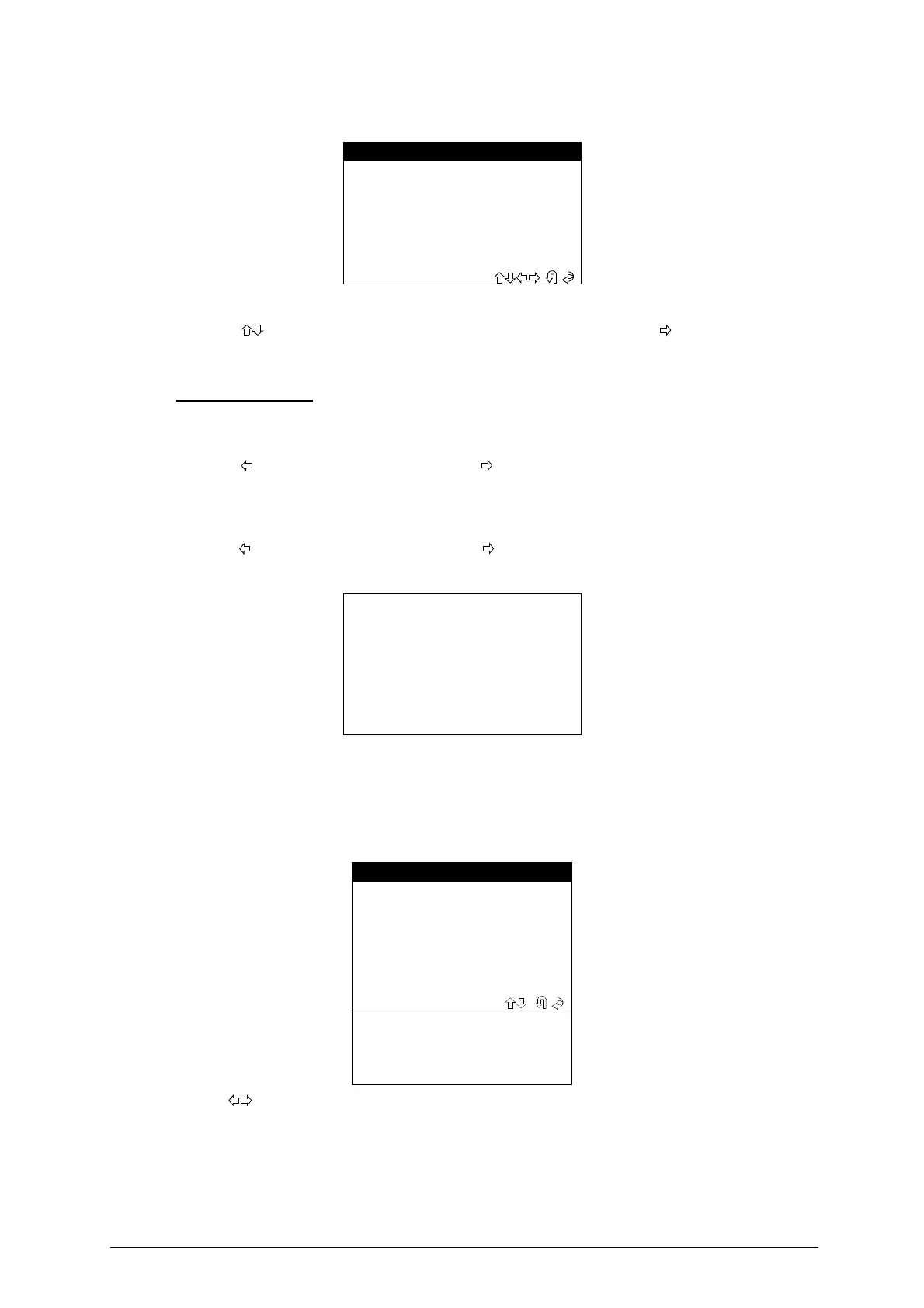
Select
“SEARCH”
from the
“ARCHIVE”
; menu; the display will show:
-
Use the
,
, arrow keys to place the cursor in the required field and press
.
-
Enter the characters to be searched for
.
- Press
ENTER
to proceed the search
.
SEARCH METHOD
(POS.) (DATE)
-
Digit a number or the date and press ENTER: the display will show the corresponding record
.
-
Use the
key to view the previous record, the key to view the next record
.
(MAKE) (MODEL) (SURNAME) (NUMBER PLATE)
-
Digit the initial or part of the text to be searched for and press ENTER: the display will show the first
record available in order of position
(POS.)
- Use the
key to view the previous record, the
key to view the next record
.
If none of the search criteria are met or there are no data in the archive, the display will show
:
-
Press any key and repeat the search
.
USER DATA
User data that meet the criteria are shown as follows
:
Use the
keys to view the user data in sequence (depending on the search selected
).
-
Press key F1 to view the
IMMO ID.
6.7.2 PRINTOUT
At present this function is not active
.
- SEARCH -
POS.: XX
DATE: XXXXXXXX
> BRAND: XXXXXXXXXX
MODEL: XXXXXXXXXX
SURNAME: XXXXXXXXXX
REG.NO.: XXXXXXXXXX
NO INFORMATION
RECOVERED
USER DATA (0)
DATE: 20/03/2001
BRAND: AUDI
MODEL: A4
YEAR: (95-98)
SURNAME: ROSSI
NAME: MARIO
REG.NO.: TV9988776
KEYS: 3
PIN: 4567
IMMO ID: (F1)


 To Next Page