Copyright Silca 2006 19
Operating Manual - English SBB
- Ver. (SW): version of the
internal program
- Ver. (DB):
version of the car makes-models database
- Update:
database update
level given by the manufacturer’s code.
6.6.6 MEMORIZE PASSWORD
This option can be used to bypass the password, which is required every time the machine is turned on
.
- Select the item
“MEMORIZE PASSWORD”
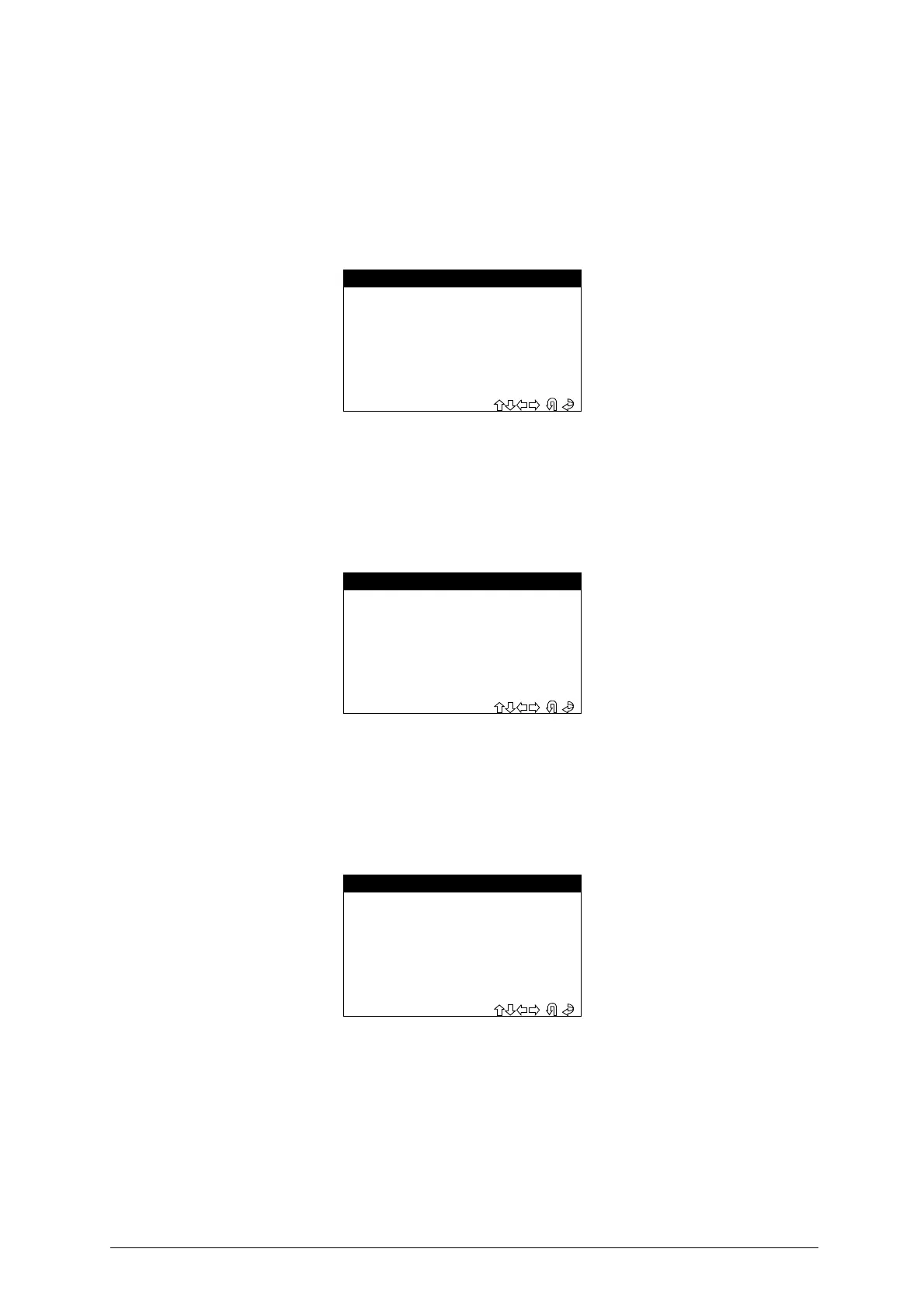
from the “Setup” menu, the display will show:
-
Select and press
ENTER
.
-Select
ESC
to quit.
6.6.7 KEYS REFERENCES
This option can be used to view the Silca or Ilco keys references on HELP F1 menu
.
- Select the item
“KEYS REFERENCES”
from the “Setup” menu; the display will show:
-
Select and press
ENTER
.
-
Select
ESC
to quit.
6.7 ARCHIVE
This section contains all the controls for searching, printing, or deleting user data stored in the device
memory
.
Select
“ARCHIVE”
from the MAIN MENU and press
ENTER
; the display will show:
6.7.1 SEARCH
This control is used to make a search for:
- POS.: Position in which the operation carried out was saved
- DATE: date on which the operation was memorized
- MAKE: car make
- MODEL: car model
- SURNAME: customer’s surname
- NUMBER PLATE: car number plate
- MEMORIZE PASSWORD -
>YES
NO
- KEYS REFERENCES -
Select the
reference
to display
>SILCA
ILCO
- DATA BASE -
1 - SEARCH
2 - PRINT DATA
3 - ARCHIVE RESET


 To Next Page