18 Copyright Silca 2006
SBB Operating Manual - English
6.6.2 LANGUAGE
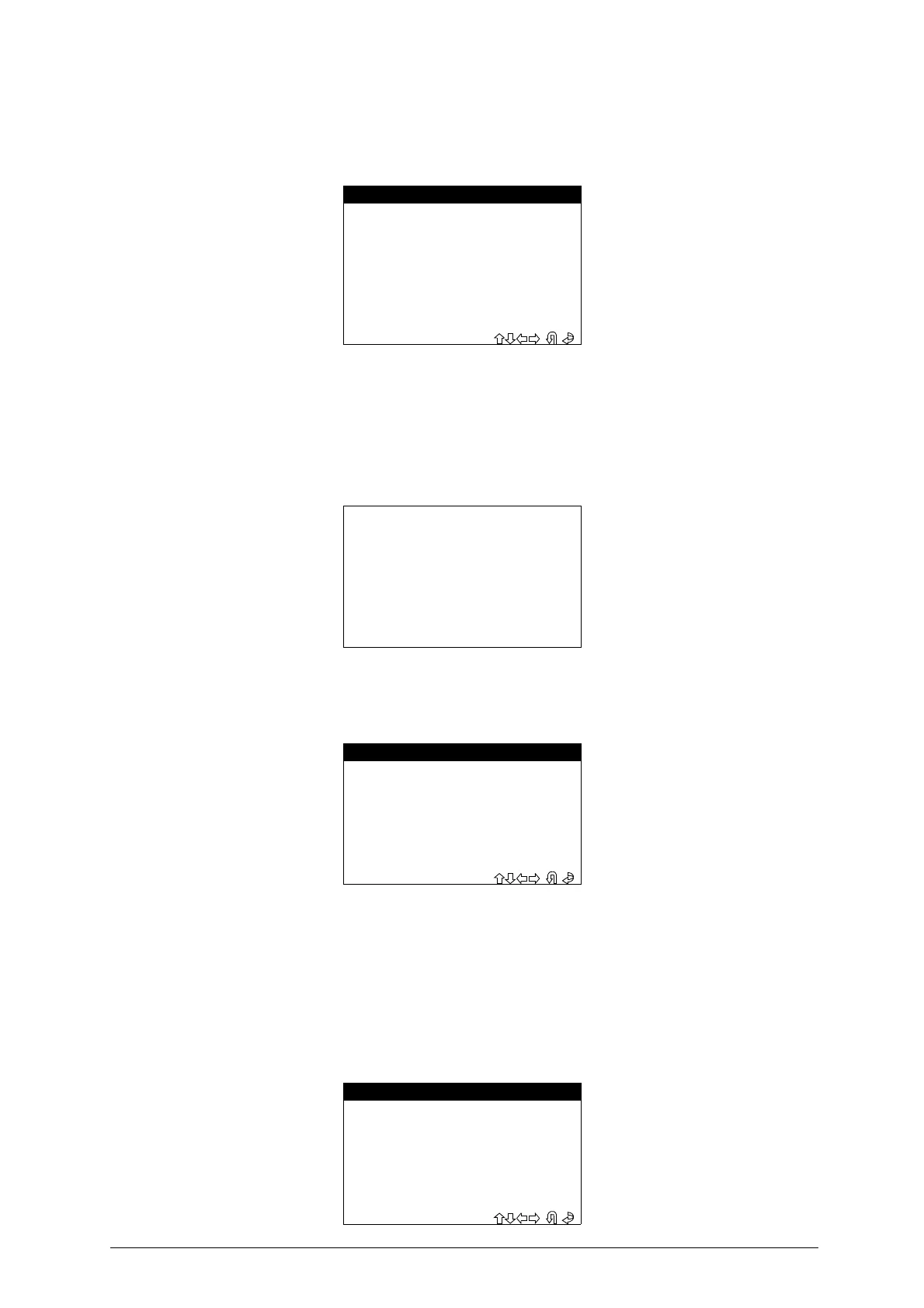
This function is used to select the language for the device
.
- Select the item “
LANGUAGE
” from the “Setup” menu, the display will show:
- Select the language and press
ENTER
6.6.3 SERIAL NUMBER
This function is used to view the serial number of the machine
.
- Select the item
“SERIAL NUMBER”
from the “Setup” menu; the display will show:
6.6.4 CLOCK
This function is used to read the machine’s internal clock.
- Select the item
“CLOCK”
the “Setup” menu; the display will show:
- Press
ESC
to quit.
-Select
ENTER
to continue.
-
Follow the instructions given by the device
.
- The user is not enabled to the TIME/DATE changing functions of the clock.
6.6.5 VERSION
This function is used to view the FIRMWARE / SW / DATABASE version on the device
.
- Select the item “
VERSION
” from the “Setup” menu:
- LANGUAGE -
> 1 - ITALIANO
2 - DEUTSCH
3 - FRANCAIS
4 - ENGLISH
5 - ESPANOL
6 - GREEK
7 - PORTUGUÊS
SBB
SERIAL NUMBER
XXXXXXXXXXXXX
- CALENDAR/CLOCK -
TIME:
XX:XX:XX
DATE:
XX/XX/XXXX
- SBB -
Ver. (SW): XXX.XX.XXX
Ver. (DB): XX.XX
Release : XXXXXXX


 To Next Page