Copyright Silca 2006 21
Operating Manual - English SBB
6.7.3 ARCHIVE ERASE
This function is used to erase all user data in the archive
.
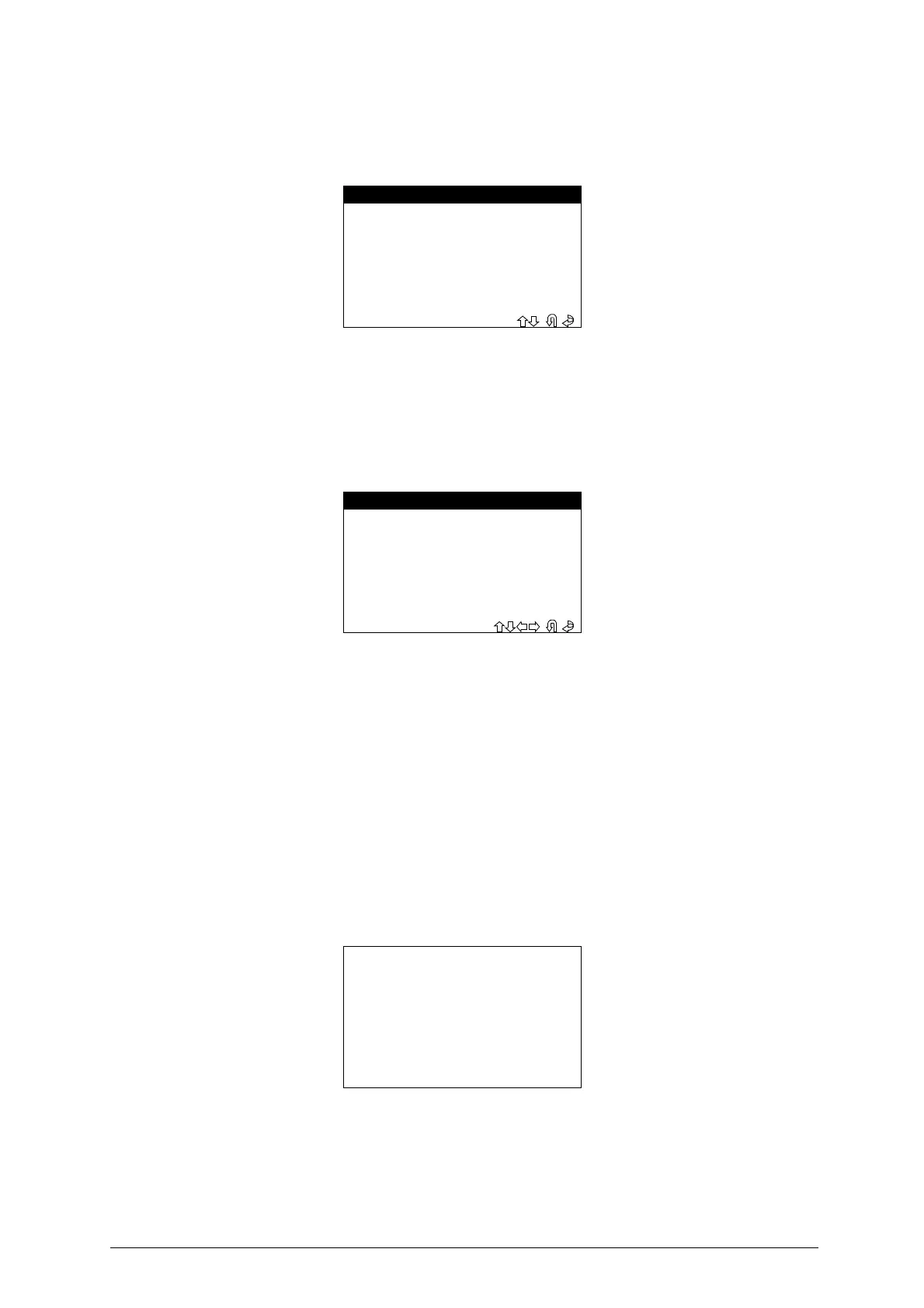
- Select “ERASE ARCHIVE” from the
“ARCHIVE”
menu; the display will show:
-
Select and press
ENTER
.
-
Select
ESC
to quit.
6.8 TEST
This section contains all the controls with which to carry out a rapid operational test on the machine. Select
“TEST”
from the main menu.The display will show:
6.8.1 KEYBOARD
This function is used to test the operation of all the keys on the device keypad
.
-Select
“KEYPAD”
from the "TEST" menu.
-
To carry out the test press all the keys on the device, one after the other
;
to quit press any key three
times
.
TEST RESULT:
- TEST PASSED (
all the keys are working properly
)
-
TEST FAILED
(
not all the keys has been pressed) possible causes
:
-
One or more keys not working properly
-
The same key has been pressed for three times in a row
.
6.8.2 TEXT
This function is used to test the operation of the display in the Text mode
.
-Select
“TEXT”
from the “TEST” menu.
-
Check that the characters on the display correspond
.
-
Press a key to quit
.
6.8.3 GRAPHICS
This function is used to test operation of the display in the GRAPHICS mode
.
-Select
“GRAPHICS
” from the “TEST” menu and check that all the pixel on the display are illuminated.
-
Press a key to quit
.
- ARCHIVE ERASE -
>NO
YES
- TEST -
1 - KEYBOARD
> 2 - TEXT
3 - GRAPHICAL
4 - UDPADE SWITCH CAN
0123456789abcdefghijk
0123456789abcdefghijk
0123456789abcdefghijk
0123456789abcdefghijk
0123456789abcdefghijk
0123456789abcdefghijk
0123456789abcdefghijk
0123456789abcdefghijk


 To Next Page