11
422348-Evolution ST350-Instruction manual-usa-rev01_AN
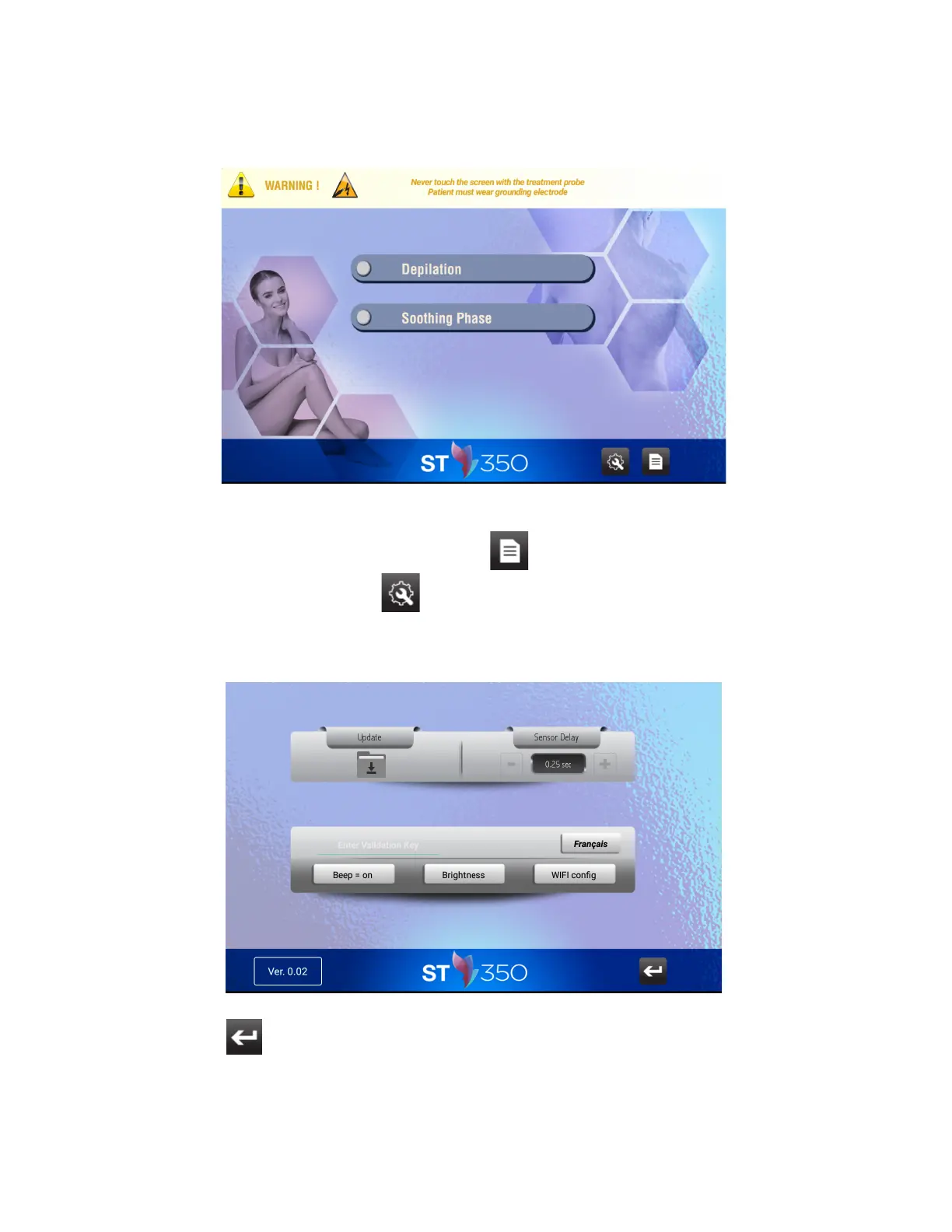
5. To access to the Instruction Manual press “Instruction” button at the bottom of the front screen.
To change the language press the “TOOL” icon at the bottom of the screen and select desired language
(“French” or “English”). The language will be kept in memory for following uses.
Use the ‘‘Return’’ icon to return to the previous screen.



 To Next Page