Data Log Mode - Data Log Mode Setting16.4.0
Data Log Mode Setting
!
!
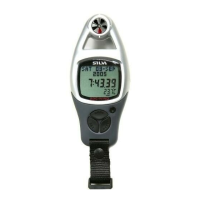
The following functions can be performed in
the Data Log Mode Setting.
1) Delete the current data
2) Set the logging interval for auto log
3) Enable the PC Synchronization
(transfer data from the ADC to PC)
4) Delete all data
Check the 'PC Synchronization' section
below for more detail on the communication
between the ADC and PC.
Logging
interval
setting
PC
Synchronization
Delete
all Record
&Data
Delete
the current
data
Data Log Mode Setting


 To Next Page