Printed in USA 10/13 © 2013 10 36948-EN
3-Product Dairy Dispenser
Model SKBD3LS
P
R
I
NC
E
C
A
STL
E
LLC
WORLDWIDE
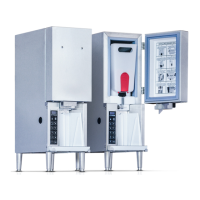
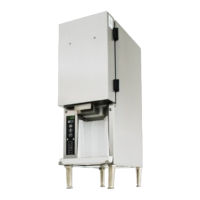
The 3-Product Dairy
Dispenser consists of a
refrigerated
compartment containing
three removable
containers for the dairy
products; three
solenoid-actuated pinch
valves that control
gravity-induced flow-
through plastic
discharge tubes; and an
operator interface that
allows simple selection
of product and amounts
to be dispensed.
The unit also contains a
weight measuring sensor to ensure proper product volume is
dispensed, regardless of the amount of product in the container.
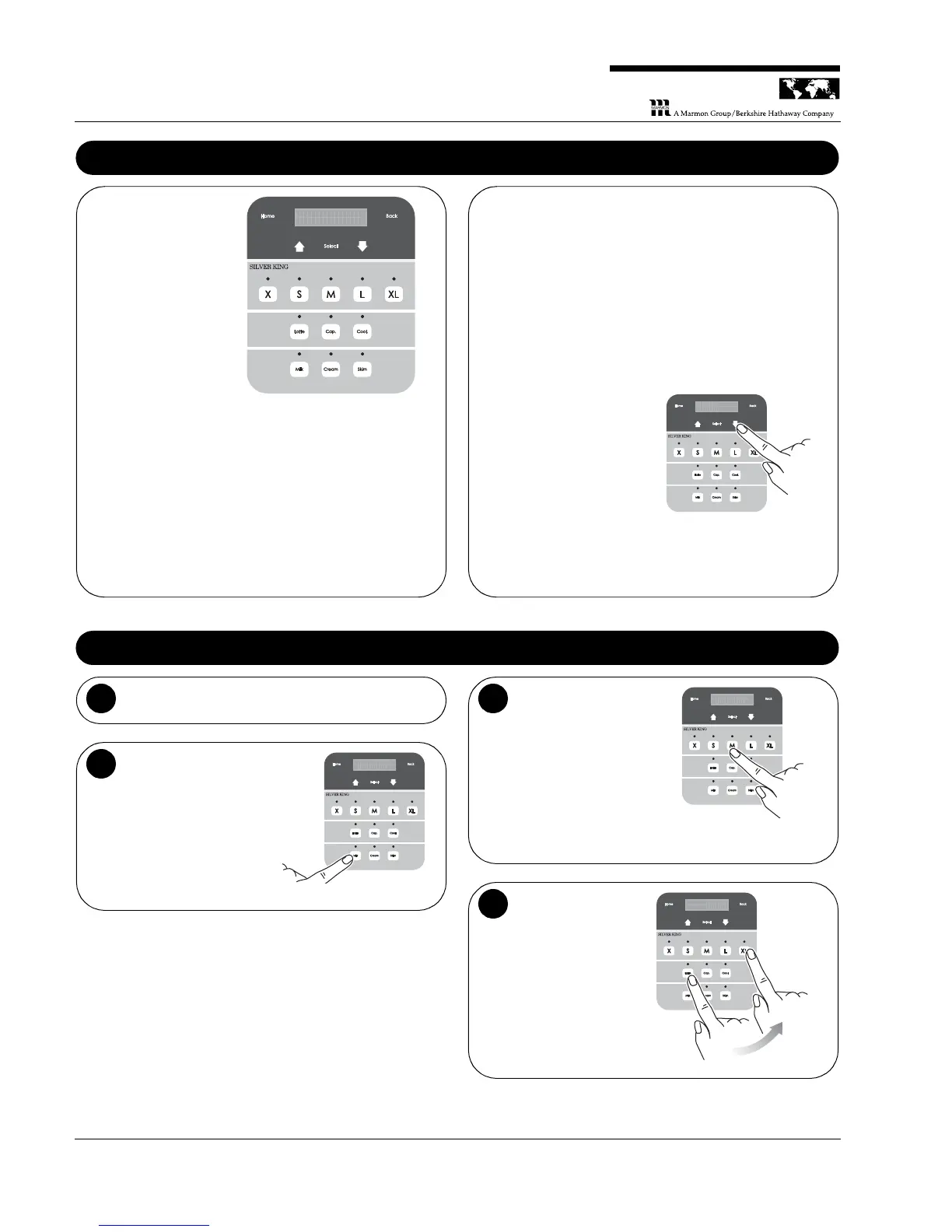
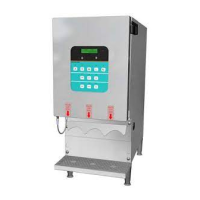
Display Panel – The display panel contains an LCD display
along with the controls for dispensing product.
NOTE: When the unit is first powered up, the LEDs above the
Milk, Cream and Skim buttons will flash to indicate that the
containers are empty and need to be filled.
M I L K C R S K I MM
S E L E C T P
P O D U C TR
Threshold Levels – The Milk and Skim levels are set to 600 g
and the Cream level to 850 g. The unit goes into lockout (will not
dispense) when the product in the tanks is less than or equal to
these amounts.
Controls – The bottom portion of the display panel is used to
control the dispensing of products. Descriptions of these controls
are:
• Drink Size – The top row of buttons is used to identify what
size drink is being dispensed.
• Drink Recipe – The middle row of buttons is used to select
what type of drink is being dispensed.
• Product – The bottom row of buttons is used to choose which
product is to be dispensed.
NOTE: To see the current
temperature inside the unit,
press the Down arrow until
Temperature is shown.
Operation – Dispensing a Drink
Place the drink under the appropriate dispensing
tube.
1
Select the product.
Select the type of product
required for the drink,
(bottom row), then go to
Step 3 or Step 4,
depending on the type of
drink required.
For Coffee: Press the
proper drink size button
(top row) to dispense the
correct amount of
product.
For Recipe Drinks:
Press the appropriate
Recipe button (middle
row), then press the
proper Size button
(top row) to dispense
the drink.


 To Next Page