Printed in USA 10/13 © 2013 8 36948-EN
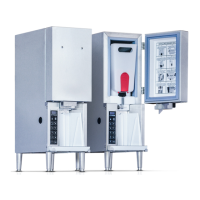
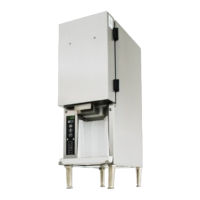
3-Product Dairy Dispenser
Model SKBD3LS
P
R
I
NC
E
C
A
STL
E
LLC
WORLDWIDE
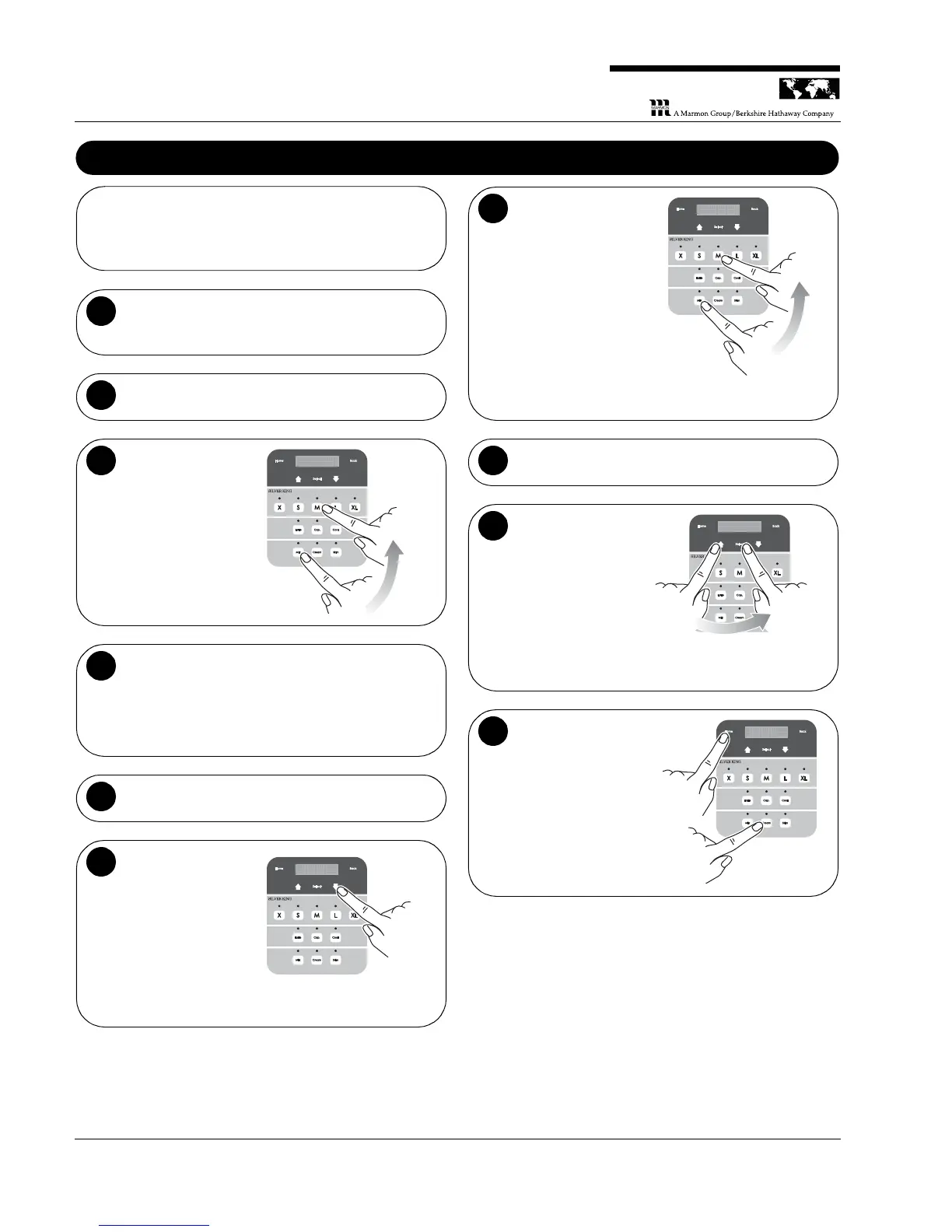
Calibrating the Unit / Adjusting Shot Size
NOTE: Unit must be calibrated before the unit is put into
operation and as needed thereafter to ensure that the unit is
dispensing within the required specifications.
Exercise the tubes. If unit has been idle (no shots
taken for over a half hour) take one shot of size Medium
(coffee) for each product to exercise the tubes.
1
Place a cup on the external scale and press tare.
2
Dispense a shot.
Press the button of the
product to be
dispensed, place the
cup under the proper
product tube, and then
press the “M” button to
dispense product
amount for a medium
coffee.
Weigh the product on the external scale. If the shot
weight is within the specified range listed in the Shot
Size Targets (41 - 51 g), then you can move on to the
next product. If the shot weight is outside of the
specified range, then a simple calibration is required. To
calibrate the unit, follow Steps 5 to 9.
4
Go to the
Calibration menu.
Press the Down arrow
once.
Dispense a shot.
NOTE: Make sure the
cup is under the valve
at this time, because
a medium sized shot
is dispensed.
The display now reads
“Calibrate Disp Select
Product”. Press the
button of the product
you wish to calibrate
(Milk, Cream or Skim)
and then press the “M”
button.
e e l l e e c c t t P P o o d d u u c c t t r r
C C a a l l i i b b r r a a t t D i i s s p p e e
S S
1
2
Weigh the cup on the external scale.
8
Enter the weight.
The display now reads
“Enter Weight 46
Grams”. Press the Up
or Down arrow until
the value on the
display matches the
weight that you
measured using the
external scale and
then press Select.
4 4 6 G G r r a a m m s s
E E n n t t e e r r W W e e g g h t t i i
1
2
Calibrate the next
product. The display
again reads “Calibrate
Disp Select Product”.
You may now select
the next product to
calibrate or press the
Home button to return
to normal operation.
e e l l e e c c t t P P o o d d u u c c t t r r
C C a a l l i i b b r r a a t t D i i s s p p e e
S S


 To Next Page