EasyManua.ls Logo

Silver King SKBD3LS - Operation - Changing the Temperature Set Point; Adjusting Temperature

Silver King SKBD3LS
20 pages
Print Icon
To Next Page IconTo Next Page
To Previous Page IconTo Previous Page
Loading...
Printed in USA 10/13 © 2013 12 36948-EN
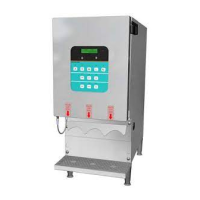
3-Product Dairy Dispenser
Model SKBD3LS
P
R
I
NC
E
C
A
STL
E
LLC
WORLDWIDE
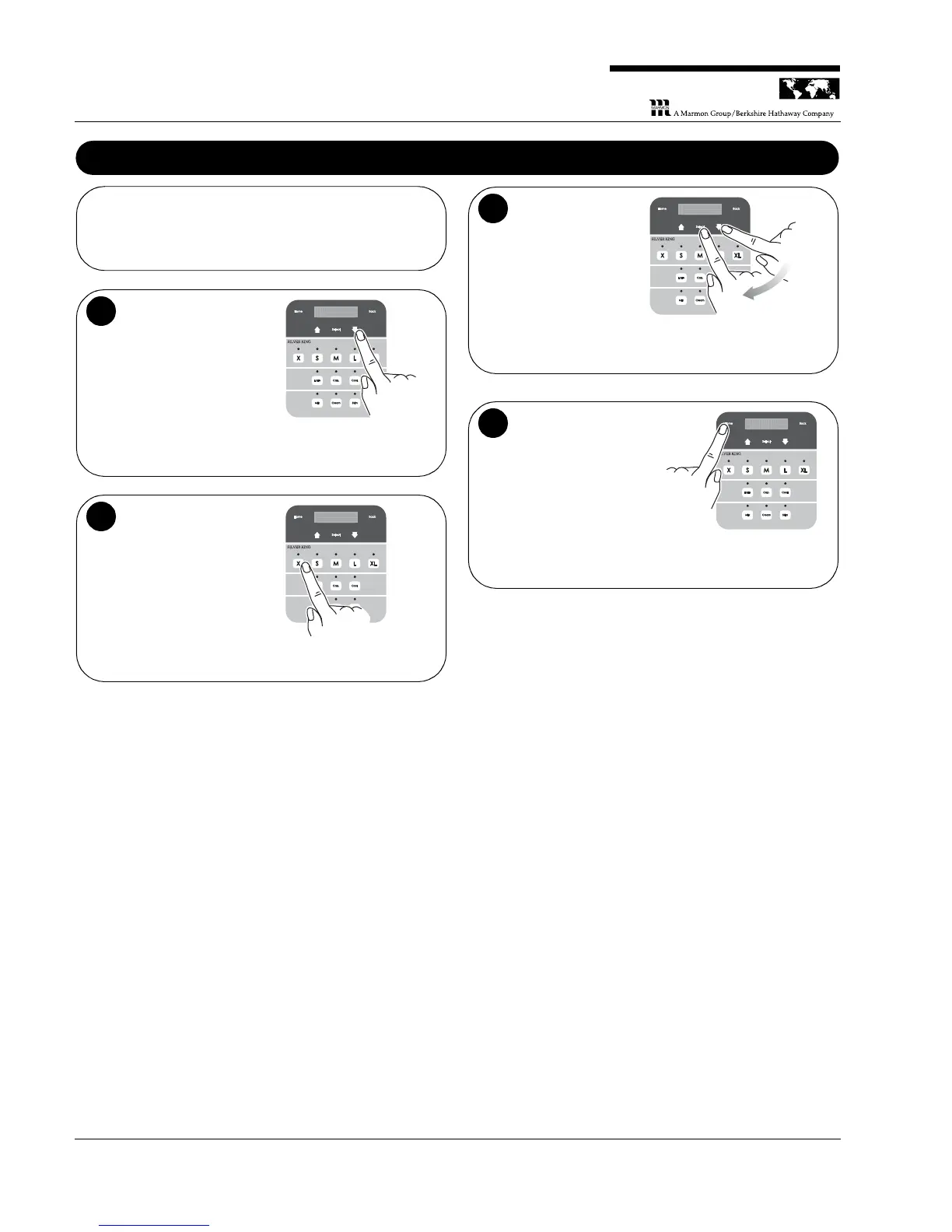
Operation – Changing the Temperature Set Point
NOTE: If product temperature is not within spec (33 to 41°F),
perform the following procedure to adjust cabinet temperature
accordingly.
Navigate to the
Manager Menu. On
the display panel,
press the Down arrow
until Manager Mode is
displayed.
1
Press the “X”
button. The
“Manager Button
Combination” is the
“X” button in the Size
row.
2
Choose the
temperature. Press
the Up or Down arrow
again to choose the
desired temperature
(between 35 and
40°F). Press Select to
confirm your selection.
3
3
6
6 º
F
F
1
2
3
Return to normal
operation. Press the
Home button to return
to the main menu.
4

Related product manuals