EasyManua.ls Logo

Silver King SKBD3LS - Operation - Setting Coolatta Base

Silver King SKBD3LS
20 pages
Print Icon
To Next Page IconTo Next Page
To Previous Page IconTo Previous Page
Loading...
36948-EN 13 Printed in USA 10/13 © 2013
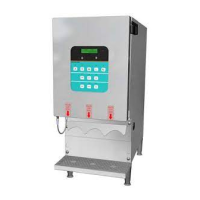
3-Product Dairy Dispenser
Model SKBD3LS
P
R
I
NC
E
C
A
STL
E
LLC
WORLDWIDE
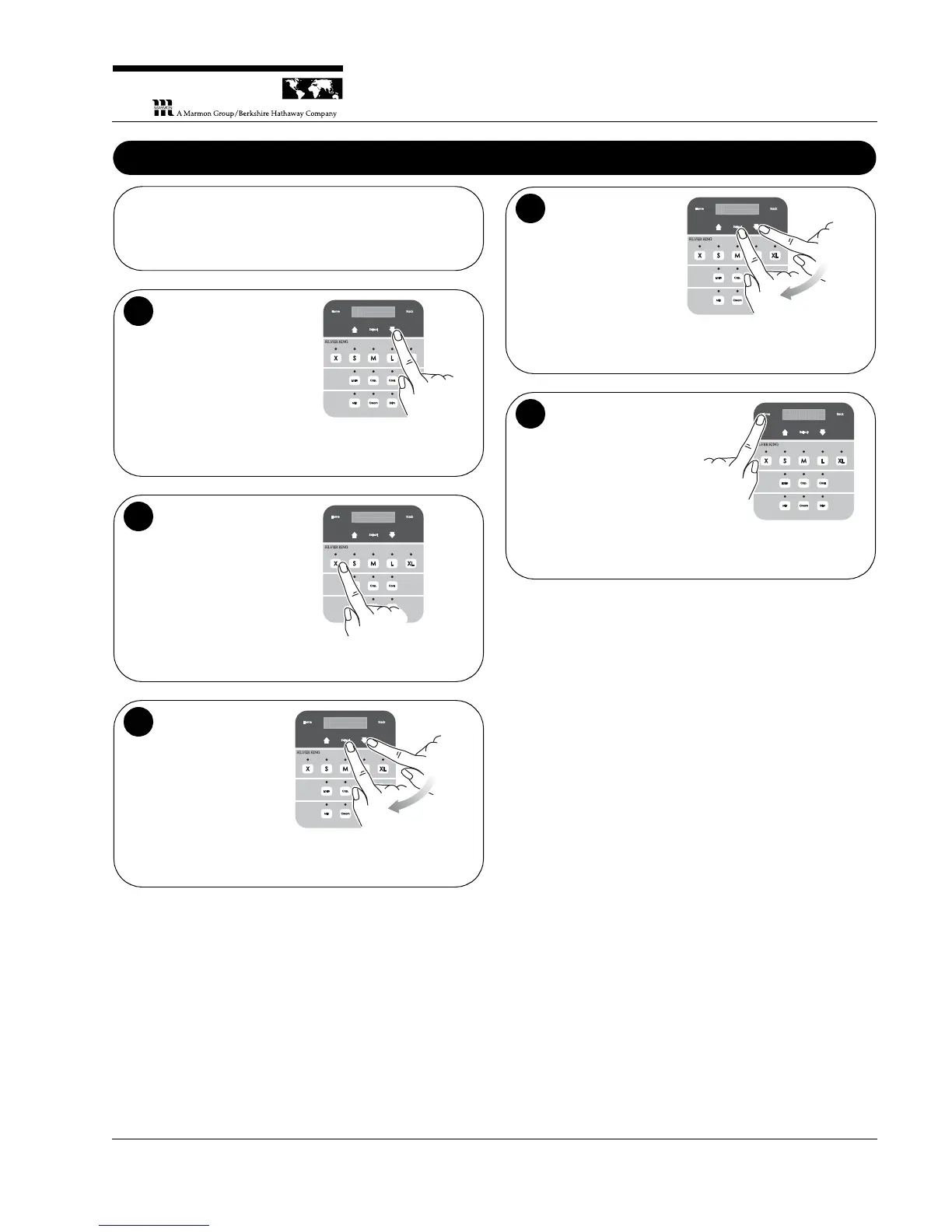
Operation – Setting Coolatta Base
NOTE: The Coolatta drink base comes in two types, coffee and
neutral. Set the unit for the type used.
Navigate to the
Manager Menu. On
the display panel,
press the Up or Down
arrow until Manager
Mode is displayed.
1
Press the “X”
button. The
“Manager Button
Combination” is the
“X” button in the Size
row.
2
Find “Base
Selection”. Press the
Up or Down arrow
until the term is
displayed. Press
Select.
B a s e S e l c t i o ne
1
2
3
Choose “Coffee” or
Neutral”. Press the
Up or Down arrow
again to change the
selection. Press
Select to confirm your
selection.
C o f f e e
1
2
4
Return to normal
operation. Press the
Home button to return
to the main menu.
5

Related product manuals