Printed in USA 10/13 © 2013 16 36948-EN
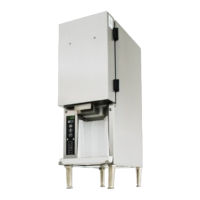
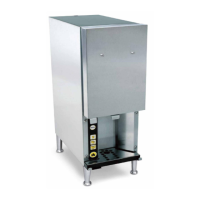
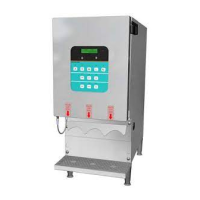
3-Product Dairy Dispenser
Model SKBD3LS
P
R
I
NC
E
C
A
STL
E
LLC
WORLDWIDE
Refrigerated Product Compartment Cleaning
NOTE: Each time a new product tank is loaded, check the
refrigerated product compartment for ice buildup and dairy
spillage.
Turn the power switch to the OFF position.
1
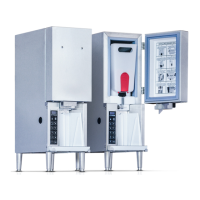
Remove the tanks. Open the front and top access
doors of the unit and remove the product tanks.
2
Check for ice buildup. Check the refrigerated product
compartment for ice buildup. If ice buildup is noticeable,
leave the door open for about 15 min. to allow the ice to
soften. Remove the ice by hand.
NEVER use sharp objects to remove ice.
Wipe down the interior. Wipe using a clean, soft cloth,
and dry thoroughly.
4
Close the top and front access doors of the unit.
NOTE: Closing front door before top access can
create a gap which may lead to increased ice buildup
and/or warm dairy product.
5
Turn on power to the unit. Let it run for 15-30 min.
until it is cold.
6
Replace the product tanks.
7
Cleaning Exterior of Unit
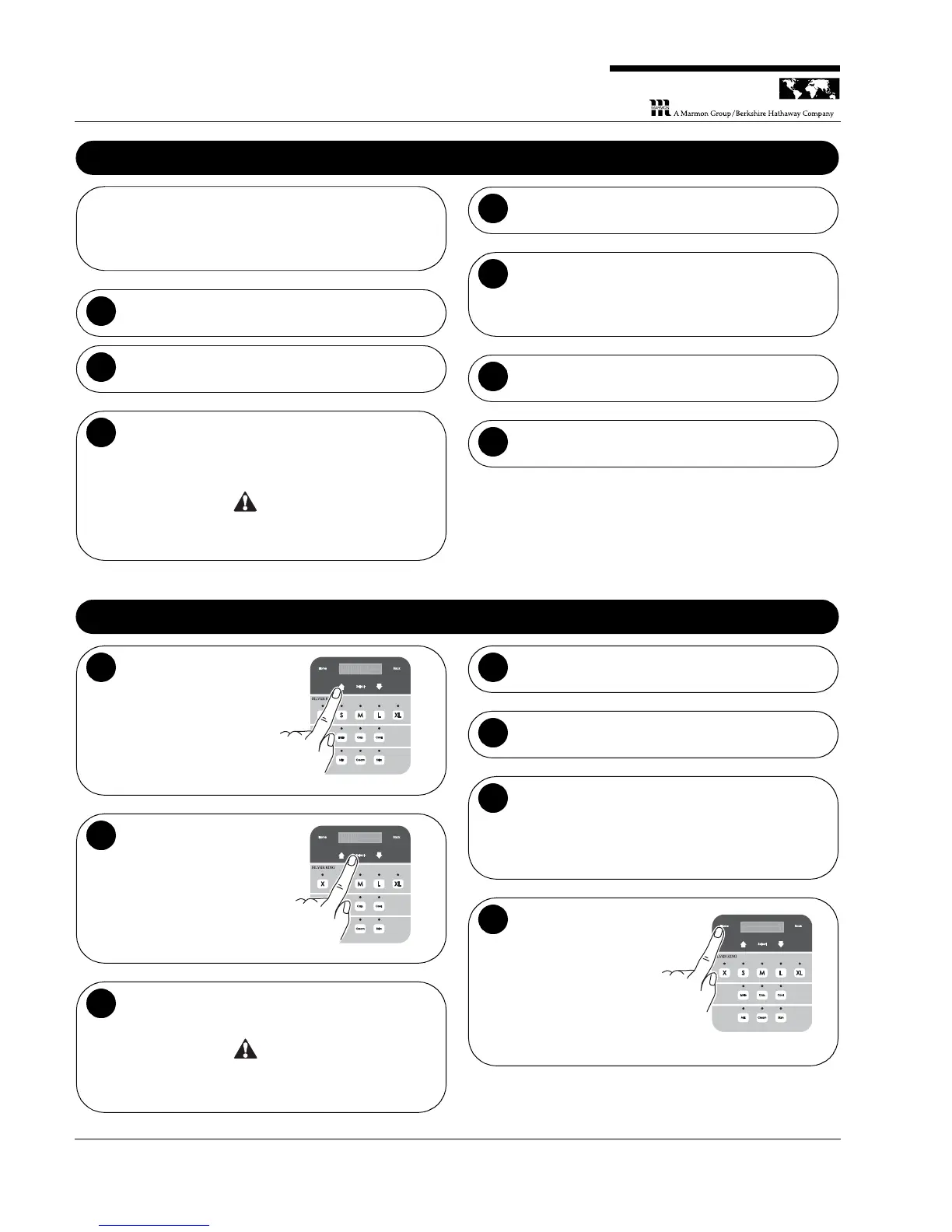
Press the Up arrow
once. The display will
read “Panel Disable
Press Select”.
r
s
s
S
e
e
c
t
l
Press Select. The
display will read
“Panel Disable HLD
HOM to Exit”.
L D H OM t o E E x t
P a n e l D i a b l es
H
Wipe down the exterior. Use a soft, clean, dry cloth to
wipe down the exterior surface of the unit.
NEVER use abrasive materials or cleaners on the
exterior of the unit.
Wash the stainless steel surfaces of the unit with
warm, soapy water.
4
Rinse the surfaces with warm water.
5
Wipe the stainless steel surfaces dry. Use a clean,
soft cloth to prevent water spotting.
NOTE: Stainless steel polish may be used, but is not
required. Do not spray directly on the unit. Wet the
cloth with the polish.
6
Press and hold the
Home button for 2-3
seconds to exit
Panel Disable mode.
L D H OM t o E E x t
P a n e l D i a b l es
H


 To Next Page