SDMT INSTALLATION AND PREPARATION
5. Refer to the SDMT User Manual [2] and carry out the following:
a. Install the SDMT software in accordance with Section 1.2 – Software
Installation.
b. Prepare the SDMT software for use in accordance with Section 2.2 –
SDMT Setup.
c. Create or establish a connection to a suitable Microsoft SQL Server
database in accordance with Section 2.2.3 – Database Creation and
Connection.
INSTALLING THE IP CONFIGURATION SERVER
6. Refer to the IP Configuration Tool User Manual [3] and install the IP
Configuration Server software in accordance with Section 1.3 – Software
Installation.
7. After installing the IP Configuration Tool software, ensure that the PC on which
the software is installed is connected to the Ethernet switch via a CAT 5
Ethernet cable.
IP ADDRESS CONFIGURATION
8. On the PC, start the IP Configuration Tool.
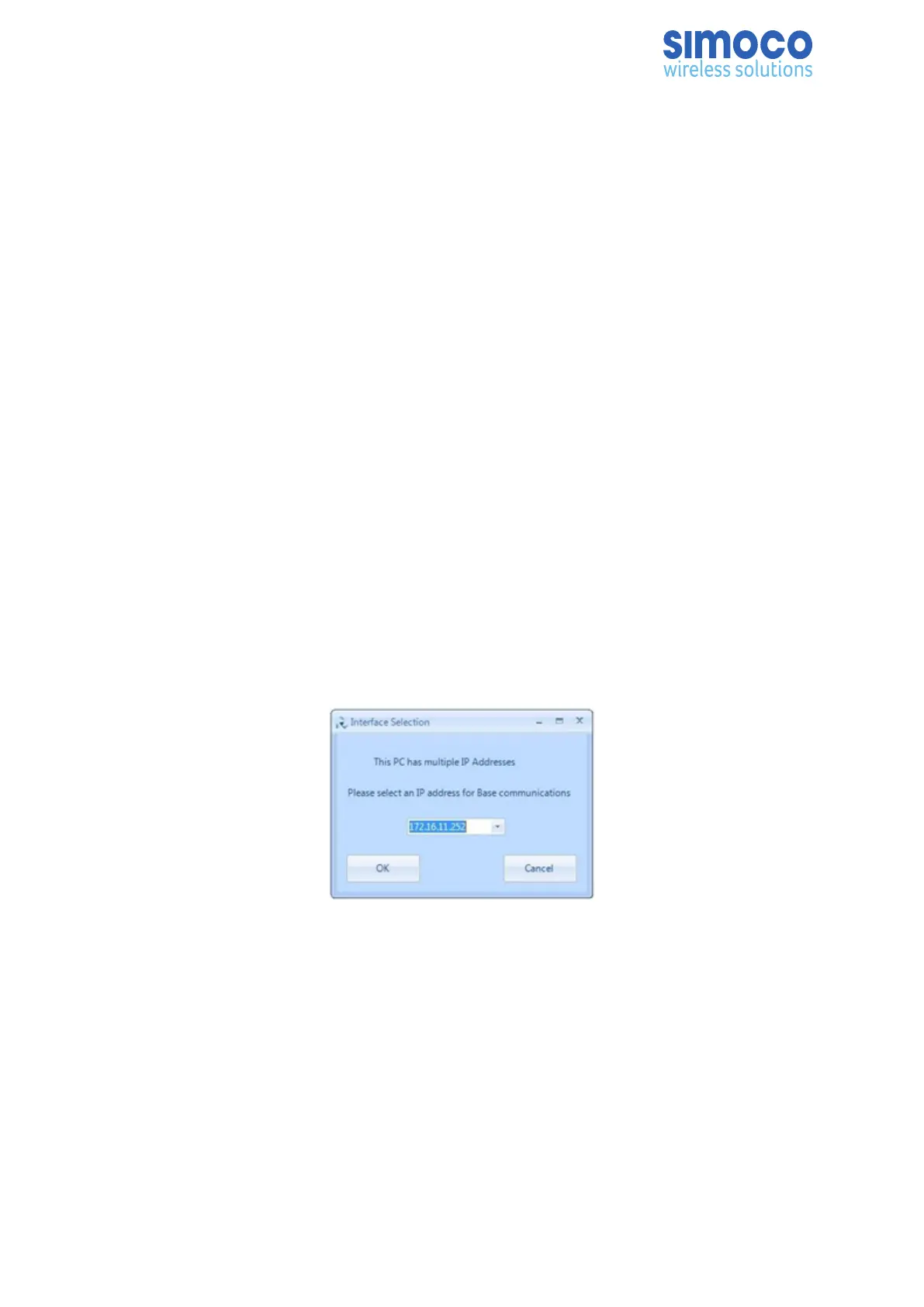
9. If the PC has more than one IP address or Network Connection, when the IP
Configuration Tool is started, the Interface Selection screen will be displayed
(see Figure 12).
Figure 13: Interface Selection screen.
10. On the Interface Selection screen, select the relevant IP address that is to be
used for communicating with the base station(s).
11. Once the IP address has been selected the IP Configuration Tool main screen
will be displayed (see Figure 13).
Doc Number: TNM-I-E-0041 Revision 1.6 Page 42


 To Next Page