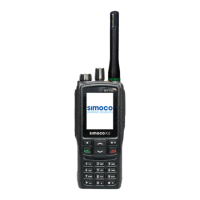
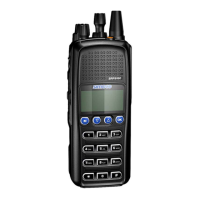
SRP9100 ~ PMR Portable Radio User Guide
© Comgroup Australia 2010 13 TNM-U-E-0047 Issue 1.2a
5.2 R
ECEIVING
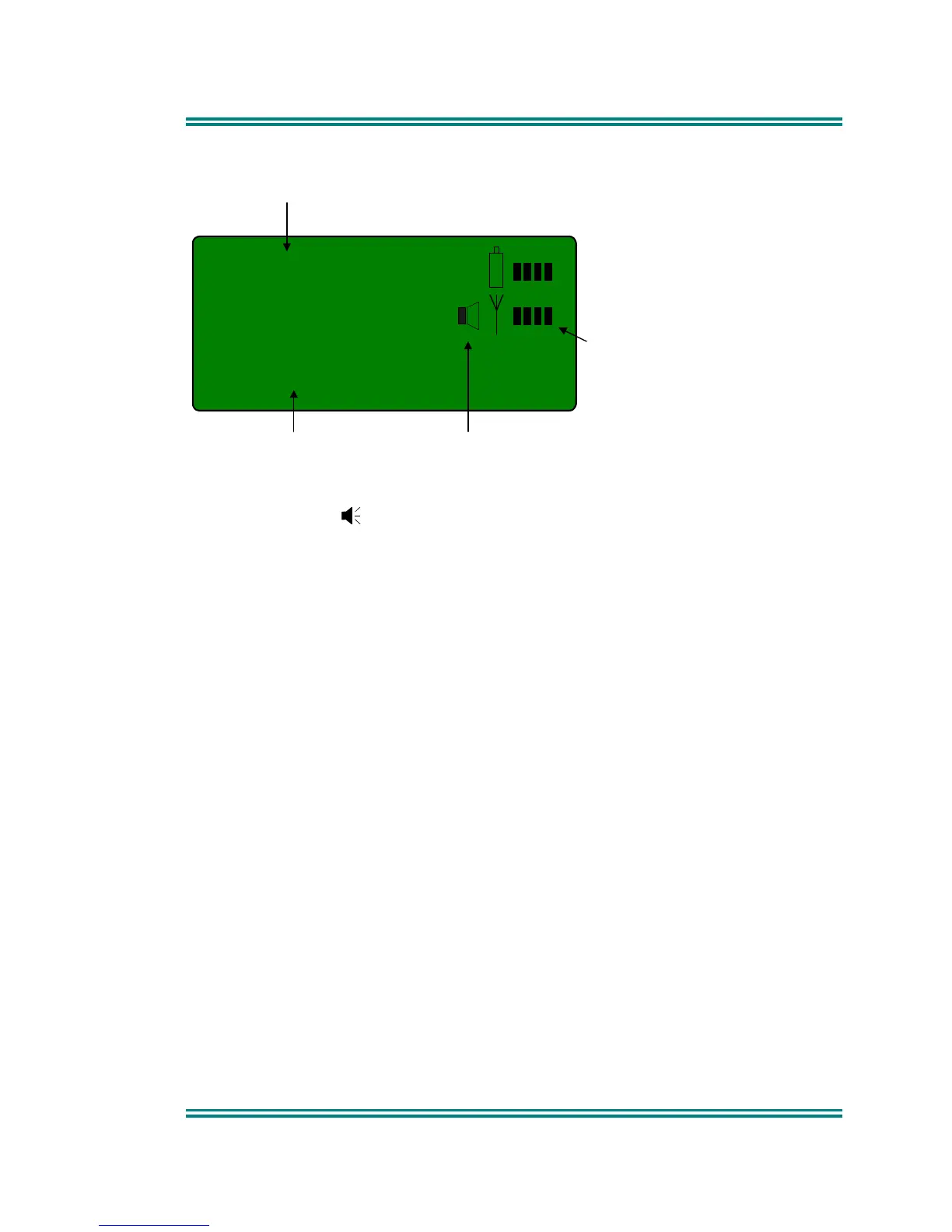
502
Mt Buller
Channel Number
Channel Name Signal Received
Received
Signal Strength
(Scan / Vote)
The portable radio will listen on the displayed Channel.
The Speaker Icon will show when a valid signal is being received and audio
will be heard at the Loudspeaker.
Changing channels can be achieved by any of the following:
• Pressing the -/+ buttons.
• Entering the desired channel number from the Keypad and pressing #
(e.g. 12#) [only available on keypad version].
• Pressing a Go-to-Channel Function Button, refer to Section 7.11.
Note: If the displayed channel is a Vote or MultiAx channel then the received
signal strength display will change to scanning. In this mode, a signal
bar will move left and right until a signal is found. When stopped on a
channel, the channel name will be displayed.



 To Next Page