9-3
Follow these steps to display software revision information.
1. Press the MENU key.
2. Press the <NEXT> or <PREVIOUS> keys until the prompt reads, “Display Software
Revision Level?”
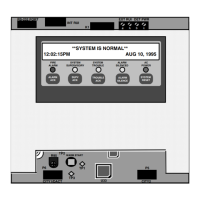
3. Press <ENTER>. A display similar to the following appears.
4. Interpret this information as follows.
• SYS REV. Specifies the revision of the executive software (operating system
of the FIP) loaded in the panel.
• CFIG FORMAT: Defines the compatibility of the executive and the
programmer.
• JOB: Specifies the name of the job loaded in the panel.
• REV. Specifies the revision of the job.
• DATE. Specifies the date on which the revision was built in the programmer.
Displaying Software Revision
Overview
SYS REV: 11.02.08 CFIG FORMAT: 112
JOB: JOB1 REV:6 13-OCT-00



 To Next Page