Simrad GC80/GC85 Compact Gyro Compass
16 20221511 / D
3.5 Confirming present settings
After the GC80 is configured according to the System start-up
and software configuration, described in page 49 onwards, it
should not be necessary to adjust any settings when operating
the gyro compass.
However, if an error is reported in any of the input sources, it
may be necessary to switch to a different input source.
True bearing
Make sure that the gyro compass is selected as active compass.
Refer
Selecting active compass, page 12.
dvol
Confirm that the gyro compass’s displayed true bearing is
according to a known target or astronomical observation.
If there is any difference, adjust the bearing according to
Adjusting True heading, page 54.
Latitude
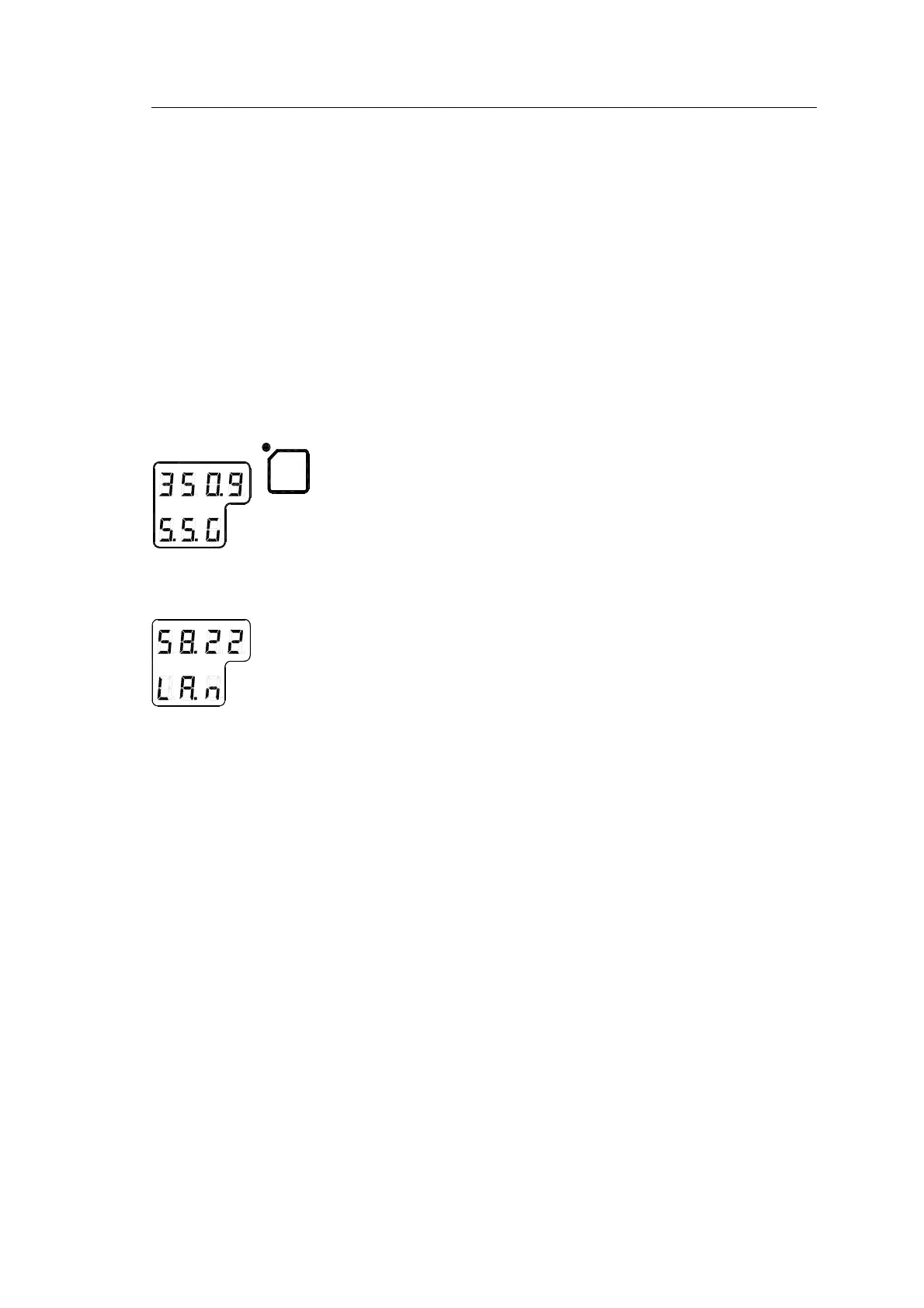
Press the DISP button until the vessel’s latitude is displayed.
The displayed latitude value is calculated based on the vessel’s
true bearing and the vessel’s actual speed. Refer setting the
latitude input source and speed input source, page 52 onwards.
- If GPS is selected as latitude input source, the latitude
obtained from the GPS is displayed on the LCD. Confirm
that the displayed latitude is the same as indicated on the
GPS indicator.
- If GYRO (manual setting of latitude) is selected as latitude
input source and other than MANUAL selected as the
vessel’s speed input source, the latitude will be
automatically updated. In this case, the indicated latitude
should be confirmed every 4th hour when the vessel is in
harbor. If there is any significant difference between the
displayed value and the vessel’s actual latitude, the value
should be adjusted according to Setting the Latitude input
source, page 52.
Note! When GYRO is selected as latitude input source and MANUAL
is selected as the speed input source, the indicated latitude value
will not be updated and hence an error may build up.



 To Next Page