INSTALLATION
20221511 / D 53
Setting the Speed input source
When the system is configured as described in Configuring the
gyro system page 50 onwards, the speed input source can be
changed as described below.
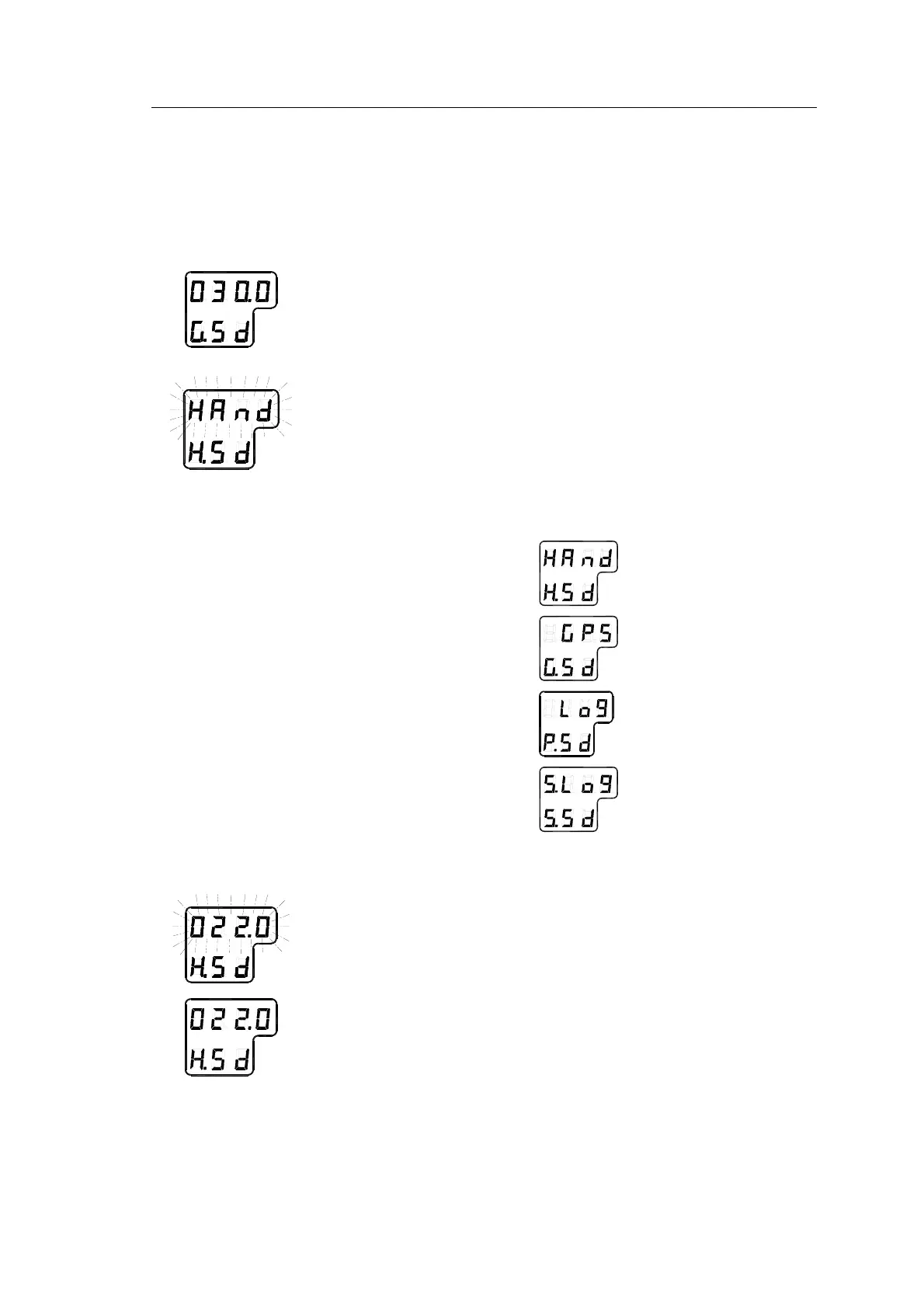
1 Press the DISP button until the display shows speed value
and speed input source.
2 Press SET button once, and the upper line in the display
starts flashing.
3 Use the arrow buttons for toggling between available
speed input sources:
Manual
GPS
LOG (pulse)
LOG (serial)
4 Select active speed input source, and confirm the selection
by pressing the ACK/ENT button.
5 If Manual input source is selected, the display will change
to show flashing numerical values.
6 Use the arrow buttons for entering the speed value, and
confirm the input by the ACK/ENT button.
7 The display will return to shown speed value and speed
input source without flashing.



 To Next Page