INSTALLATION
20221511 / D 51
4 Confirm the entry by pressing the ACK/ENT button. The
display will return to sub-category 1.1.U, and the data will
be transferred to the gyro immediately.
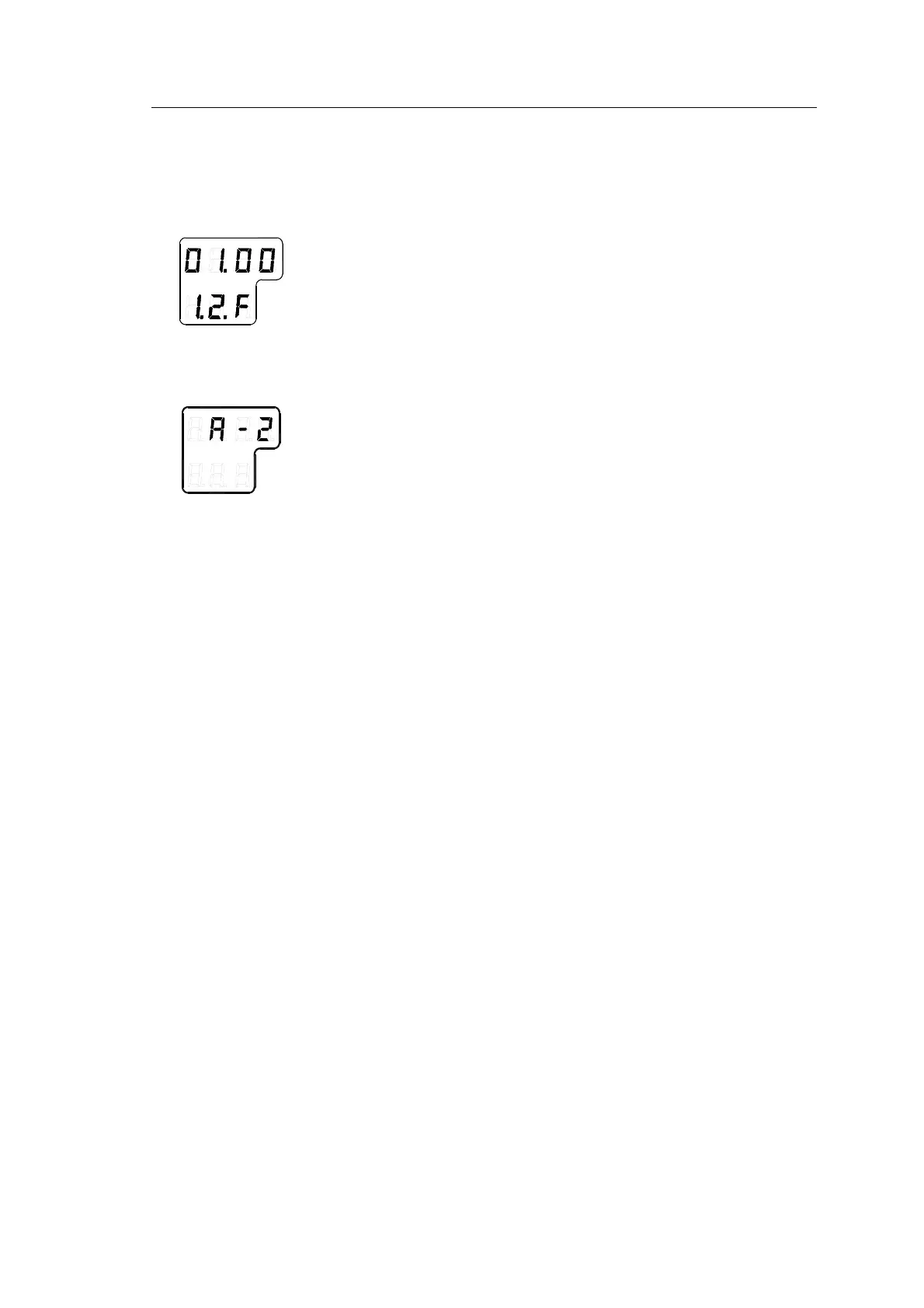
5 Press the DISP button again to select sub-category 1.2.F,
and use the arrow buttons to increase or decrease the
parameter value until the value corresponds with the
parameter for the new sensitive element. Confirm the entry
by pressing the ACK/ENT button.
6 Repeat step 5 for sub-category 1.3.S, 1.4.u, 1.5.L and
1.6.t.
7 Press the SET button again to return to main category A1,
and then press the DISP button to go to A2 main category.
8 Press the SET button, and enter values for 2.1.o and 2.3.h
as described above.
9 While still in A2 main category, enter values for 2.5.y
(Year), 2.6.N (Month and Day), 2.7.t (Hour and Minute)
and 2.8.d (total days of operation. This value should be
reset after installation).
Note! All time parameters should preferably be in CET (Central
European Time) or eventually in local time.
10 Exit the sub-category by pressing the SET button, and then
exit the Extension main category by pressing and holding
the SET and ACK/ENT buttons simultaneously for appr. 3
seconds.
For more information about the Extension menu, see
ADVANCED SETTINGS, page 57 onwards.



 To Next Page