Page 18
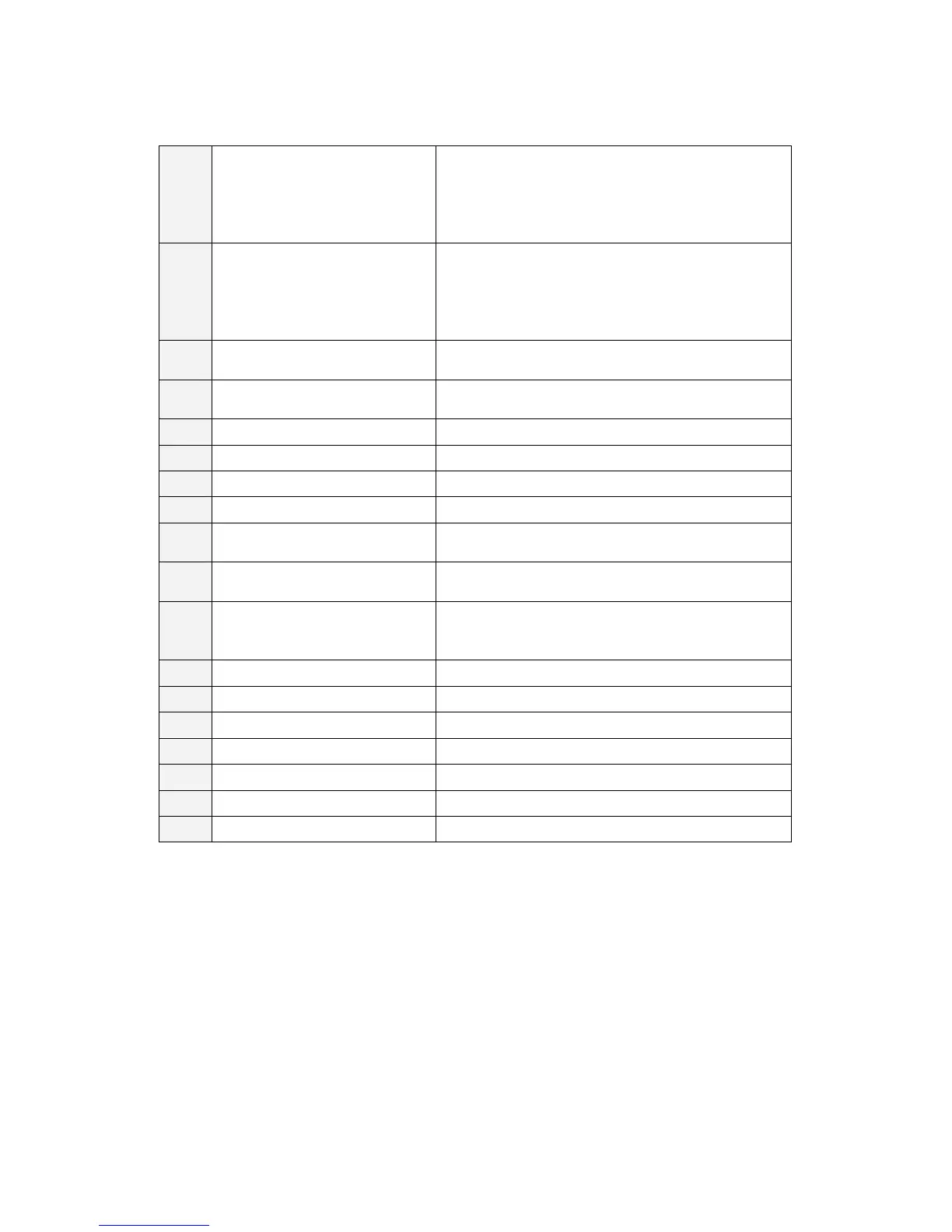
8,9 Safety Photo Sensors &
Reflectors
There are 2 photo sensors on each side of the
outer frame. If any of the sensor lines are
obstructed, the simulator will stop in its current
orientation until 3 seconds after the removal of
the obstruction.
10 Safety Floor Sensor The metal floor plate underneath the cabin is a
pressure sensor that stops the simulators
motion when stepped on. The simulator will
begin to move again 3 seconds after the
removal of the pressure.
11~
14
Safety Floor Sensor Plates 11 = A type, 12 = B type, 13 = C type,
14 = D type
15 Floor Sensor Indicator
Lamp
Lamp (Green) goes off when the floor sensor is
activated.
16 Safety Link Safety link connected to the rocker arm.
17 Heave Actuator Joint
18 Rocker Arm Tilts up and down to create heave motion.
19 Start Button Begins the game after coin is inserted.
20 View Button Changes the driver’s view perspective during
play.
21 Game Stop Button Terminates the game and lowers the cabin to
the initial position.
22 Video Control Buttons Removing this cover exposes the control
Refer to Chapter 2 for details.
23 Steering Wheel Produces steering input for the game.
24 Accelerator Pedal Produces accelerator input for the game.
25 Brake Pedal Produces braking input for the game.
26 Monitor Displays game graphics.
27 Front Speakers Produces audio effects.
28 Rear Speakers Produces audio effects.
29 Subwoofer Produces audio effects with low frequency


 To Next Page