____________________________________________________________________________________________________________________________
Operating Instructions Sinarback eMotion 75 LV / 75 / 54 LV 8
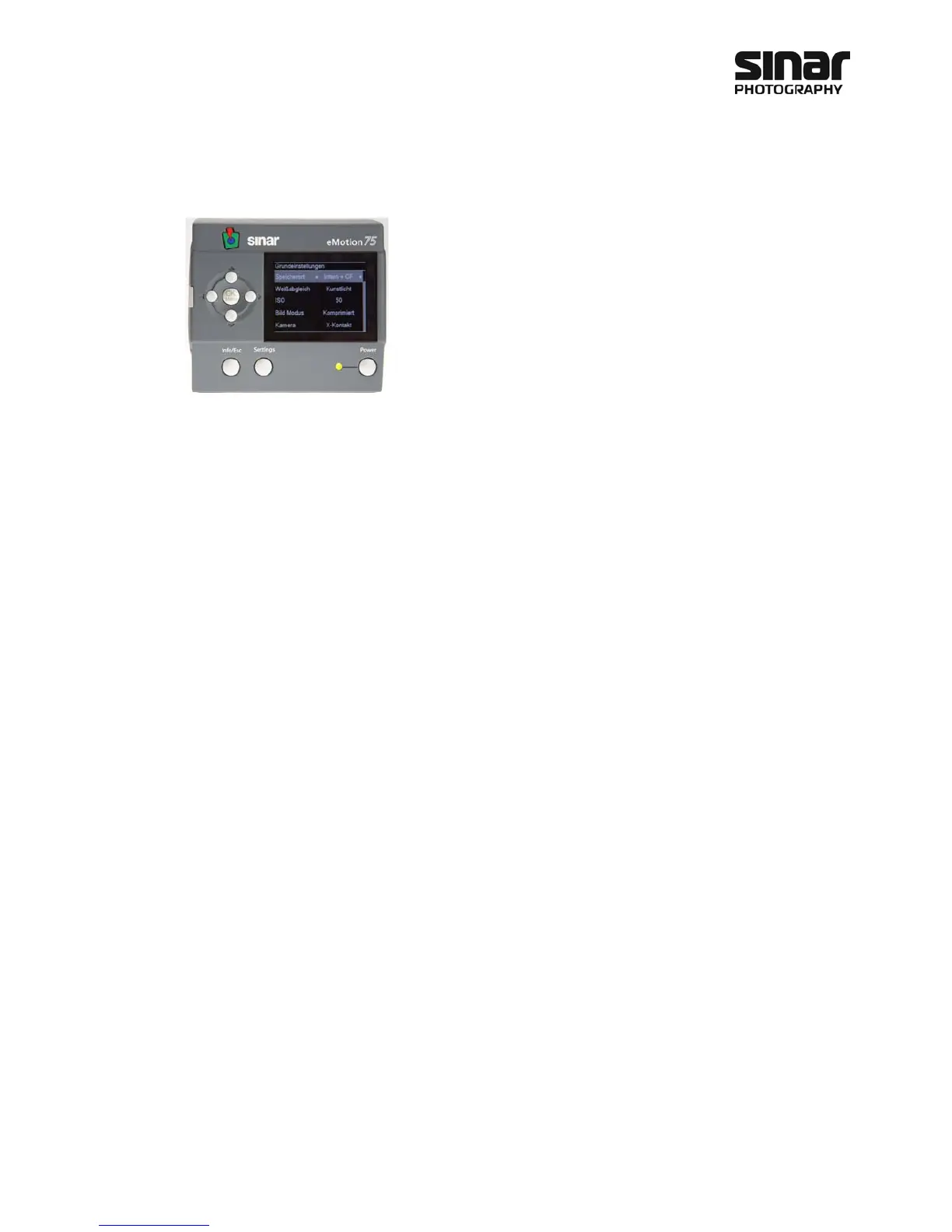
4.2 Settings Menu and Basic Settings
The Settings menu is used for making the basic settings on the
Sinarback eMotion. The up or down arrow keys are used for navigating
within the individual menus. The left or right arrow keys are used for
changing a setting. Thus you can make all the settings and then confirm
them by pressing the OK/Menu key. If you wish to discard the settings
that have been made, press the Info/Esc key to exit the menu without
changing the original settings.
4.2.1 File Saving Location
This is where you select the location where the Sinarback eMotion is to save the pictures that have been
taken. There are three different possibilities: Internal, Internal and CF, and CF Card.
Internal means that the exposed pictures will only be filed in the internal memory. The images can later be
transferred manually to the CF card.
Internal and CF means that the exposed pictures will be filed in both the internal memory and on the CF
card. Filing on the CF card, however, takes longer, because the writing speed of the CF card is considerably
slower than that of the internal memory. This function is useful if you desire a back-up file of you pictures.
When the CF card is full, the Sinarback eMotion continues to function until its internal memory is also full.
CF Card means that the images are first filed in the internal memory. At every opportunity when exposures
are not being made, the Sinarback eMotion automatically copies the images on to the CF card. When an im-
age is recorded securely on the CF card, that image is deleted from the internal memory. This function is use-
ful when you need as much memory space as possible. When the CF card is full, or when there is no CF card
in the Sinarback eMotion, the latter will continue to function as long as there is storage space on the internal
memory. When an inserted CF card is full, images will continue to be stored on the internal memory until this
memory is also full. When there is no more filing space left, a warning will be displayed.
For information on how about to save your images to the computer please refer to chapter 7.
4.2.2 White Balance
The white balance that is established at this stage is an approximate adjustment of the camera to the existing
light conditions. The final white balance of the image data will be accomplished with the CaptureShop soft-
ware. The following pre-set white balance options are available:
• Sunny
• Cloudy
• Shadow
• Tungsten
• Neon
• Flash
• Manual



 To Next Page