____________________________________________________________________________________________________________________________
Operating Instructions Sinarback eMotion 75 LV / 75 / 54 LV 10
4.2.9 Brightness
There are 5 levels of brightness that can be set for the display on the Sinarback eMotion. The standard value
is level 3.
4.2.10 Language
Under the menu item "Languages" you can select the language that will then be used in the menu descriptors.
4.2.11 Special Actions: Formatting
In the event that greater problems occur during the storage of images in the internal memory, this provides
the opportunity for re-formatting the internal memory. In order to format the internal memory, select "Format
All" and confirm by pressing the OK key. Because this causes the loss of all the data stored on the Sinarback
eMotion, we recommend this function only as a last resort. Before you employ this function, we recommend
that you contact our Support Service so that the causes of the problem can be cleared up. In addition, you
can lo format the CF card that has been inserted. To do so, select "Format CF" and confirm by pressing the
OK key.
Notice
When formatting the internal memory of the Sinarback eMotion the reference data that are saved on the Si-
narback will be deleted. This reference data, however, can be recalled from the reference CD that is delivered
with the digital back.
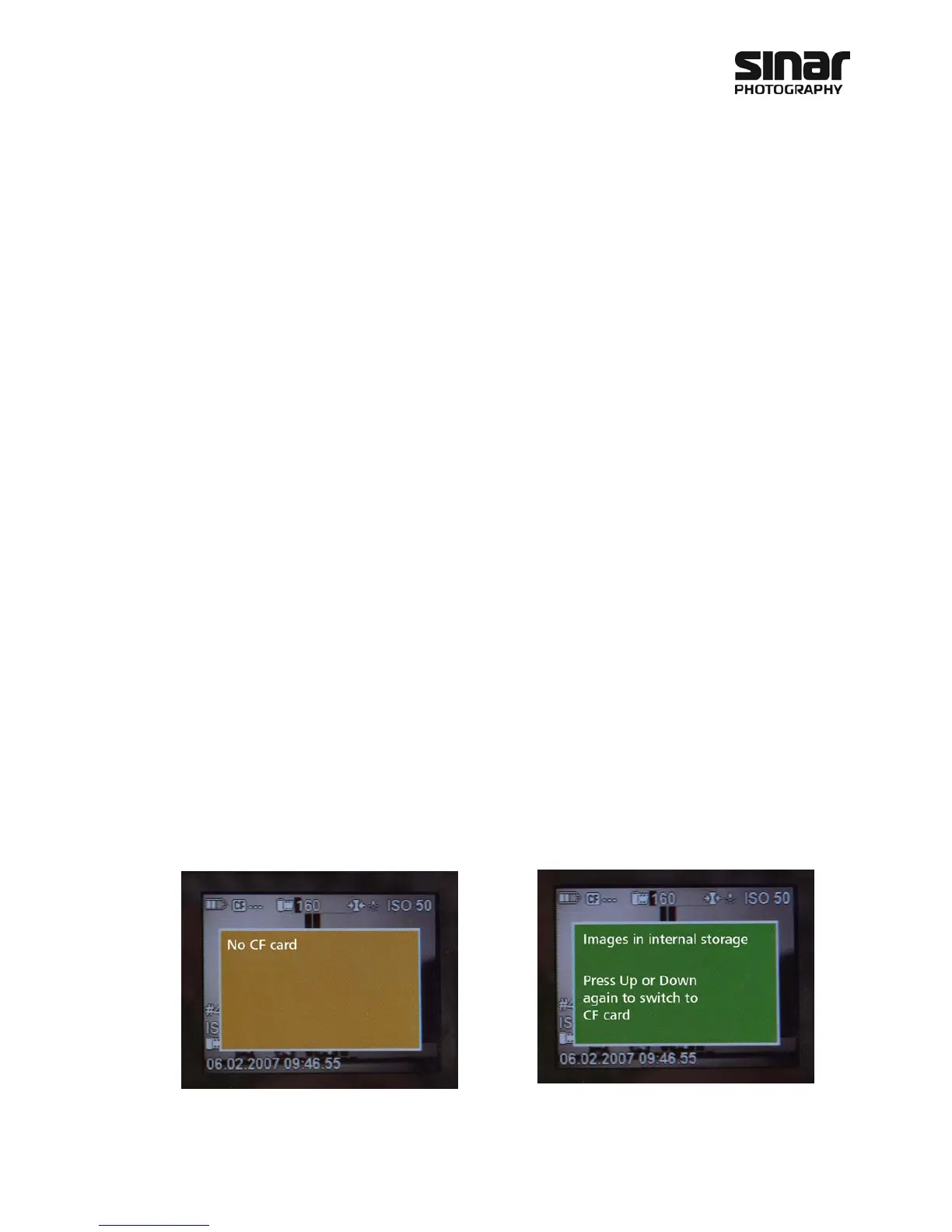
4.2.12 Select the Source for Viewing the Data: Internal or CF Card
The choice or the change from the internal memory to the CF card is made by means of the right or the
left arrow key. This applies to the viewing of the images.
The following display appears when there is no
CF card in the slot or when an inserted card is
damaged and cannot be read.
The following display enables you to make the
choice between the CF card and the internal
memory.



 To Next Page