____________________________________________________________________________________________________________________________
Operating Instructions Sinarback eMotion 75 LV / 75 / 54 LV 4
2.1.4 Flash Synchronization
This connection is used for synchronizing your flash units.
2.2 Firmware Update
The actual Firmware is available on the Sinar website www.sinar.ch. It can be found in the password pro-
tected section under "Download". After you have registered, a user name and a password will be sent to you
via e-mail.
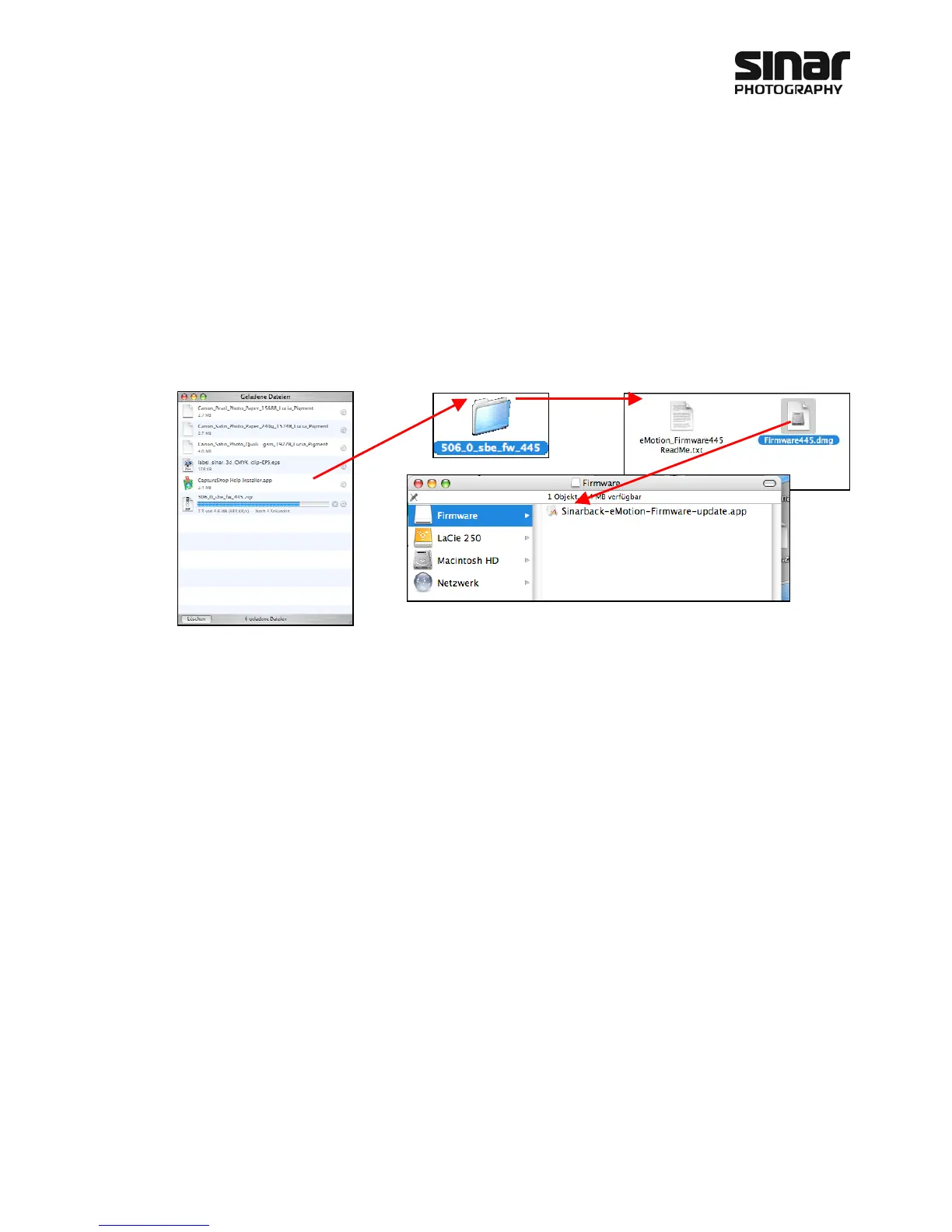
After downloading this file to your computer, proceed as follows:
1. Connect the Sinarback to the computer via the Firewire connector
2. Switch the Sinarback on.
3. Double-click on "Sinarback-eMotion-Firmware-update.app."
4. The update is activated automatically. Dialogs will appear on the display on the digital back and on the
monitor, confirming that the update is taking place.
This update should be executed on an Apple Macintosh G5 computer or on later models equipped with Intel
processors and with operating system 10.5.8 or higher.



 To Next Page