Sirona Dental Systems GmbH 6 Disinfection system
Care and cleaning instructions for the practice team C2
+
, M1
+
6.2 Purge/Auto Purge function (purging the water paths)
59 58 512 D 3370
D 3370.103.01.13.02
17
båÖäáëÜ
6.2 Purge/Auto Purge function (purging the water paths)
PURGE function
(only for dentist element)
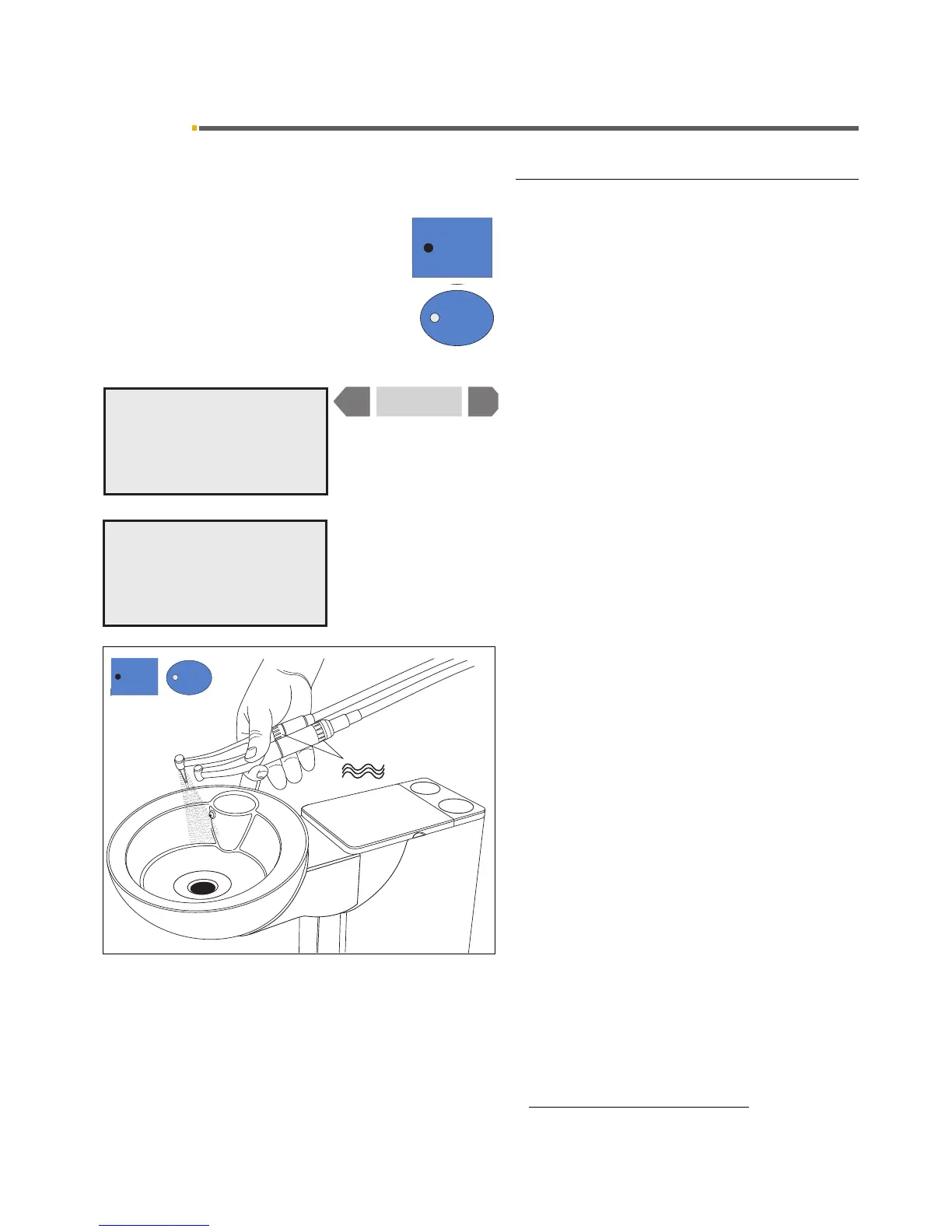
The purge function enables you to flush the water paths.
To do this, press the quick setting key 1 (> 3 s) when
all instruments are in their holders.
You will be prompted to choose between PURGE/
APURGE and SANITATION
1
.
Select PURGE with the
– or + key. PURGE must flash.
On pressing quick setting key 1 briefly (< 3 s), the fol-
lowing prompt appears if all instruments are deposited in
their holders:
SELECT ITEMS FOR PURGING
Pick up the instruments you want to flush and hold them
above the cuspidor.
The maximum water flow must be set on the instru-
ments.
Press quick setting key 1 again (< 3 s)); the instru-
ments are then purged one after the other.
The purging time in seconds set previously in the Mode
dialog runs down for each instrument individually.
An audible signal sounds after the last instrument has
been flushed.
Finally place the instruments back in their holders.















 To Next Page