Sirona Dental Systems GmbH 6 Disinfection system
Care and cleaning instructions for the practice team C2
+
, M1
+
6.2 Purge/Auto Purge function (purging the water paths)
59 58 512 D 3370
D 3370.103.01.13.02
19
båÖäáëÜ
On pressing quick setting key 1 briefly (< 3 s), the fol-
lowing prompt appears if all instruments are deposited in
their holders:
SELECT ITEMS FOR PURGING
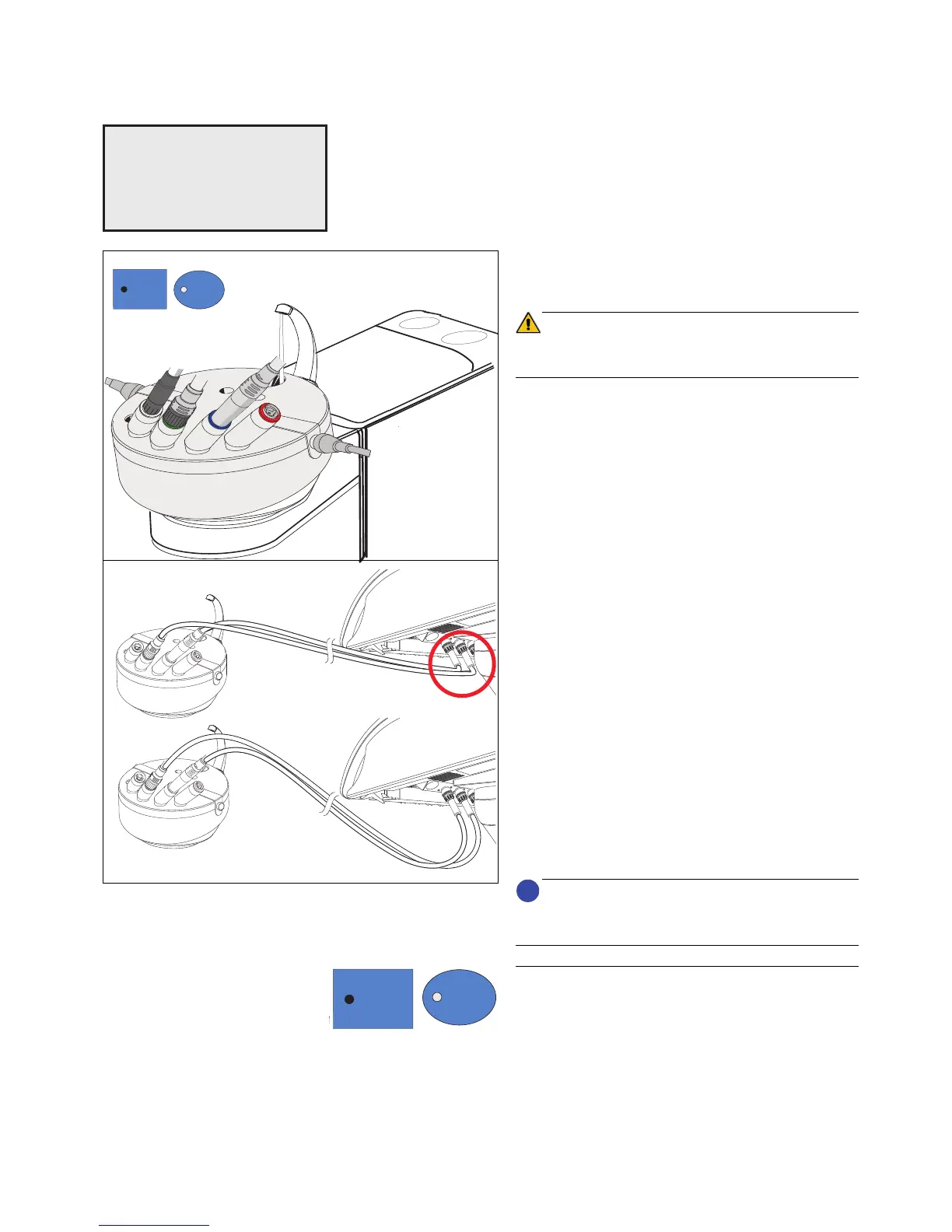
Remove the instruments to be purged from the dentist
and assistant elements and insert them in the adapters
of the sanitation bowl as far as they will go.
Be careful not to snap off the instrument hoses when in-
serting the instruments.
The maximum water flow must be set on the instru-
ments.
Press quick setting key 1 again (< 3 s), the instruments
are then purged one after the other.
The purging time in seconds set previously in the Mode
dialog runs down for each instrument individually.
An audible signal sounds after the last instrument has
been flushed.
You now can continue in either of the following ways:
When removing the sanitation bowl, please notice that it
is filled with water.
Canceling the APURGE function
The purging process can be canceled as follows
• Press intensity key 1 for > 3 seconds
or
• Place the instruments in their holders
A
SELECT ITEMS
FOR PURGING
SELECT ITEMS
FOR PURGING
•
Leave the instruments in the sanitation bowl:
The instruments will automatically be purged as
soon as the treatment center is switched on
again. The treatment center can then be
switched off again.
The APURGE function remains activated.
•
The instruments are returned to their holders:
The treatment center can be prepared for daily
practice operation.
The APURGE function is completed.















 To Next Page