Sirona Dental Systems GmbH 6 Disinfection system
Care and cleaning instructions for the practice team C2
+
, M1
+
6.3 Sanitation
59 58 512 D 3370
D 3370.103.01.13.02
21
båÖäáëÜ
Sanitation
The sanitation process can be controlled either from the
dentist or assistant element.
The instructions for the assistant element are indicated
in parentheses.
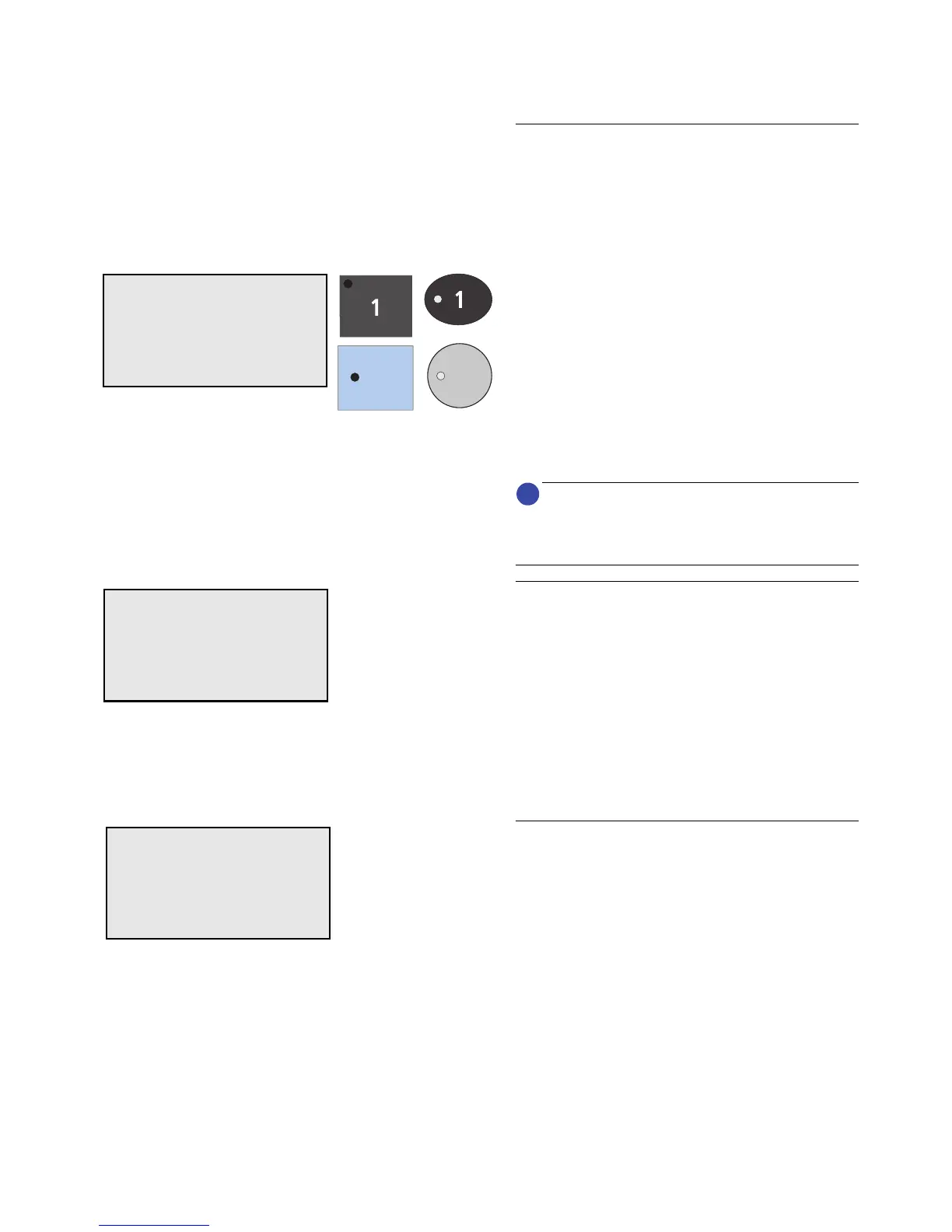
The corresponding illustrations show the keys of the C2
+
on the left key block and the keys of the M1
+
on the right
key block.
• Press intensity key 1 for > 3 s
(assistant element: press SAN key for > 3 seconds).
SELECT MODE appears.
• Select SAN using the
– / + keys.
• Confirm by briefly pressing intensity key 1 (assis-
tant element: briefly press the SAN key).
The LED of the SAN key on the assistant element
lights up.
Activation is only possible if there is sufficient DEN-
TOSEPT P in the refill container and if all instruments are
placed in their holders.
Error messages
If the instruments are not in place, the message
RETURN INSTR appears. Check that the instruments
are fitted firmly in their holders.
If there is not enough DENTOSEPT P in the refill con-
tainer, the DESINF message flashes. Replenish the con-
tainer.
In both cases, an acoustic signal sounds five times in
addition.
During the sanitation procedure, the display indicates
the individual phases.
Sanitation phase 1:
The following message appears on the display:
SELECT ITEMS FOR SANITIZING















 To Next Page