11 Troubleshooting Sirona Dental Systems GmbH
Operating Instructions PerioScan
61 95 825 D 3496
32 D 3496.201.03.05.02
11 Troubleshooting
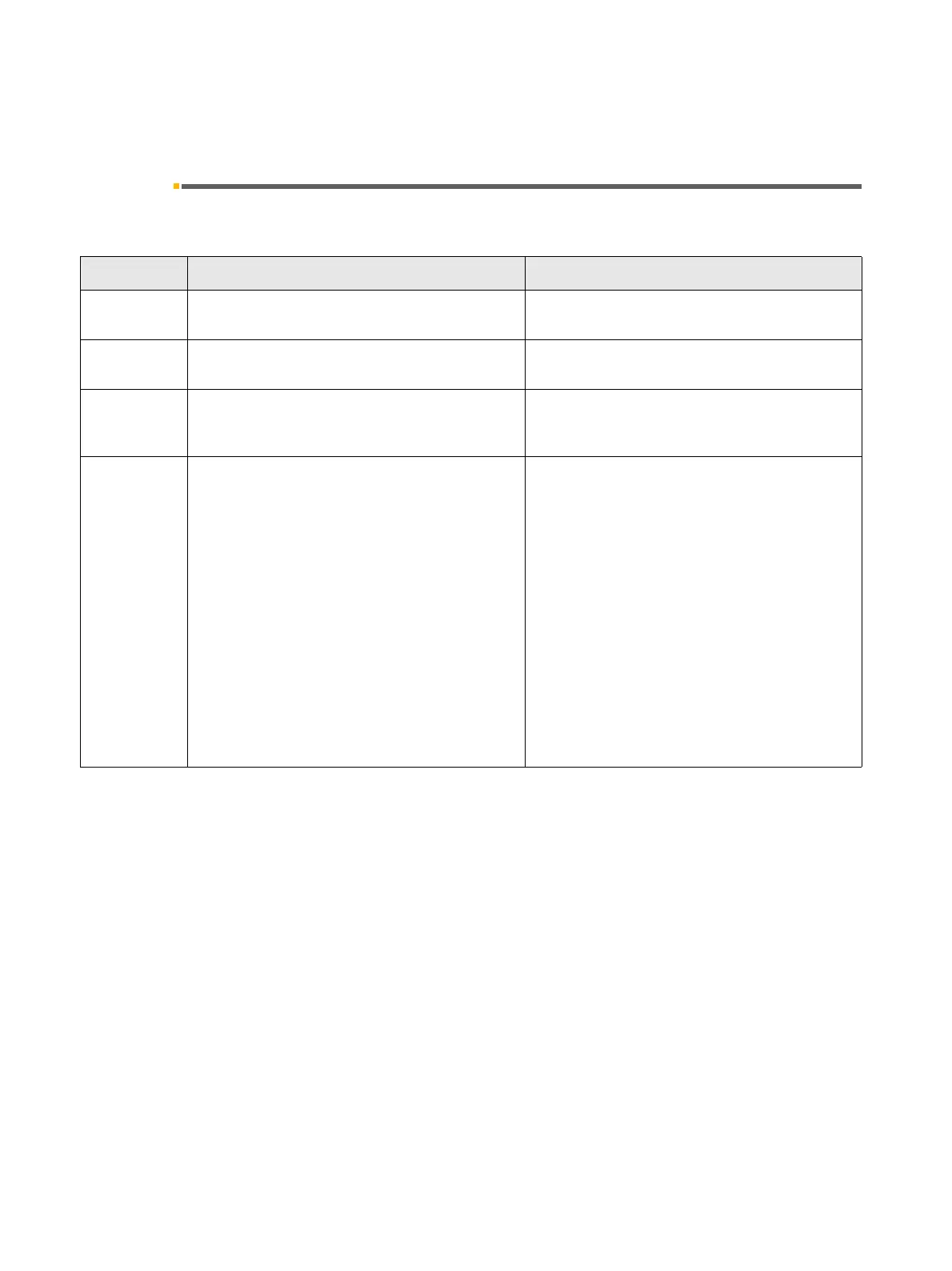
Display Error description Action to be taken by the dentist
Service Immediately after power-on –
Switched back on too quickly
Wait for at least 30 s between switch-off and
switch-on
Service Immediately after switch-on – Board connecting
cable defective or replace board pair
Inform service engineer
Start screen
appears until
released
Foot switch actuated during power-on Switch on again without actuating foot switch
Flashing tip Worn tip (SIROPERIO 4 PS or SIROPERIO PE 8)
Loose tip
No tip
Wrong tip
Broken tip
The torque wrench is still attached to the
SIROPERIO 4 PS or SIROPERIO PE 8 tip
Handpiece supply cable not connected correctly
Check length with tip gauge, replace tip if neces-
sary
Tighten tip using the torque wrench
Screw tip on and tighten it using the torque wrench.
As soon as any tip other than the SIROPERIO 4
PS or SIROPERIO PE 8 is used, the detection
function must be deactivated (see page 21)
Screw new tip on and tighten it using the torque
wrench
Pull off the torque wrench
Connect handpiece supply once again


 To Next Page