37
Scale System: Locking/Unlocking the Unit in LBS/KGS
As part of a safety feature, this unit has the ability to lock the unit of measure in lbs. or kgs. This
will prevent accidently changing the units in the Scale Settings menu.
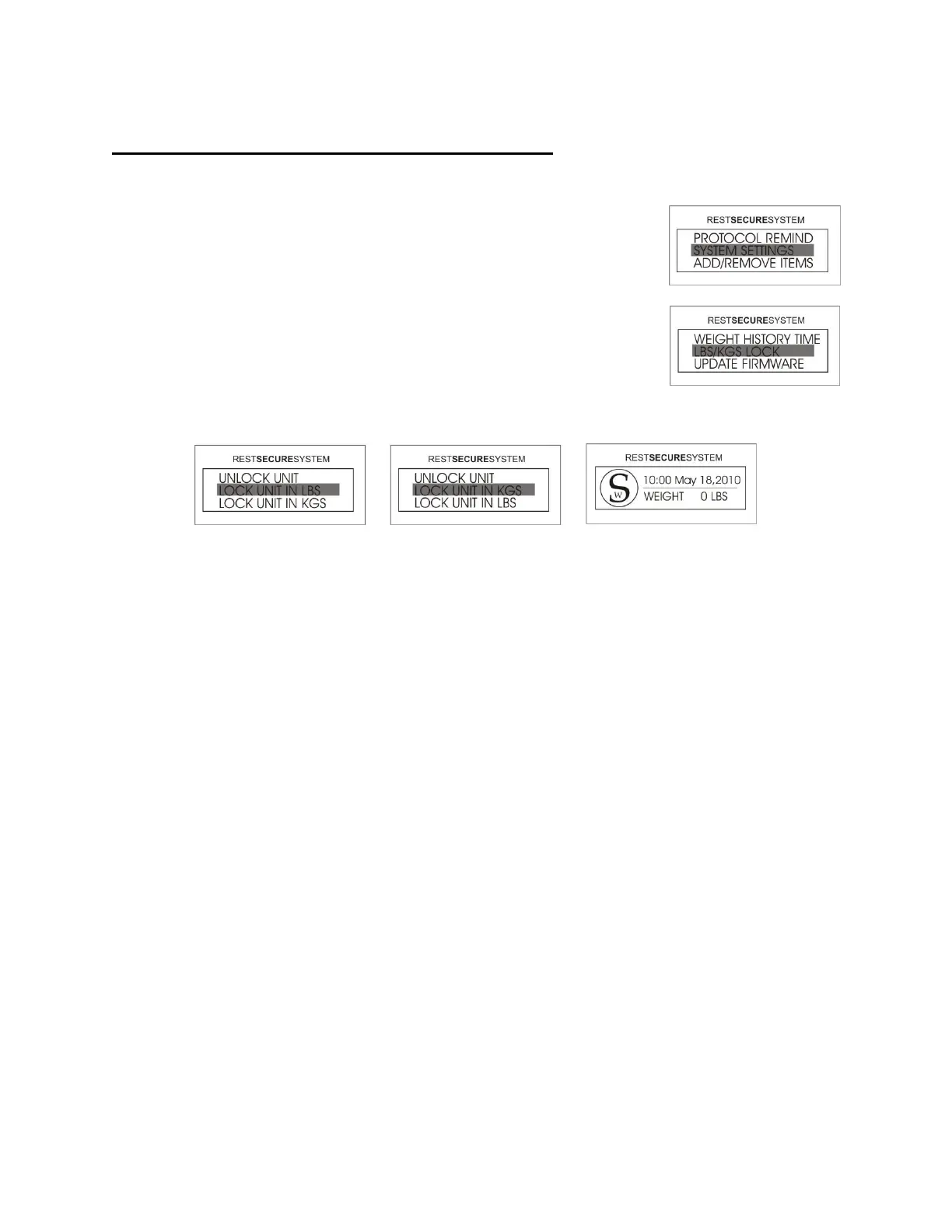
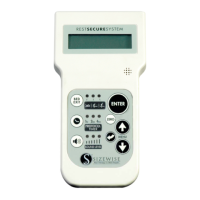
1. Access the menu by pressing the UP or DOWN arrow until
SYSTEM SETTINGS is highlighted and then press ENTER.
2. Select LBS/KGS LOCK and then press ENTER.
3. Select the preferred unit of measure to lock and then press ENTER. The selection has
been completed and the user will return to the Home Screen.
NOTE: Follow the directions in the section Operating Instructions Scale System: Change
LBS/KGS on page 34.




 To Next Page