10
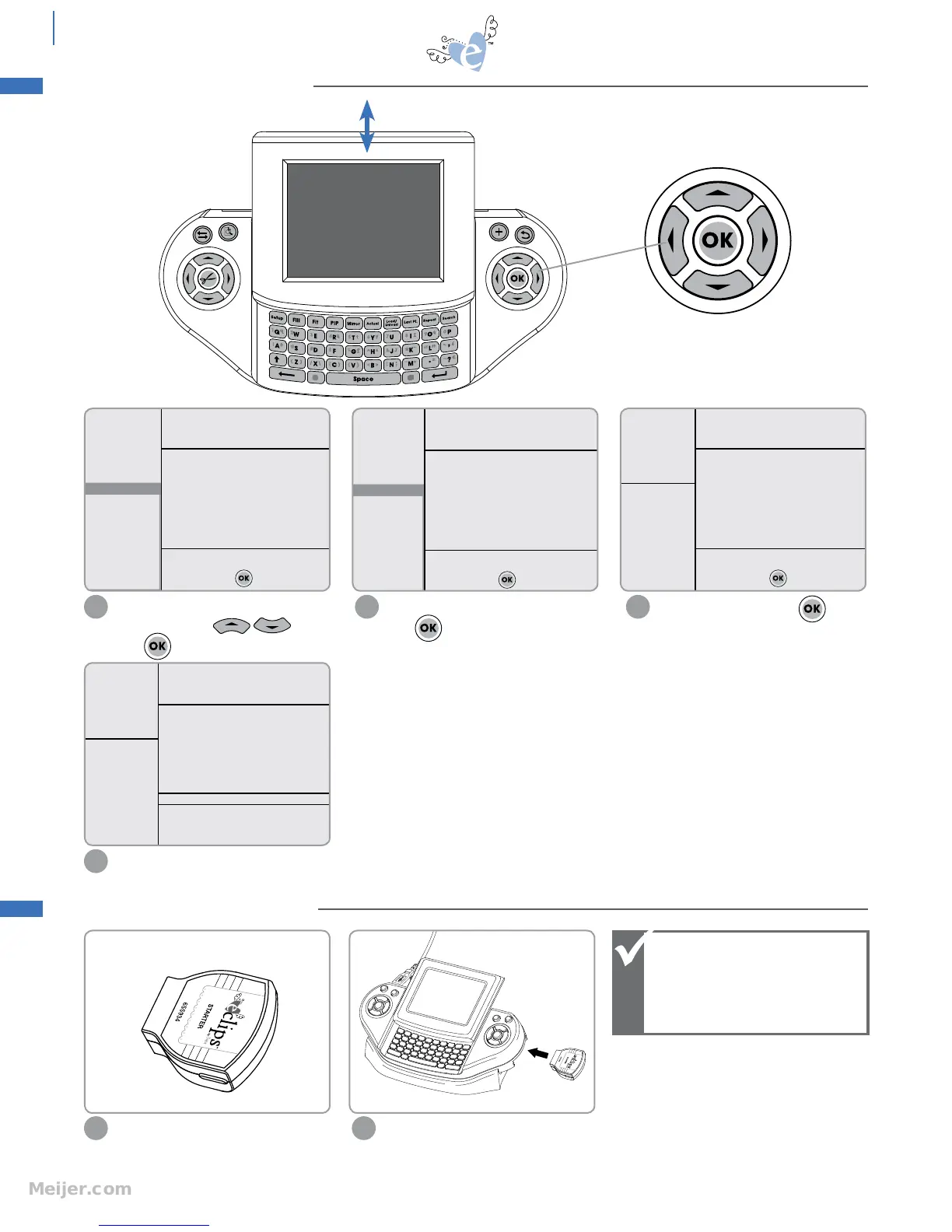
Screen Navigator
Control
Select default language using Screen
Navigator Control and
press .
1
Select default dimensions and
press .
2
Enter your name and press .
3
Insert a cartridge to begin.
4
Select eclips cartridge with logo side up.
1
Slide eclips cartridge into right side of
Handheld Remote Control.
2
English
Spanish
German
French
Select default language and
press
Inches
Millimeters
Select default dimension and
press
Please enter your name and
press
Megan
SPEED: 4
PRESSURE: 3
12"x12"
CARDSTOCK M
H: 1.50" W: 1.50" QTY: 1
Please insert Cartridge
Note that cartridges are
interchangeable while
Machine is on except
when warning message
appears.
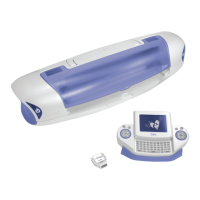
handheld remote control
INSERTING A CARTRIDGE
INTRODUCTION SCREEN
Screen slides up and down


 To Next Page