___________________________________________________________________________
RUNTIME SCREENS
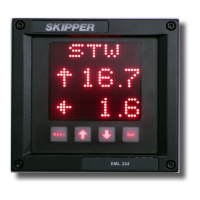
The Compact speed log system starts up in run mode. By pressing the MENU
button, the preset user screens can be selected. (See
“Runtime diagram” on page 36). Some of the menu
screens (i.e alarms) are also available in the run mode.
The EML224 Compact can be dimmed in any of the run
screens using the up (↑) and down (↓) buttons.
If trip/total are selected as a displayed parameter, they can
be toggled using the SET button.


 To Next Page