User Manual 65
DOL 534 • DOL 539
Only when installed
as Key
Only when installed
as Key
Inlets
Stepless
MultiStep
Stop feed system
Stop feed weigher before feed system
is stopped
Stop feed mix before feed weigher is
stopped
Type of feed
Stand-alone heat
consumption
Energy this batch
Energy total
Actual power
consumption
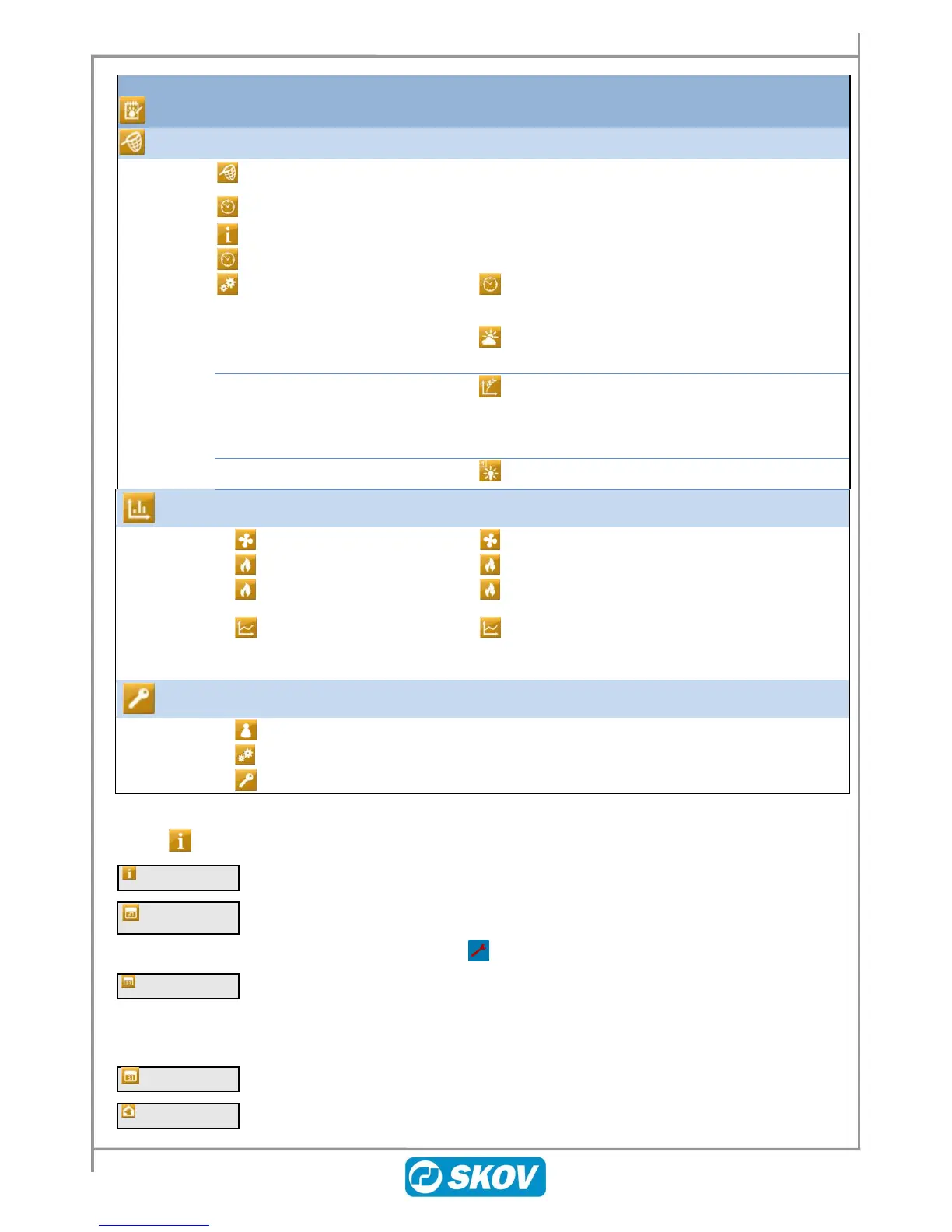
Table 13: Overview of the menu items in the Management menu
4.1 House Data
Reading and changing of batch status (Active house/ Empty house).
Information that the house controller is being remotely services via the farm
management program FarmOnline Explorer. When Service Access is activated
the icon for the user menu is red in the main menu.
Setting the day number. The day number adds one for each day that passes after
the house has been set at active house.
Day number can be set to -9 so DOL 53X can control the preheating of the house
prior to the birds being stocked (also see section 4.1.1.1).
Display of current week number.



 To Next Page