User Manual 9
DOL 534 • DOL 539
USER’S GUIDE
1 Operation
All operation of DOL 53X is made by pressing on the controller's touch screen.
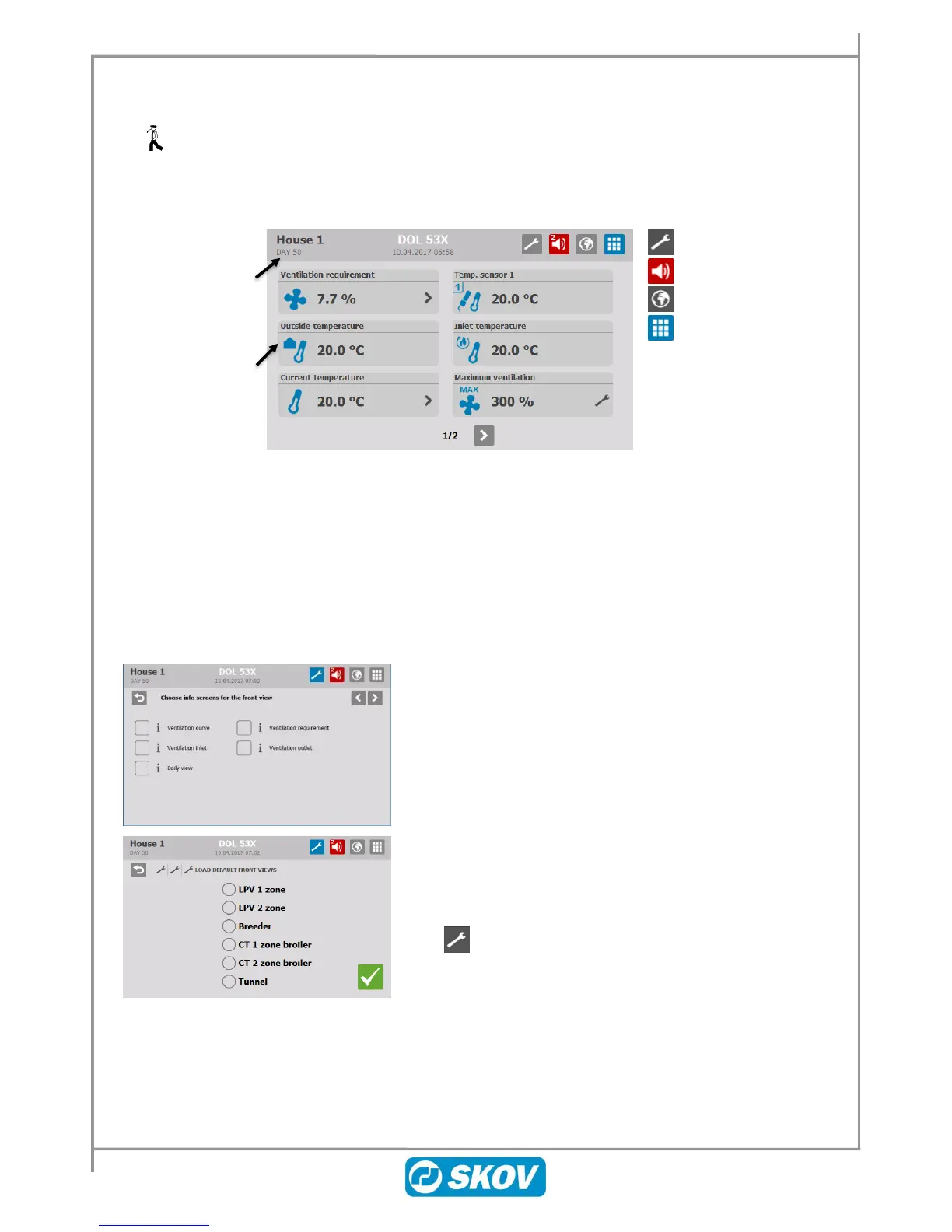
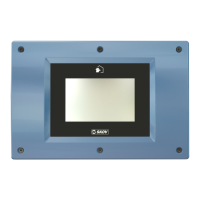
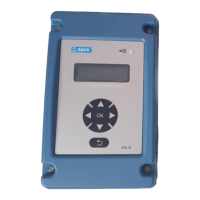
Type of controller
Current time and date
House name
Day number
User-defined
display of current
values or settings
Main menus
Alarm log
Selection of language
Front view (user-
defined)
2 Front-view
The front view can be set up so that it shows the specific functions and values used in the individual animal
houses. DOL 53X has three types of front views, which can be selected depending on the daily needs of the
user.
Daily overview: Simple view with a quick overview, selected values and limited operational options.
Function display: Flexible view with up to 16 optional values and settings.
Ventilation view Detailed display of the parameters that determine the current ventilation.
Select the front view Daily overview for easy access and a quick
overview of daily usage of the functions used most often.
It is also possible to select predefined front views, in which the
selected values and displays are customised for different animal
types.
Press and select Front view configuration/ Load default front
views.



 To Next Page