Drivers installation
Sometimes the operating system can not detect the drivers or detects the drivers incorrectly. If you're experiencing any issues with connecting to
the flight controller or firmware update procedure then you should reinstall the driver.
It's recommended to uninstall all previous drivers associated with the autopilot before proceeding to the next steps.
First of all go to the Device Manager and delete the existing drivers if they are already installed. Then plug in the flight controller into USB port.
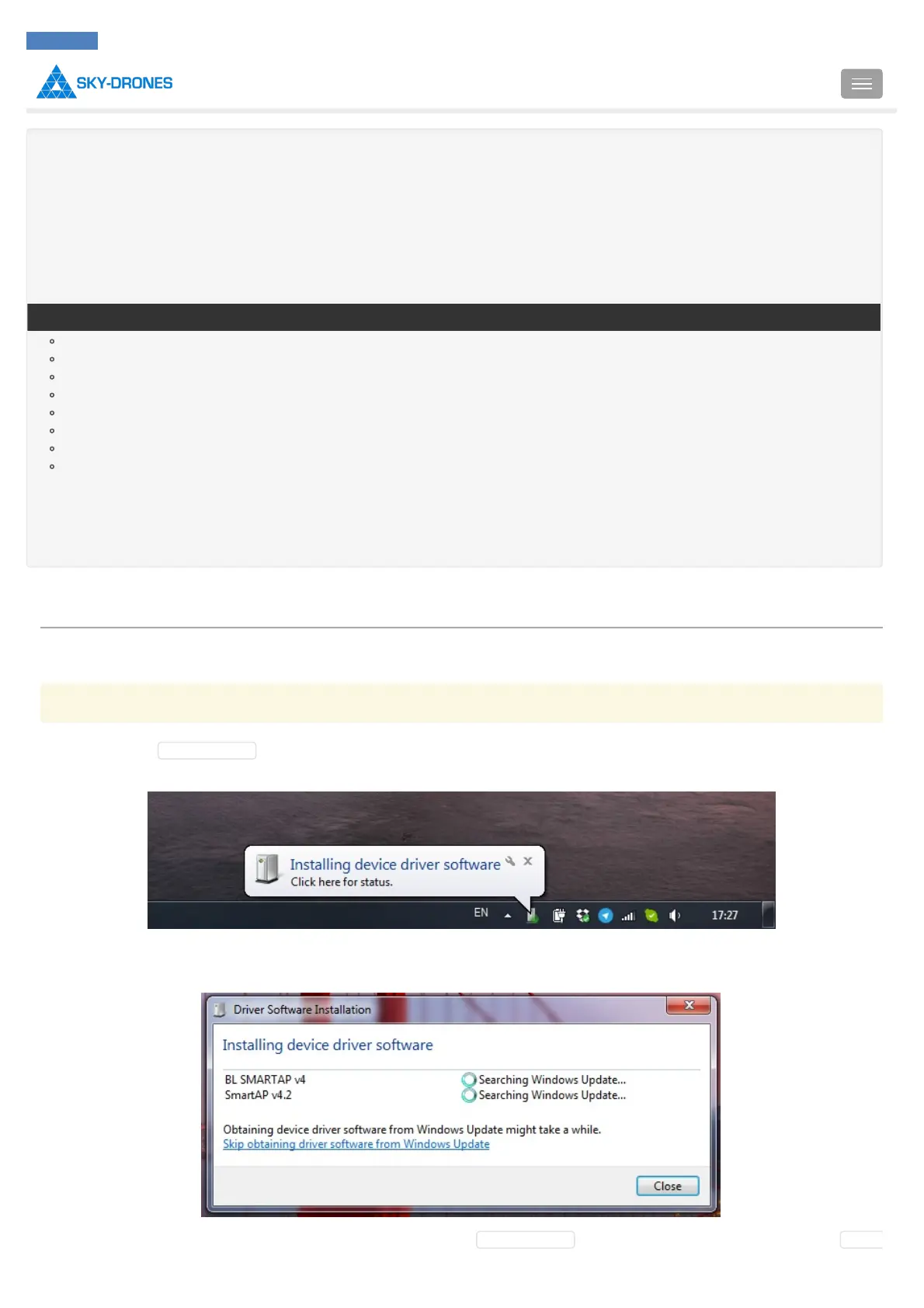
You'll see the message that the new device has been discovered:
If you click on the message you'll see more detailed information. The operating system is trying to find the driver for SmartAP Autopilot and its
bootloader.
Most likely the driver won't be found automatically and you need to go to Device Manager and set the correct driver. When you open Device



 To Next Page