First connection
Select the desired connection, click ADD and then CONNECT .
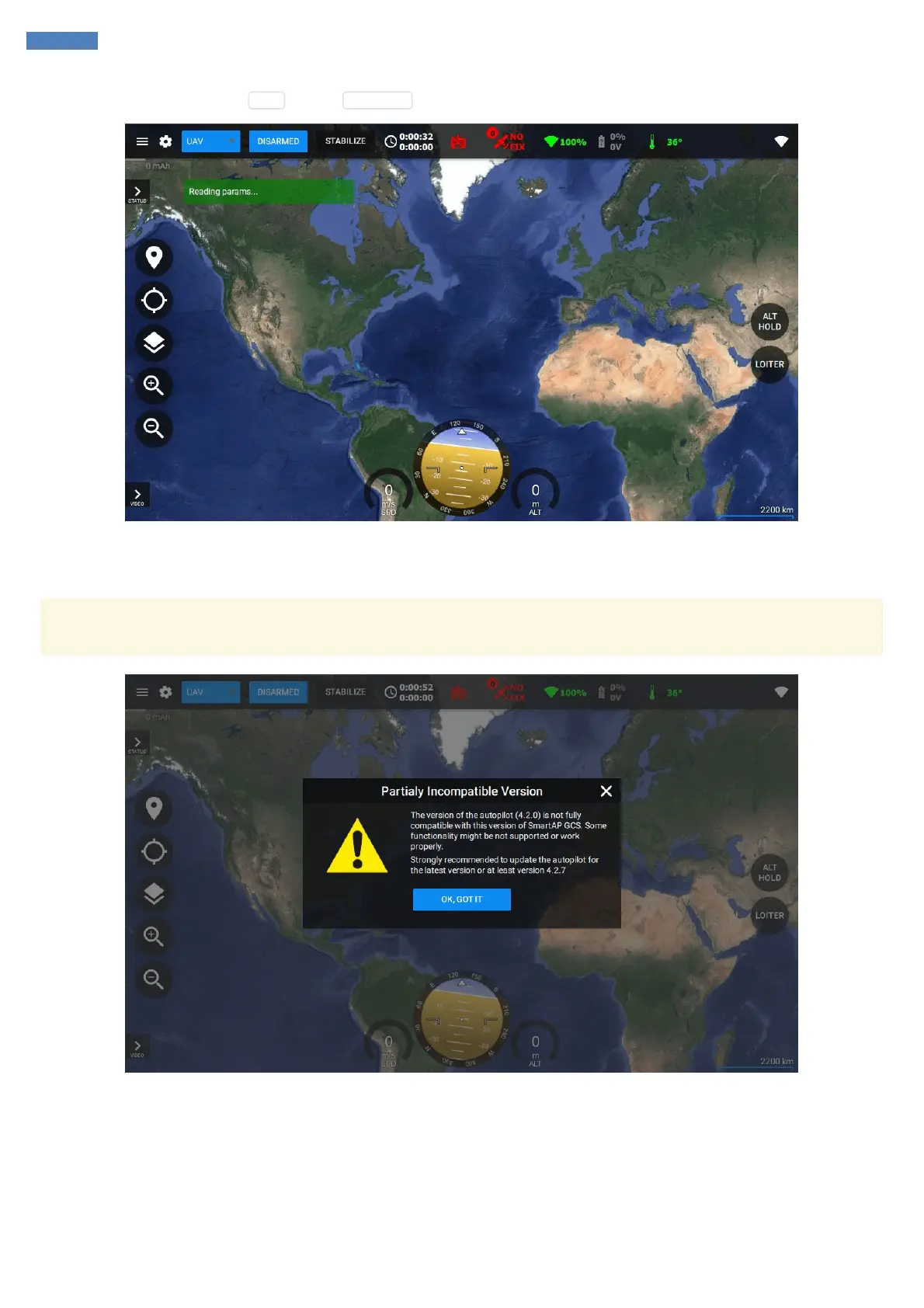
If you have successfully created a proper connection, you will see the icons changing their state and hear confirmation that the UAV has been
connected and parameters are being loaded. Toolbar will show current time, total flight time, radio connection status, GNSS satellites count and
status, link health, battery info and so on.
Sometimes you might get a message that you're using partialy incompatible version. This means that the functionality introduced recently
might be not supported by your currently installed firmware and it's highly recommended to update it.
Therefore, if you see the message above, please, proceed to Firmware Upgrade procedure described in the next chapter.



 To Next Page