87
SJ30 AJE SJ30 ARJE 213213AAA
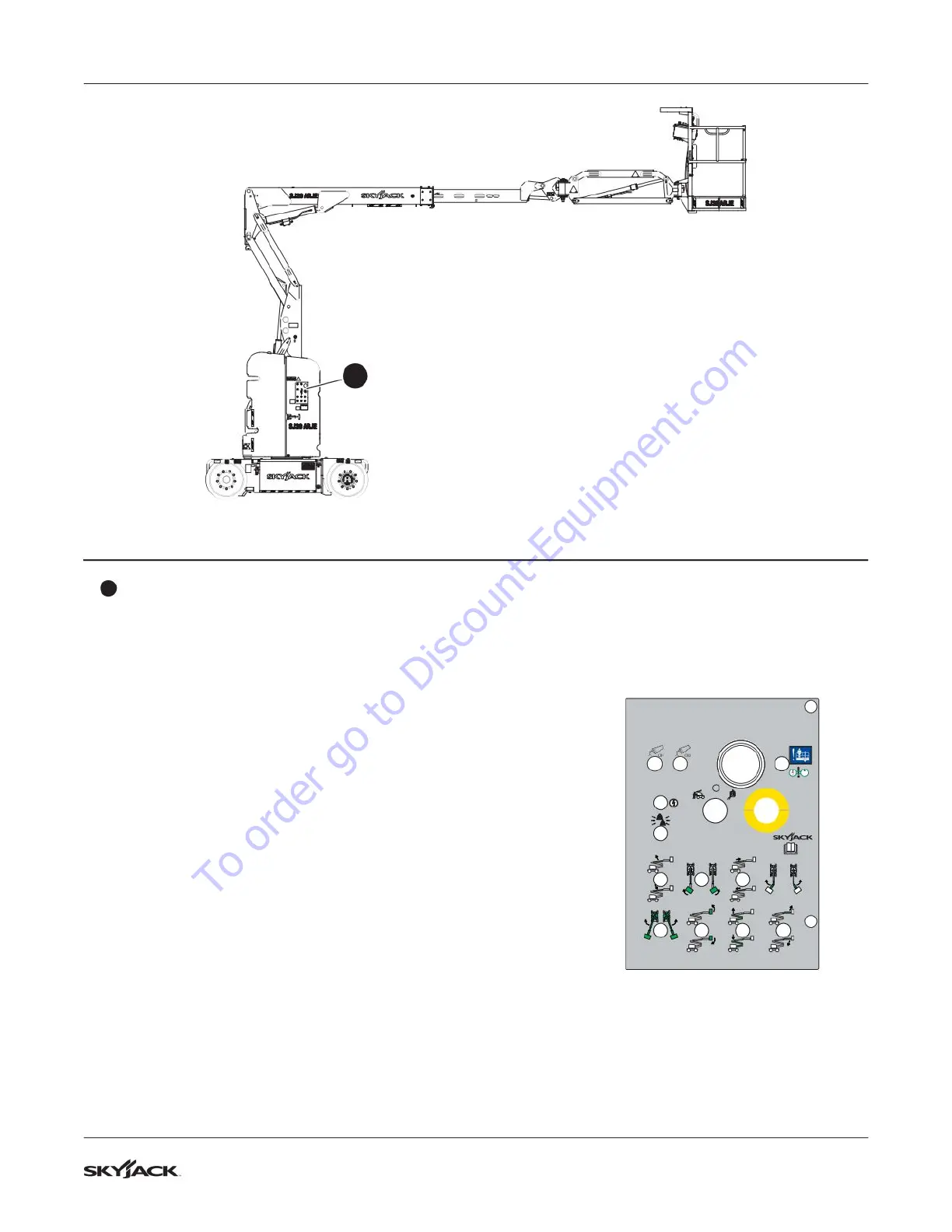
SJ30 AJE & SJ30 ARJE Labels Section 8 – Labels
Description Label Pictorial
13
Base control console
Push and hold function enable switch to enable base control
functions.
Push ground circuit breaker to reset.
Push power circuit breaker to reset.
Read operating manual.
Push and hold emergency power switch to enable the
emergency power unit for emergency descent.
Push emergency stop button to disable controls.
Select off position to disable controls, base position to enable
base control console or platform position to enable platform
control console.
Select jib rotation switch to rotate jib to the left or right.
Select jib up/down switch to move jib up or down.
Select boom extend switch to extend or retract y boom.
Select riser raise/lower switch to raise or lower riser.
Select platform rotation switch to rotate platform to the left or
right.
Select platform leveling override switch to tilt platform up or
down.
Select boom raise/lower switch to raise or lower main boom.
Select turret rotation switch to rotate turret to the left or right.
TM
Control side (continued)
13
To order go to Discount-Equipment.com


 To Next Page