93
3.3 Manual controller “mouse“
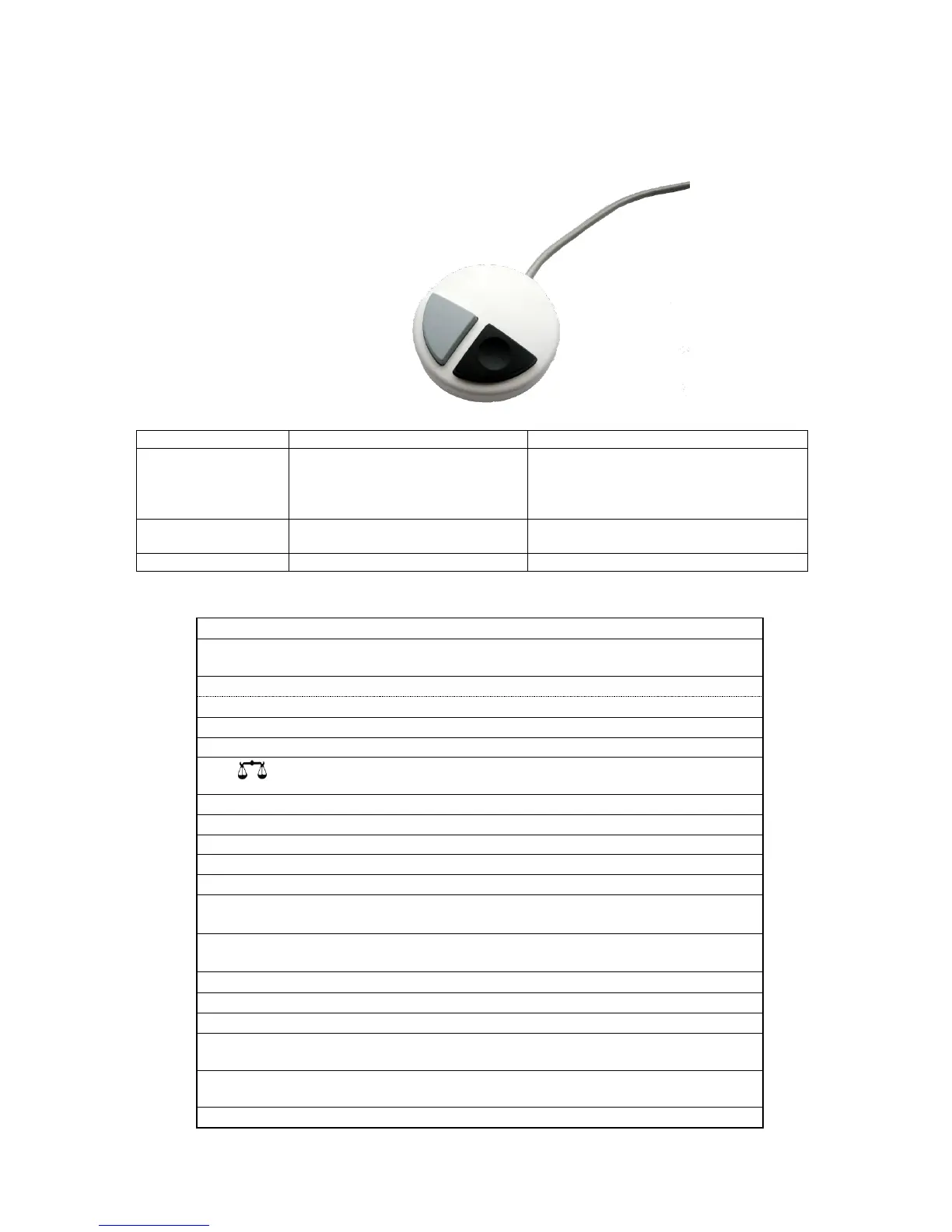
The “mouse“ (Fig. 18) is needed for manual titration. It can also be used for starting dosage or
automatic titration methods.
Fig. 18
Start of titration, single-step and
continuous titration (please refer
to chapter 3.6.1, manual titration)
Filling
Stop of titration including evaluation
Dosage through
Dosage method
Stop of the method including evaluation
<ESC> will take the user to the previous level on the
menu.
Start of a selected method
Stop of the current method
Change of the current method, new method, copy method
Fill the interchangeable unit
Display and modification of the balance data. With <Shift +
F5> display and modification of the global memories
Selection of method, rinsing, system settings
System settings (language selection, time/date ...)
Selection of individual menus and numeric values
Confirmation of input parameters
Deletion of one input digit / an input character to the left of
the blinking cursor
Alphanumeric input possible. Uppercase and lowercase
possible.


 To Next Page