103
3.6.4 Dosage
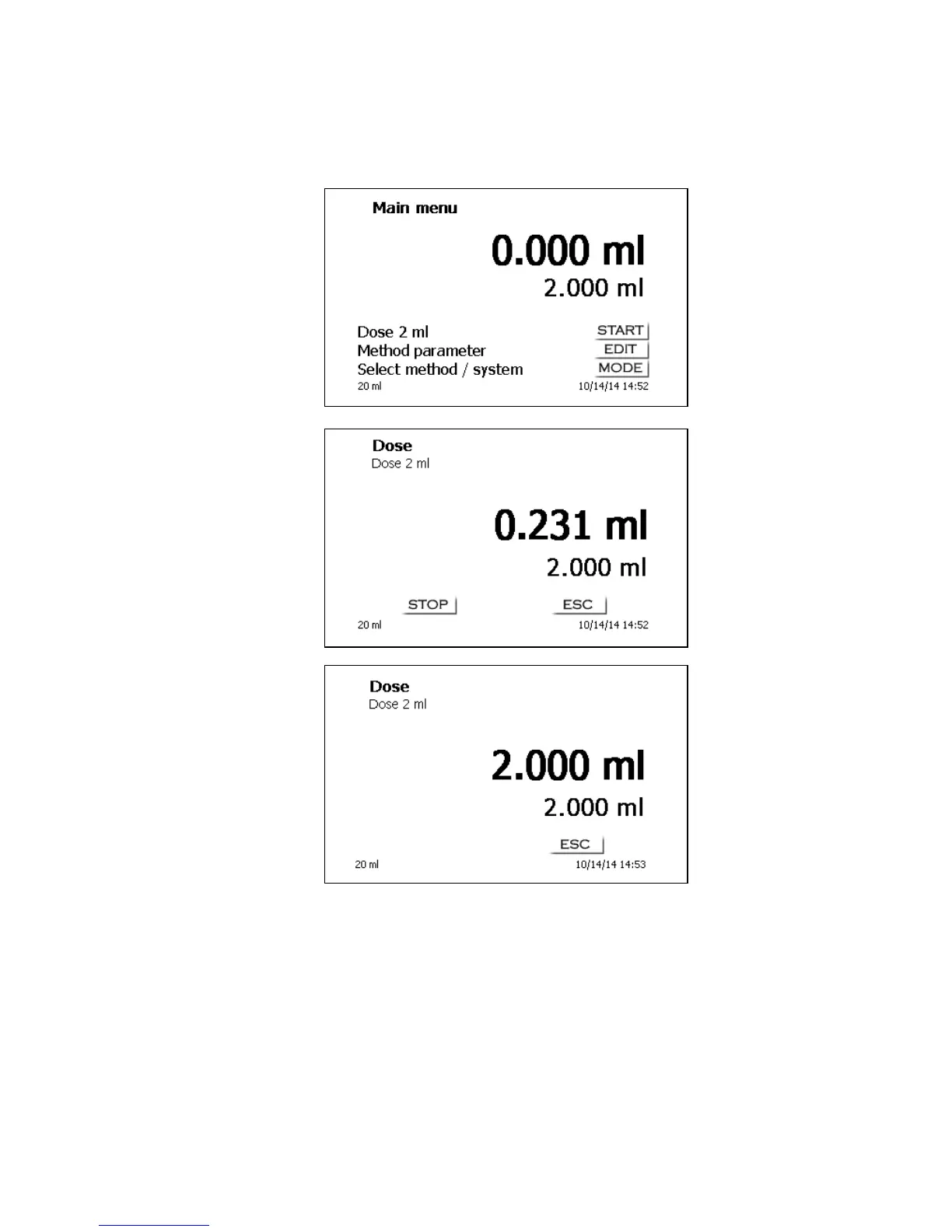
To start a dosage method, please use the <START>/<F1> or the black key of the “mouse“.
Fig. 44
Fig. 45
Fig. 46
The dosed volume will be briefly displayed before the display returns to the main menu (Fig. 44)
The next dosage operation can be started immediately. Filling of the unit will occur automatically. This
option can be switched off. Then the cylinder will be filled when the maximum cylinder volume is
reached. The unit can be filled at any time using <FILL>.
A dosing operation can also be performed without any dosing method with the <DOS>/<F10> key of
the external keyboard:


 To Next Page