104
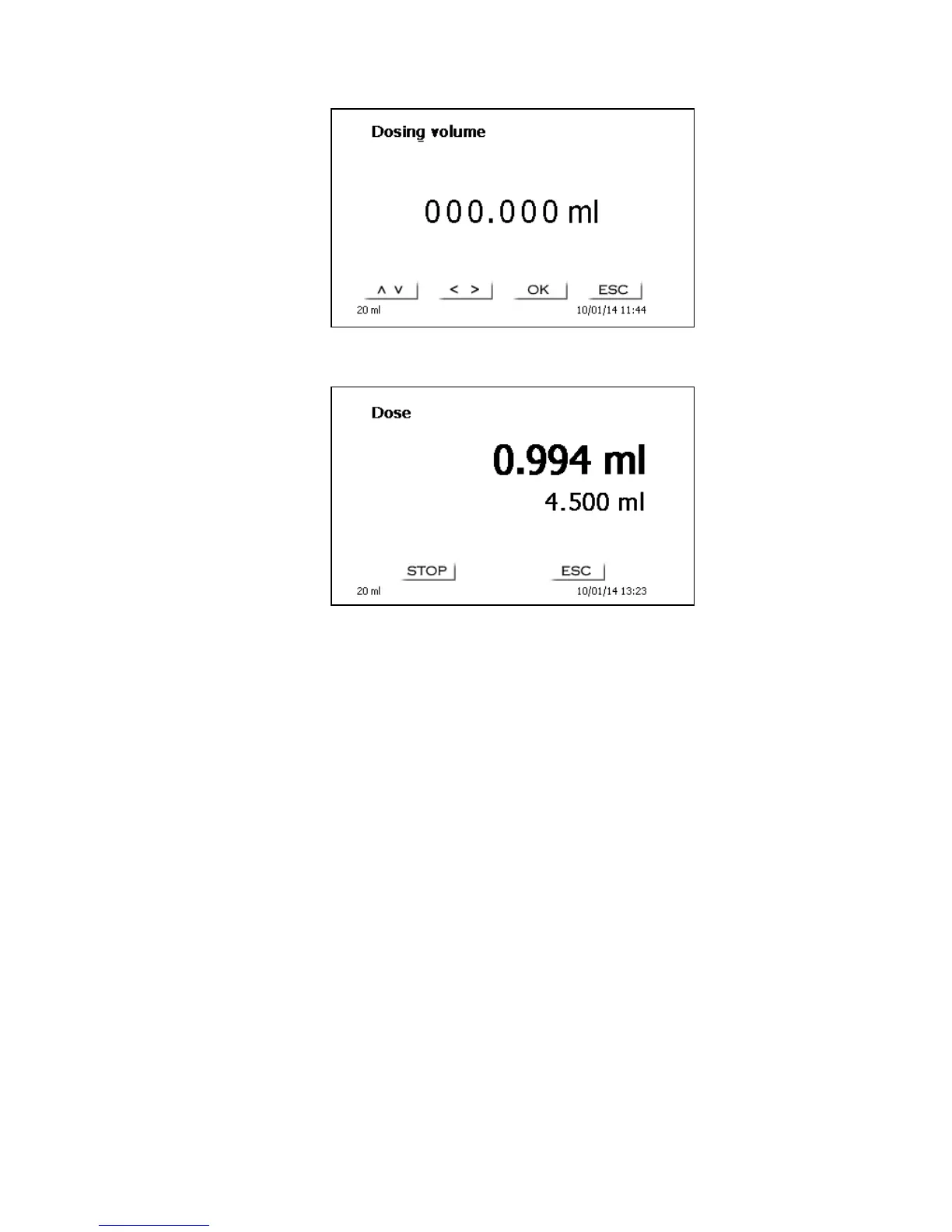
Fig. 47
This is the point to input the volume which will be dosed following the confirmation with <OK> or
<ENTER>:
Fig. 48
Pressing the <ENTER>/<OK> key will cause the next dosing operation to be performed immediately.
In this case further dosages can be performed using<OK>. or <ENTER>. Filling of the unit following
dosage will not occur automatically here, unless the maximum cylinder volume has been reached. The
unit can be filled at any time using <FILL>. <ESC> will take you back to the main menu.


 To Next Page