143
5.8 RESET
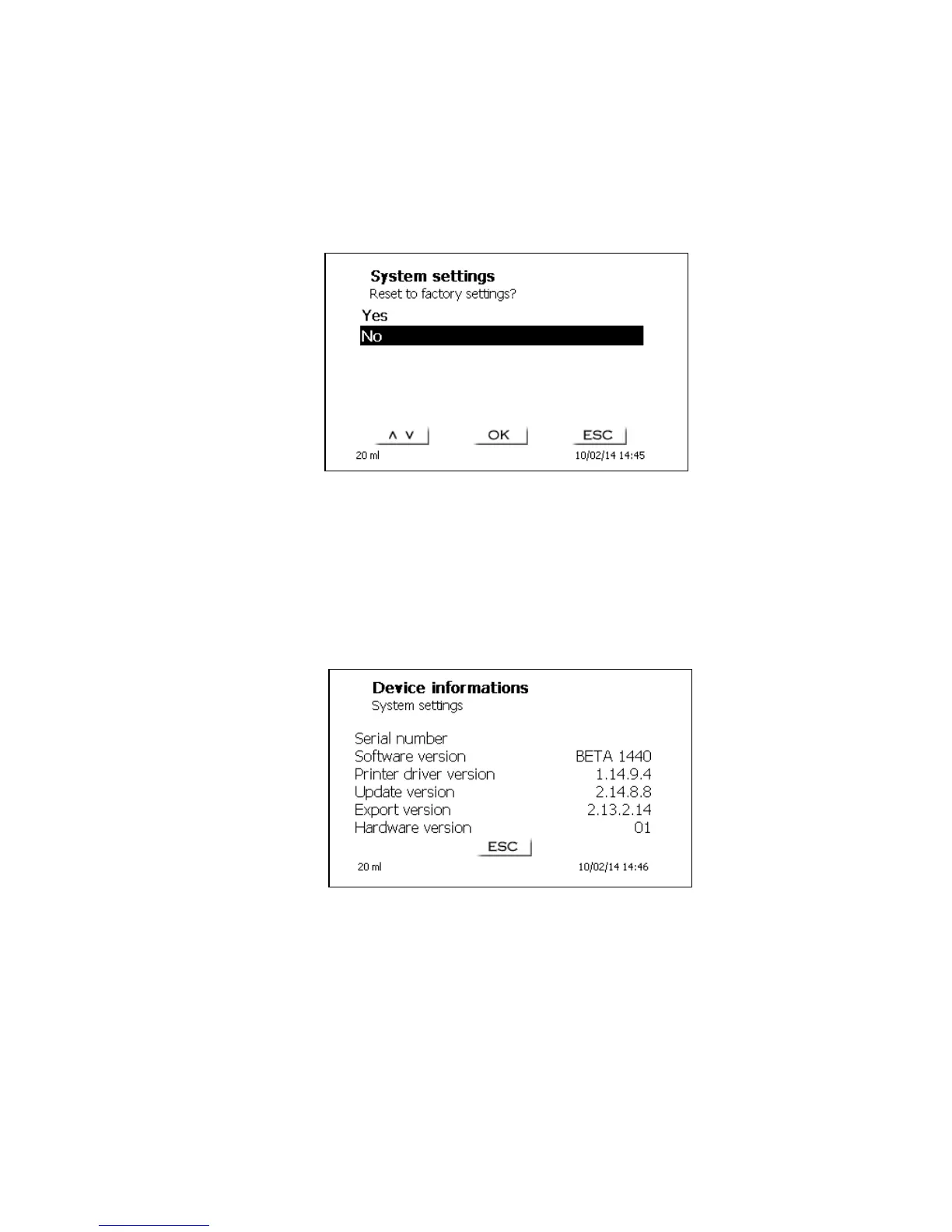
RESET will reset all settings to the factory setting.
Please note: All methods will also be deleted. So please print the methods or export/copy them to a
connected USB storage medium (cp. chapter 5.11).
The RESET has to be confirmed separately once again:
Fig. 147
5.9 Device Information
<Device Information> contains information about
the serial number of the device
the current software version
printer driver and update version
Export version
device address (Hardware version)
Fig. 148
Your display can deviate to Fig. 148.


 To Next Page