107
4.4 Delete Methods
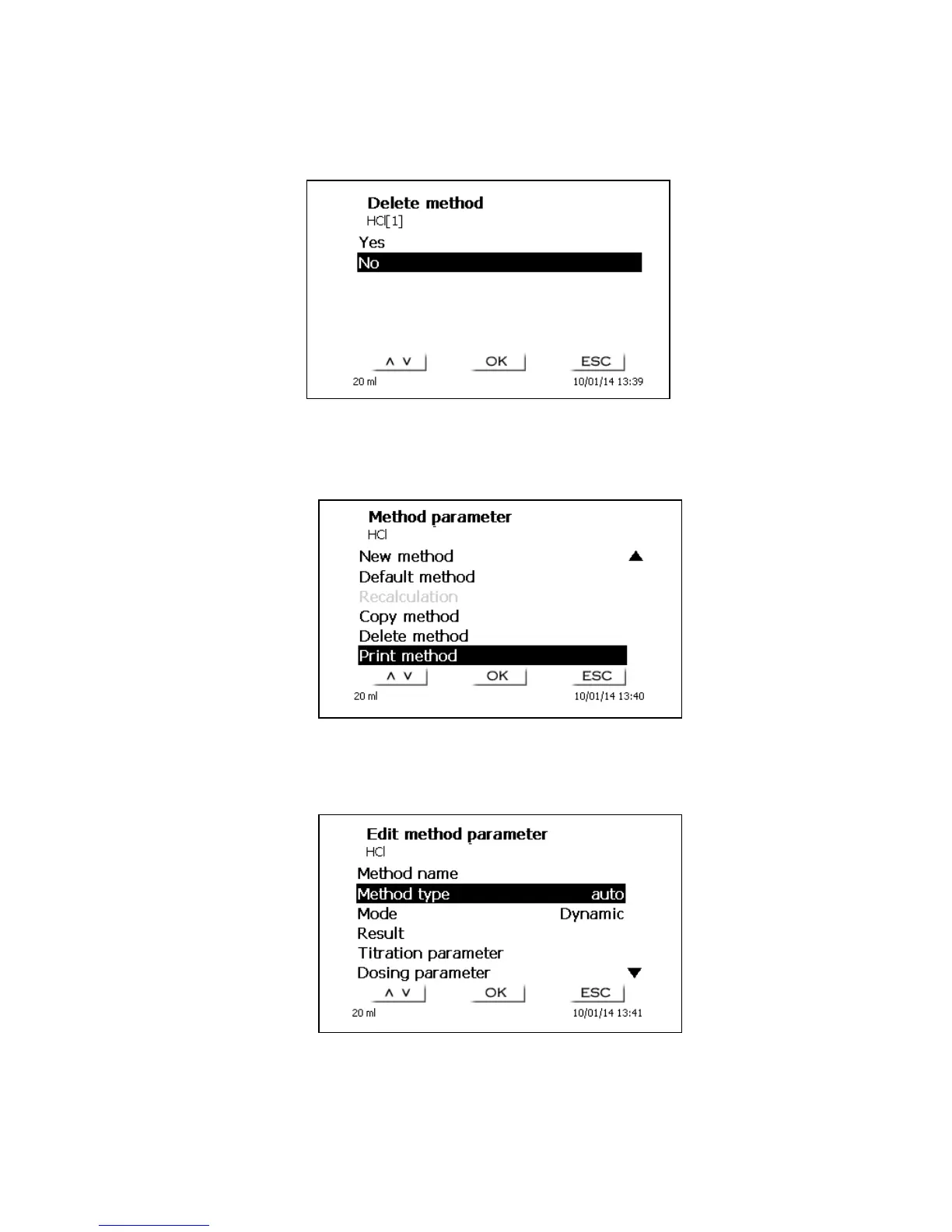
If this function is selected, you will be prompted to know whether the current method is actually to be
deleted. You have to reply <Yes> in explicit terms and also confirm this reply with <OK>/<ENTER>.
Fig. 54
4.5 Print method
The currently selected method can be printed on a connected printer or stored on a USB drive as PDF
file.
Fig. 55
4.6 Change Method Parameters
The input or modification of the method name was already described in Chapters 4.1 and 4.3.
Fig. 56


 To Next Page