97
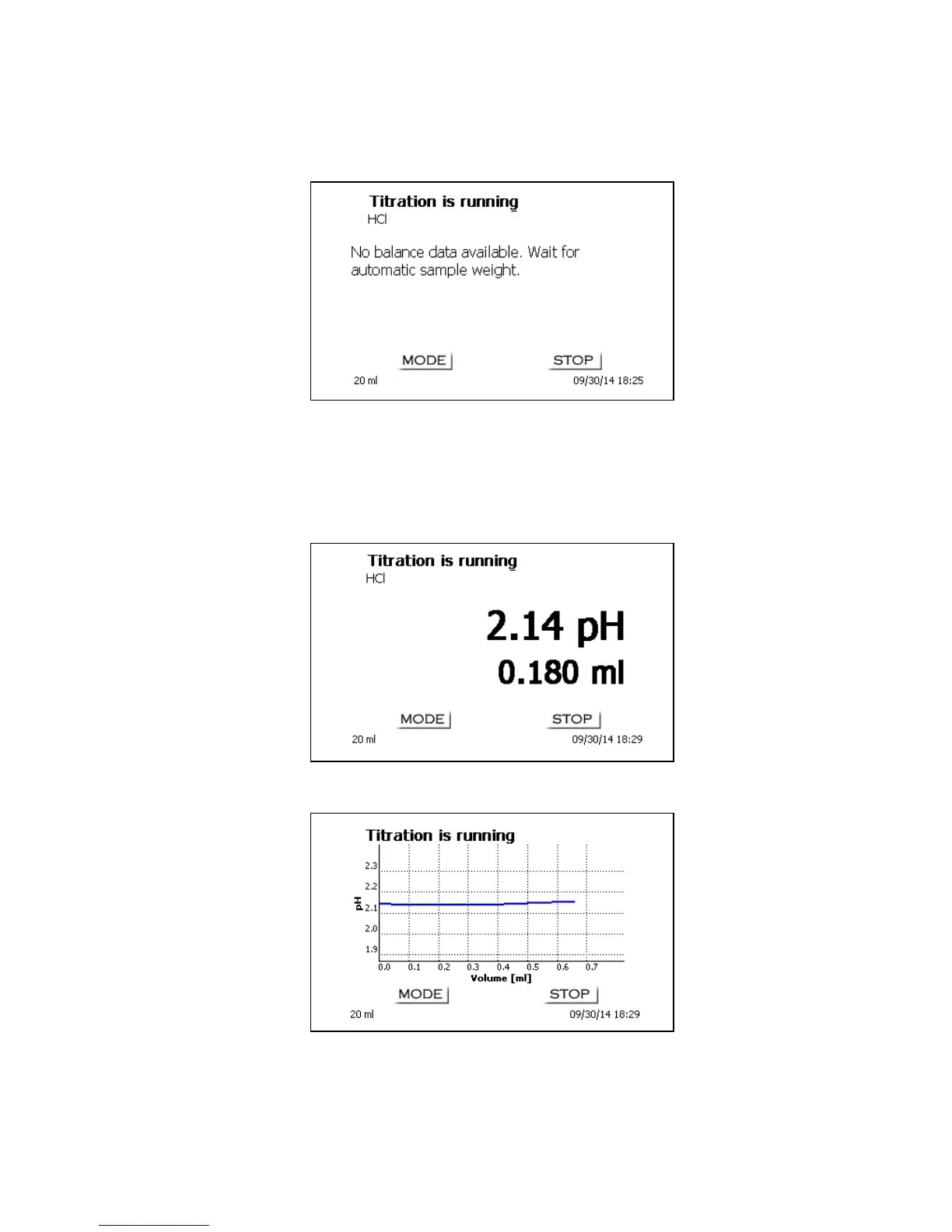
In the case of an automatic acceptance of the balance data, the weighed-in quantities will be read in
from a memory. If the memory does not contain any balance data, a message will appear to indicate
that no balance data are present:
Fig. 27
Pressing the Print key will transfer the balance data, too. Titration will then begin directly after the
transfer of the balance data without any further confirmation being necessary. The display will show
the measured value (pH or mV) and the current consumption. The measured value is displayed in a
slightly larger font. The top of the display will show the “Titration is running” status indication and the
method being used, i.e. “HCl“:
Fig. 28
Pressing the <Mode>/<F6> will cause the titration curve to be displayed (Fig. 34).
Fig. 29


 To Next Page