Page 120 (Model K)
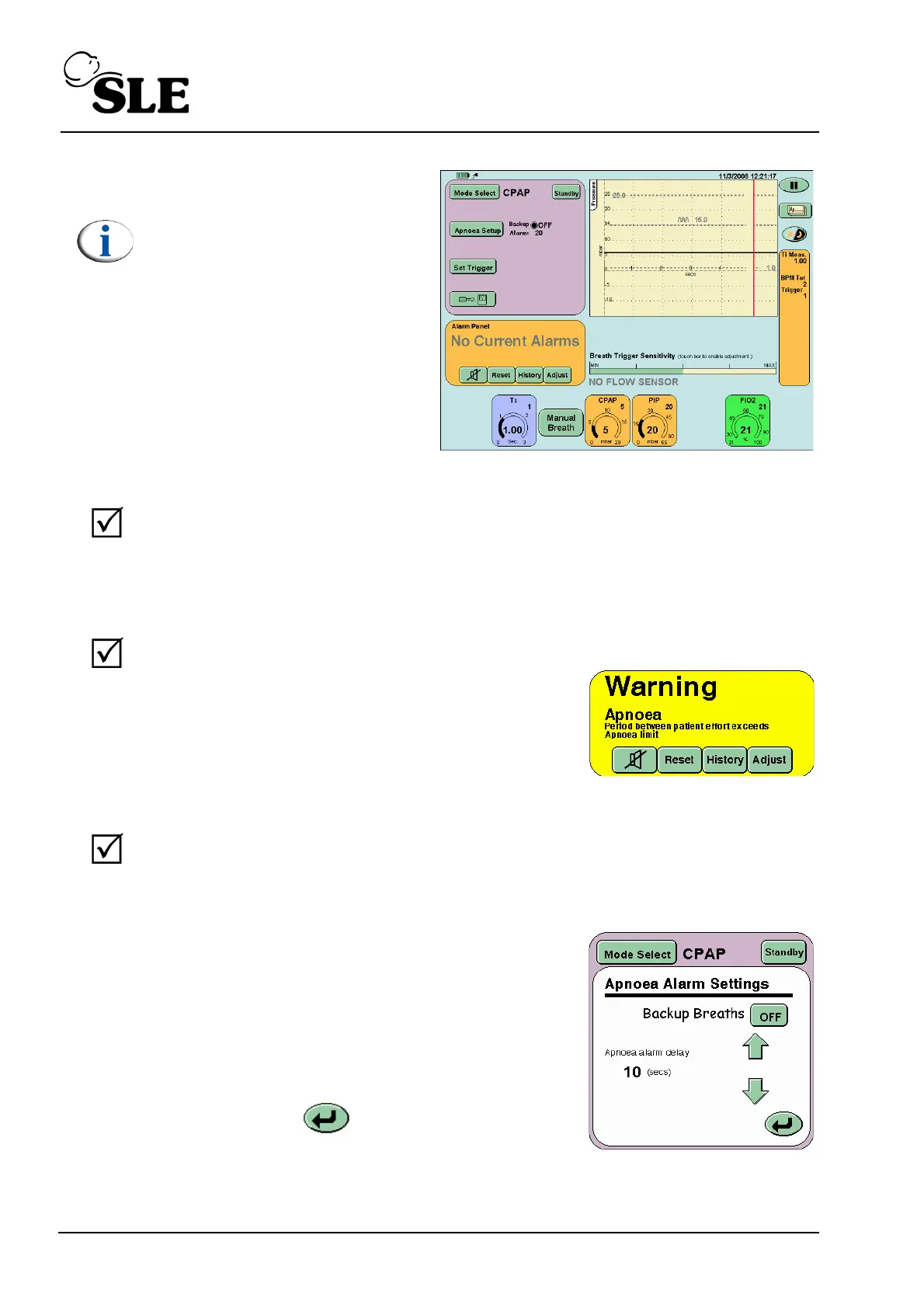
Note: If functional testing the
ventilator without a flow
sensor fitted the TTV button
will not appear and the Flow v
Time & Tidal Volume v Time
windows will be replaced by
the Breath Trigger Level bar.
Step 12 Remove the test lung and connect the ET manifold to the calibration analyser.
Check that the analsyer reads 5 mbar. Increase the CPAP pressure to 10 mbar.
Verify that the readings correspond. return the CPAP pressure to 5 mbar.
Re-fit the test lung to the ET manifold.
Step 13 Pull the test lung to mimic a breath, then acknowledge and reset the alarm.
Verify that:
after 20 seconds the visual and
audible Apnoea alarm is triggered.
Step 14 Pull the test lung to mimic a breath, then acknowledge and reset the alarm.
Verify that:
a manual breath is delivered when the manual breath button is
pressed.
Step 15 Press the Apnoea Setup button on the Mode
Panel. The Apnoea Settings panel will now be
displayed.
Set Apnoea alarm delay to 10 seconds.
Set the Backup Breaths button to ON
Press the Return button to return to the
mode panel.



 To Next Page