To define a new scheme, set the various beautify options, and press the Save Scheme button. User
defined schemes are stored in uformat.ini.
C/C++ Compiler Settings
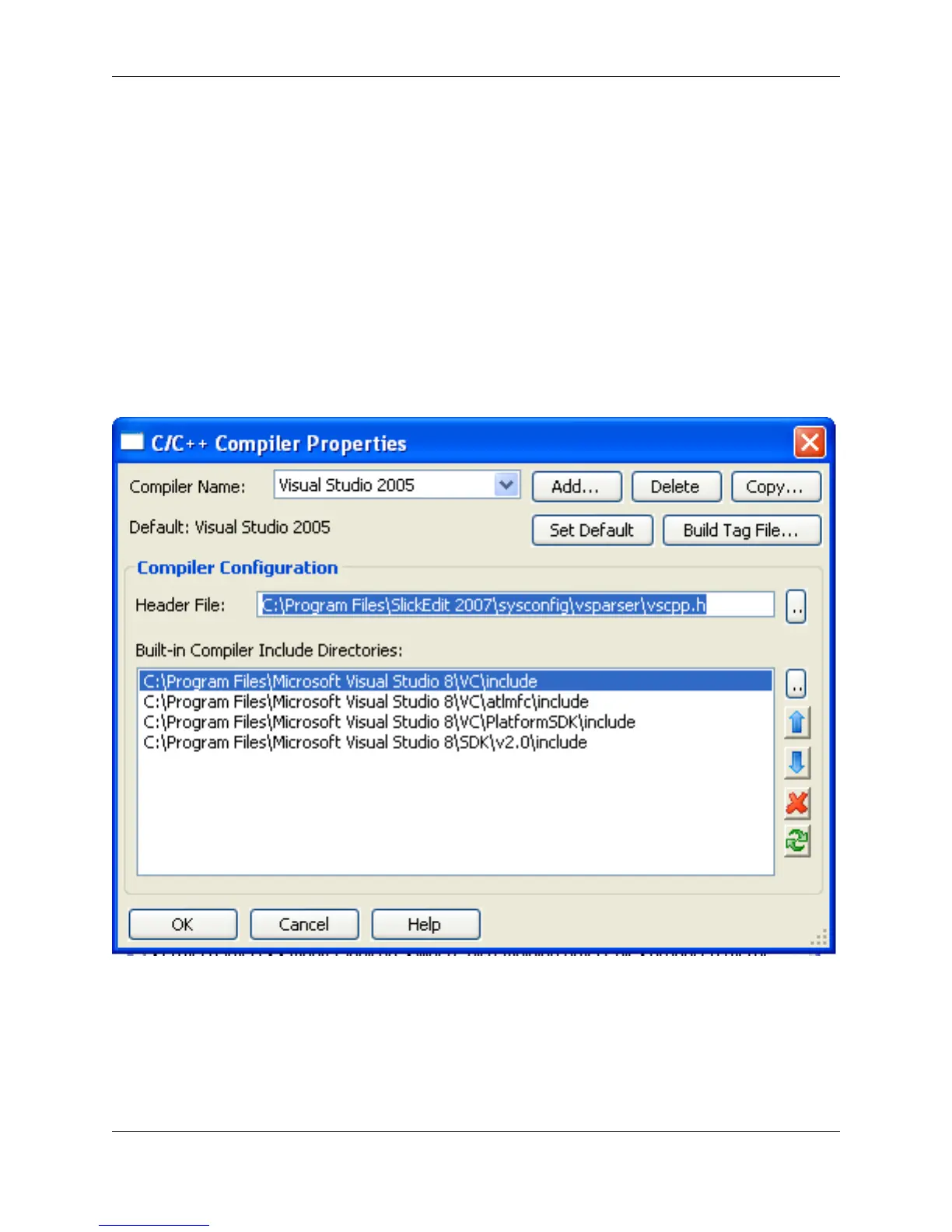
In order to correctly perform full preprocessing, parsing, symbol analysis, and cross-referencing,
SlickEdit® Core needs to emulate the implementation-specific parsing behavior of your compiler, including
built-in functions, preset #defines, and include directories. This is accomplished by using the C/C++ Com-
piler Properties dialog box, shown below. To access the dialog, click C/C++ Refactoring → C/C++ Com-
piler Options.
Figure 7.11. C/C++ Compiler Properties Dialog
The C/C++ Compiler Properties dialog displays not only the chosen compiler, but also the associated
header file and include directories. Collectively, this is a configuration. Configurations can be created and
modified as needed.
In the Compiler Name drop-down list, select the compiler you wish to use. If this is to be the global de-
fault compiler for all projects, click the Set Default button.
C/C++ Compiler Settings
244



 To Next Page